
Before I changed my phone’s settings, I would get multiple texts each day from local political candidates, car warranty salespeople, health care assistance, and more. If that sounds familiar, your number was probably leaked following a data breach and ended up on a list on the dark web. Unfortunately, phishing messages are the siren songs of scammers and spammers. Luckily, just as you can fight against robocalls and unwanted email, you can block and stop robotexts using the right tricks and tools. Here’s how I did it, and how you can, too.
Turn On Built-In Message Filters
It’s not always easy to tell if a message is legit. That’s why it’s a good idea to turn on your phone’s messaging filters. In iOS, go to Settings > Apps > Messages, and scroll down to the Message Filtering section. Enabling this setting sorts text messages from unknown senders into a separate folder, allowing you to safely ignore them. On Android devices, Google automatically sorts messages from unknown senders into folders labeled Spam or Unknown.

(Credit: Apple/PCMag)
Stay skeptical when reading messages from numbers that aren’t in your phone’s contact list. The logic is, if the phone number is one that you’ve consciously saved, even if it’s your doctor’s office, or your kids’ schools, it’s more likely to be a message meant just for you. If you don’t recognize the number, or it isn’t a phone number you’ve saved, read the message with caution, and don’t tap or click any links.
The reason for this seeming overabundance of caution is that so-called “wrong number scams” are on the rise. That’s where scammers will pretend to be someone you used to know, someone you want to date, or just a friendly stranger, and will soften you up with pleasant conversation before inviting you to a crypto investment group or asking you for money as part of a romance scam.
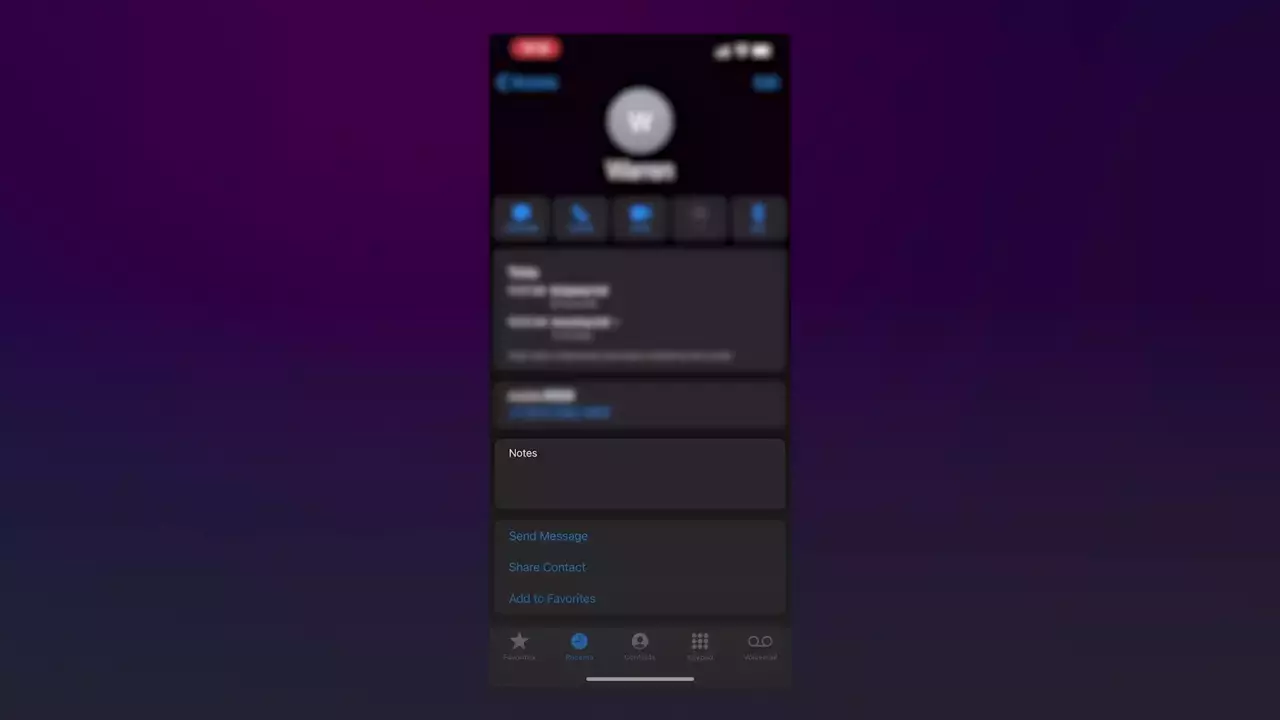

How to block a number on your iPhone
When you get around to reading the messages in your Spam or Unknown folders, look at them with a healthy dose of skepticism. For example, if you get a message offering a discount on your car payment and you don’t own a car, don’t respond! On the other hand, if the messages appear to be from someone you expect or a service like your doctor’s office, either call the last known number of the friend who messaged you or look up the office’s number online and call them back. Either way, you’re confirming the identity of the person messaging you, which can help you avoid fraud.
Google’s Circle to Search feature allows you to scan text messages and use information from the web to determine whether the message is a scam or not. To use this function, long-press the home button or navigation bar on an Android device, then circle the text message to scan it. You can also scan messages using the Lens app, available on Android and iOS. For that method, take a screenshot of the message, open Lens, and then tap the screenshot to scan it.
Never Respond to Suspicious Texts
If you receive a spam text, do not respond, not even to tell it to stop. Many legitimate robotexts include an option to text ‘STOP’ to request removal from their distribution list, but this option is ineffective against scammers.
In fact, by responding to a spam message, you’re only confirming to the scammer that your number is valid—this is the goal for those texts that were meant for someone else. From there, your phone number may be shared with other scammers, increasing your chances of receiving more spam messages. So, unless you know the text came from a legitimate company that honors such requests, you’re better off not responding at all.

(Credit: Apple/PCMag)
Block Numbers—Even If Spammers Hop Around
You can block a number that’s been sending you junk messages. However, this is only helpful if the same number continues to send the texts. Spammers typically spoof or switch phone numbers, so even if you block the number, you can still receive messages from the same spammer using a different number. Still, it’s worth trying.
On an iPhone, open the text message you received. Tap the phone number at the top of the screen and then tap the Info button. On the next screen, select Block this Caller > Block Contact to confirm.

(Credit: Apple/PCMag)
On an Android phone, open the text and tap the three-dot icon located in the upper right. The steps then vary based on your phone and OS version. Either choose the Block number option or select Details > Block & report spam.

(Credit: Google/PCMag)
Report Robotexts Directly to Your Carrier
You can report a robotext to your mobile carrier by forwarding it to a specific number. To do this on an iPhone, press down on the offending message. Tap More, then tap the right arrow to forward it as a new text. To do this on an Android phone, press and hold the message, tap the three-dot icon at the top, and then select Forward.

(Credit: Apple/PCMag)
From here, send the text to the number 7726, which spells out SPAM. The number works for AT&T, Verizon Wireless, and T-Mobile customers alike. This information will then be used to try to block future spam messages.

(Credit: Apple/PCMag)
On an Android phone, you can disable all potential spam messages from Google’s Messages app. Tap the profile icon in the upper right of the app and select Messages Settings > Spam protection. Turn on the Enable spam protection switch, and your phone will now alert you if an incoming message is suspected of being spam.

(Credit: Google/PCMag)
On an iPhone, go to Settings > Messages and then turn on the switch next to Filter Unknown Senders. This will filter messages from unknown senders into a separate folder in the Apple Messages app.

(Credit: Apple/PCMag)
The top US mobile carriers offer their own filtering and blocking tools for subscribers. For the most part, they’re geared more toward spam phone calls, but they can also block numbers that attempt to deliver spam text messages.
Verizon’s Call Filter blocks robocalls and spam messages. T-Mobile offers Scam Shield to detect, block, and mislead spam and scam callers. It also includes a caller ID feature for numbers not already in your contact list. AT&T’s ActiveArmor can now block texts sent from email addresses, a major source of spam. All three carriers also have backend technology that identifies and blocks spam messages, much as email services use spam folders.
Recommended by Our Editors

(Credit: Verizon/PCMag)
Boost Protection With Third-Party Apps
If you require more robust robotext filtering than what is mentioned above, you may want to consider a third-party app. Options like SpamHound, SMS Spam Stopper, RoboKiller, and TextKiller can help you block more spammers.

(Credit: SpamHound SMS Spam Filter/PCMag)
SpamHound
SpamHound is a free iOS app that supplements Apple’s built-in Messages app to filter out SMS spam using keywords and other factors. To fine-tune its powers of deduction, you’re encouraged to create blocklist and allowlist rules for what you want to block or allow.

(Credit: SMS Spam Stopper/PCMag)
SMS Spam Stopper
Available as a paid iOS app, SMS Spam Stopper uses artificial intelligence to detect spam messages by comparing incoming messages to the SMS signatures of 5,000 spam messages in its database. You can also use the app to block texts from unknown numbers, set up allowed and blocked words, and block phone numbers. Detected spam is then banished to the Unknown & Junk section of Apple Messages, where you can review it.

(Credit: RoboKiller/PCMag)
RoboKiller
Designed for iOS and Android, RoboKiller analyzes the phone number, content, and attachments of incoming messages. To set up spam blocking, go to Settings > SMS Spam Recognition (Android) or Settings > Messages > Unknown & Spam > RoboKiller (iOS). Messages deemed to be spam are moved to the Junk folder in Messages. Though RoboKiller can’t stop everything, you’ll be alerted if a text is tagged as spam, so you can determine whether to respond or ignore.

(Credit: TextKiller/PCMag)
TextKiller
RoboKiller also offers the TextKiller iOS app, which blocks text messages. By default, the app searches for specific words, terms, and other indicators to identify spam. You can assist it by labeling spam messages, so it learns from your actions. You can also set up filters by adding specific phone numbers and blocking keywords. Any messages identified as spam are stored in a junk tab. A premium edition unlocks more functionality for $5.99 per month or $79.99 per year.
Stop Scams and Spams by Removing Your Data
The best way to block scam and spam texts for good is to remove easy access to your phone number. Currently, if you search for your name or a family member’s name using a popular search engine, you can probably find several entries on data broker websites. These obtain data from companies and sell it to advertisers or anyone else who is willing to pay. Schedule a few hours over the weekend to send requests to these sites to have your data removed. You can also purchase a personal data removal service subscription and let someone else send requests to data brokers on your behalf.
Anecdotally, I’ve received far fewer spam calls and no scammy texts since removing my entry from Whitepages, one of the largest data broker sites. Keep in mind that data breaches happen every day, so your phone number may leak again. I recommend trying out an identity theft protection service. These tools include features that monitor data breach lists for your information, so you know when your email addresses, passwords, or phone numbers go from private to public.
Lance Whitney contributed to this story.
About Our Expert

Kim Key
Senior Writer, Security
Experience
I review privacy tools like hardware security keys, password managers, private messaging apps, and ad-blocking software. I also report on online scams and offer advice to families and individuals about staying safe on the internet. Before joining PCMag, I wrote about tech and video games for CNN, Fanbyte, Mashable, The New York Times, and TechRadar. I also worked at CNN International, where I did field producing and reporting on sports that are popular with worldwide audiences.
In addition to the categories below, I exclusively cover ad blockers, authenticator apps, hardware security keys, and private messaging apps.
Read Full Bio