Introduction
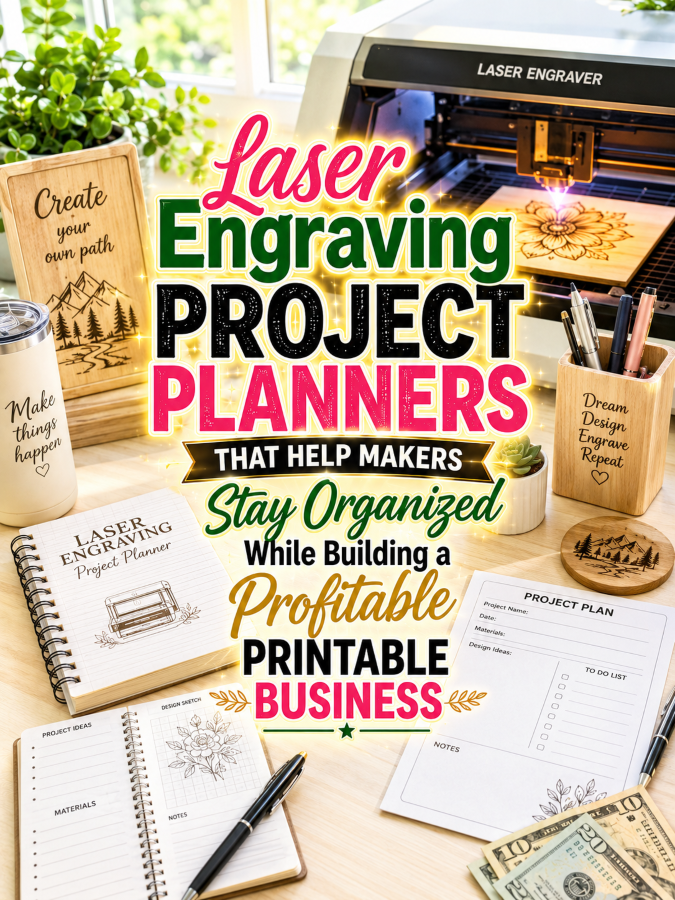
Laser engraving has exploded in popularity over the past few years. Hobbyists and small business owners are creating everything from personalized cutting boards and tumblers to ornaments, signs, jewelry, leather goods, acrylic gifts, and home décor. With powerful desktop laser machines becoming more affordable, thousands of creative entrepreneurs are turning their hobby into profitable side businesses.
The challenge is that laser engraving projects quickly become difficult to manage. Makers juggle customer orders, material inventories, machine settings, design files, pricing, testing notes, and production schedules. After a while, remembering which settings worked on maple, acrylic, slate, or leather becomes nearly impossible.
That’s why Laser Engraving Project Planners are such a valuable printable product. You’re not simply creating another notebook. You’re helping makers save time, reduce costly mistakes, improve consistency, and build a more organized creative business.
Quick Answer
A Laser Engraving Project Planner can begin as a simple $7 project logbook and naturally grow into a premium $77 laser business management system.
Each upgrade should help makers organize projects, record successful machine settings, manage inventory, track customer orders, and improve production efficiency.
The more time your planner saves, the more valuable it becomes.
Quick Win
Create a project log that allows makers to record their laser settings after every completed project. Saving one successful setting can prevent hours of future trial and error.
Why This Niche Works
Laser engravers are passionate about their craft and constantly experiment with new materials, products, and techniques. Every project creates valuable information that they don’t want to lose.
This niche also serves both hobbyists and business owners. Whether someone creates gifts for family or fulfills hundreds of customer orders each month, organized project records help improve efficiency and profitability.
Even better, laser engraving naturally connects with other profitable niches like woodworking, leather crafting, acrylic art, tumblers, signage, home décor, personalized gifts, and small business management.
The Reasonable Pricing Rule
Customers don’t pay more because your planner has additional pages. They upgrade because every version helps them organize more of their workflow and improve the quality of their finished products.
Your $7 planner should help makers document successful projects. Every higher tier should add business tools, inventory management, production tracking, and customer organization.
When every upgrade eliminates wasted materials and saves production time, premium pricing becomes easy to justify.
Your $7 Starter Product
Create a printable called the Laser Engraving Project Log.
Include:
- Project Information Sheet
- Material Used Log
- Laser Power & Speed Record
- Material Test Results
- Design File Reference
- Time Spent Tracker
- Cost Estimate Worksheet
- Project Notes Page
This gives makers a reliable way to repeat successful projects without guessing their machine settings.
Grow It Into a $17 to $27 Laser Workshop Toolkit
Once makers begin documenting projects, they’ll quickly realize they also need to organize supplies, machine maintenance, customer requests, and material inventories.
Your toolkit could include:
- Material Inventory Tracker
- Machine Maintenance Log
- Lens Cleaning Schedule
- Customer Order Tracker
- Pricing Calculator Worksheets
- Project Planning Pages
- Material Testing Library
- Supplier Contact List
- Production Checklist
- Packaging Checklist
- Shipping Tracker
- Weekly Production Planner
This toolkit becomes the daily operating system for a busy laser engraving workshop.
Build a $37 to $47 Complete Laser Business Planner
Business owners appreciate having every part of their workflow organized in one place. A complete planner helps them spend less time searching for information and more time creating products that generate income.
Include:
- Annual Business Planner
- Production Calendar
- Customer Database
- Custom Order Forms
- Material Cost Tracker
- Profit Margin Worksheets
- Equipment Maintenance Planner
- Marketing Calendar
- Product Launch Planner
- Monthly Revenue Tracker
- Goal Setting Workbook
- Year-End Business Review
This version transforms a simple project journal into a complete business management system.
Create a $67 to $77 Premium Bundle
Premium buyers value flexibility, customization, and digital convenience. Giving them editable resources dramatically increases the usefulness of your planner.
Your premium bundle could include:
- Editable Canva Templates
- Fillable PDF Planner
- Tablet-Friendly Digital Planner
- Glowforge Edition
- xTool Edition
- LightBurn Settings Library
- Commercial Production Planner
- Craft Fair Planning Kit
- Client Welcome Packet Templates
- Commercial Use License for Workshop Coaches
The premium version becomes a customizable operating manual for a laser engraving business rather than simply another planner.
Example Product Ladder
$7 Starter: Laser Engraving Project Log
$17–$27 Toolkit: Laser Workshop Toolkit
$37–$47 Bundle: Complete Laser Business Planner
$67–$77 Premium: Editable Laser Workshop Command Center
Recommended Tools
- Canva for designing planners and editable templates.
- ChatGPT for writing planner prompts, documentation pages, and marketing copy.
- Creative Fabrica for commercial-use graphics, fonts, and decorative elements.
- remove.bg for creating polished product mockups.
- Google Trends for discovering growing laser engraving product ideas.
- Etsy to research popular engraving products and sell your planners.
- Payhip or Gumroad for digital product delivery.
- Systeme.io for email marketing, lead magnets, and automated product funnels.
Your 5-Step Action Plan
Step 1: Focus on One Workflow Problem
Design your first planner around recording laser settings and successful project details.
Step 2: Expand Into Workshop Management
Add planners that organize inventory, maintenance schedules, pricing, and customer orders.
Step 3: Build Business Resources
Create planners for production scheduling, craft fairs, marketing campaigns, and financial tracking.
Step 4: Develop Premium Editions
Offer editable planners for Glowforge users, xTool owners, commercial shops, and hobby engravers.
Step 5: Build a Complete Printable Ecosystem
Create companion planners for woodworking, leather crafting, acrylic engraving, and personalized gift businesses.
Common Pricing Mistakes to Avoid
Don’t fill your planner with decorative pages that add little practical value. Laser makers appreciate efficiency and organization more than elaborate layouts.
Avoid creating generic business planners that ignore laser-specific workflows. Specialized planners consistently outperform general-purpose products.
Your goal is to help makers save materials, reduce failed projects, and streamline production—not simply fill another binder.
Where to Find Buyers
- Laser engraving Facebook groups
- Glowforge communities
- xTool user groups
- LightBurn communities
- Etsy seller groups
- Craft fair vendors
- Woodworking communities
- Small maker business forums
Affiliate Opportunities
- Laser engraving machines
- Laser-safe materials
- Wood blanks
- Acrylic sheets
- Leather crafting supplies
- Protective eyewear
- Dust collection systems
- Packaging supplies
Internal Link Suggestions
- Wood Burning Pattern Journals
- Resin Art Project Planners
- Cricut Project Planner Printables
- Woodworking Project Planners
- Soap Making Batch Records
- Printable Product Business Planner
Pinterest Pin Ideas
- The Planner Every Laser Engraver Needs
- Never Forget Your Best Laser Settings Again
- Build a Better Laser Business With Printable Project Planners
Frequently Asked Questions
Who buys Laser Engraving Project Planners?
Hobbyists, Etsy sellers, craft fair vendors, personalized gift businesses, woodworking shops, and anyone who uses a laser engraver to create products.
Can this niche generate repeat customers?
Absolutely. As makers expand their workshops and product lines, they often purchase additional planners, business tools, inventory systems, and specialized journals.
Should I create machine-specific versions?
Yes. Offering editions designed for Glowforge, xTool, or LightBurn users helps your products stand out and increases their perceived value.
Call to Action
Laser engraving combines creativity with precision, and every successful maker knows that great organization leads to better results.
Start with one simple project log that helps makers record successful settings. Then expand that idea into a complete $7 to $77 product ladder that supports every stage of their creative journey and business growth.
When your planner helps customers waste less material, complete projects faster, and earn more from their craft, they’ll gladly come back for your next printable.
Conclusion
The laser engraving industry continues to grow as more makers discover how easy it is to create personalized products at home. With every new project comes valuable information that deserves to be organized instead of forgotten.
A Laser Engraving Project Planner helps makers capture that knowledge, improve their workflow, and build stronger creative businesses. Begin with a practical $7 project log, expand it into a comprehensive $77 workshop management system, and you’ll have an evergreen printable product ladder serving one of today’s fastest-growing maker communities.
So here’s what you’ve discovered today – if anything excites you, why not start working towards that goal today?
Enjoy!