
Mailgun keeps logs for five days. If a delivery problem doesn’t show up right away, the record’s already gone by the time you go looking. That, plus validation locked behind paid tiers and a dashboard that only shows averages, is why teams start looking elsewhere in 2026.
The four strongest Mailgun alternatives for email delivery are Mailtrap, Postmark, Amazon SES, and Twilio SendGrid. Each one fixes a different gap Mailgun leaves open, and the right pick depends on which gap actually costs you the most.
Mailgun Alternatives at a Glance
| Provider | Best for | Free tier | Starting price | G2 rating |
| Mailtrap | Developers and product teams | 4,000 emails/mo | $15/mo | 4.8/5 |
| Postmark | SaaS teams prioritizing delivery speed | Trial only (100 emails) | $15/mo | 4.6/5 |
| Amazon SES | AWS-first engineering teams | 3,000 emails/mo* | $0.10/1K emails | 4.3/5 |
| Twilio SendGrid | Enterprise teams in the Twilio ecosystem | 60-day trial (100 emails/day) | $19.95/mo | 4.0/5 |
*Free when sending from an EC2 instance, for the first 12 months only.
1. Mailtrap: Best for High Deliverability
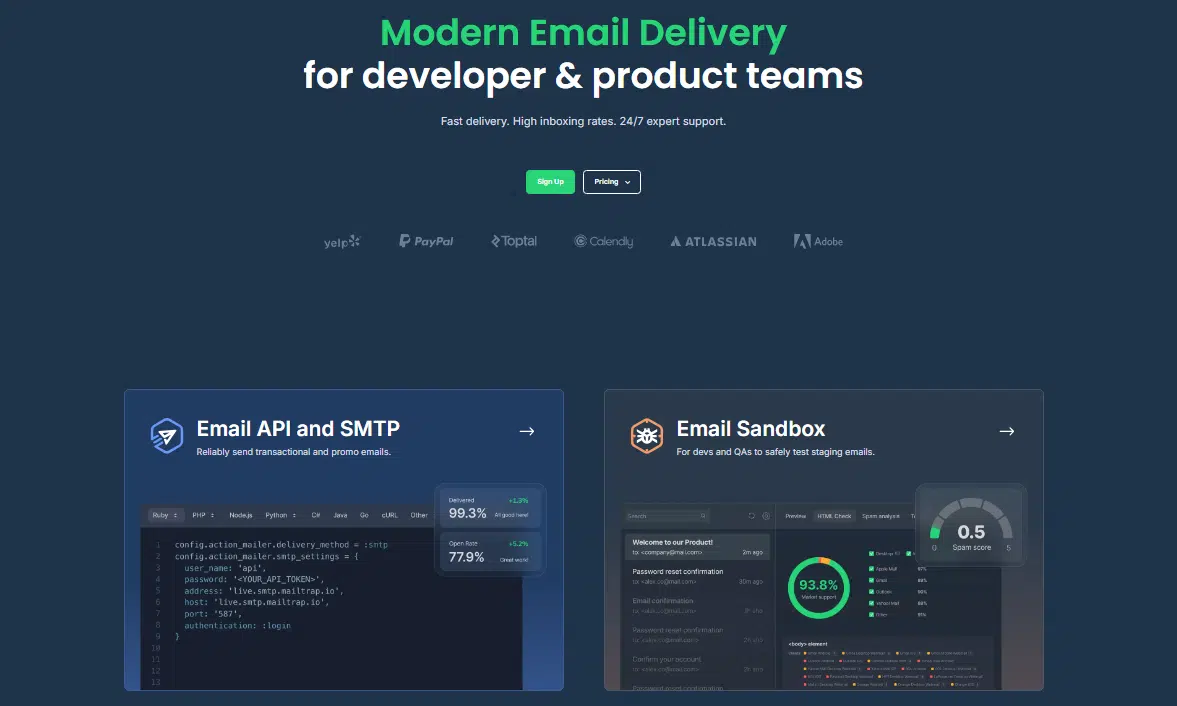
Mailtrap is an email delivery platform built for developers and product teams. It separates transactional and bulk sending onto independent streams with their own IP pools. Drill-down analytics break delivery performance down by mailbox provider, domain, and stream, and that reporting is included on every paid plan.
Switching from Mailgun
The first thing you’ll notice is log depth. Mailgun keeps five days on its base plan. Mailtrap keeps 30, with per-message detail covering SMTP transactions, bounce events, and engagement data per recipient.
The second is how the analytics behave. Mailgun’s dashboard shows aggregate delivery stats. Mailtrap lets you drill into the mailbox provider. Stream separation is built into the architecture here, not approximated through subdomain recommendations the way Mailgun handles it. DKIM keys rotate automatically every month, which removes one of the more common causes of inbox placement drift: a key nobody remembered to rotate after the initial setup.
Official SDKs cover Node.js, Ruby, PHP, Python, .NET, Elixir, and Java, plus more than 25 framework snippets for Laravel, Symfony, Django, Rails, and Next.js. Setup runs about five minutes. For teams building AI-driven workflows,
Mailtrap also ships an official MCP server compatible with VS Code, Cursor, and Claude, along with official agent skills and a dedicated AI onboarding page. Account creation still needs a human step for security, but once that’s done, the onboarding page walks an agent through domain verification and its first send on its own.. A Mailtrap CLI covers the same core tasks from the terminal, so an agent isn’t limited to whichever client happens to support MCP.Webhooks cover delivery, opens, clicks, bounces, and spam complaints, retrying 40 times over five minutes, and deliverability alerts flag drops before they reach your support queue.
The trade-off
24/7 support only kicks in on the Business plan and up. Free and Basic plans get standard support hours. Dedicated IPs are gated the same way, so if owning your IP reputation at lower volumes matters to you, factor that into which plan you land on.
Pricing
Free tier covers 4,000 emails a month. Paid plans start at $15/month for 10,000 emails. Business runs $85/month for 100,000 emails and adds a dedicated IP with automatic warmup, SSO, and 24/7 priority support.
Best for: teams that need high deliverability without extra setup, with sending streams, IP pools, and authentication handled by default, backed by a developer experience built around SDKs, MCP, and framework snippets from day one.
2. Postmark: Best for Delivery Speed
Postmark is a transactional email platform built around one outcome: getting mail into the inbox fast. Every new account goes through manual review before live sending is enabled, and that review is what keeps its shared IP pools clean across users.
Switching from Mailgun
Two things stand out immediately: the log window and the speed. Postmark keeps activity logs for 45 days, a big jump from Mailgun’s five-day base plan. The per-message view covers bounce classification, delivery events, and engagement data, and all of it is searchable.
Where Mailgun leans on subdomain recommendations to contain cross-traffic reputation risk, Postmark’s Message Streams separate transactional, broadcast, and inbound traffic at the infrastructure level, so one stream’s problems can’t touch another’s reputation. The Bulk API, released in 2024, lets you define message content once and fan it out to thousands of recipients in a single call. Bounce classification is more granular than most providers offer: hard bounces, soft bounces, transient failures, and spam complaints are tracked and suppressed separately.
The trade-off
Postmark is the most expensive provider here at scale. There’s no permanent free tier, just a 100-email trial. Dedicated IPs cost $50/month and only become available once you’re sending more than 300,000 emails a month.
Pricing
No free tier; trial covers 100 emails. Paid plans start at $15/month for 10,000 emails, scaling to roughly $60/month for 50,000 and $115 to $138/month for 100,000. Every feature is included at every tier.
Best for: teams where 2FA codes, billing alerts, and activation emails need to hit inboxes fast, and the higher cost at scale is worth paying for that.
3. Amazon SES: Best for Cost-Efficient Sending
Amazon SES is email infrastructure at its rawest. No stream separation, no bounce suppression workflow, no analytics dashboard by default. What you get instead is the lowest per-email cost in this comparison and deep native integration with the rest of AWS.
Switching from Mailgun
Cost is almost always the reason teams move from Mailgun to SES. At $0.10 per 1,000 emails, SES undercuts Mailgun by a wide margin at volume, and the gap only grows as sending scales up.
Bounce and complaint notifications route through Amazon SNS instead of being handled natively, and suppression has to be managed on top of the account-level list. There’s no built-in stream separation or deliverability alerting. The optional Virtual Deliverability Manager adds analytics and reputation monitoring, but it’s a paid add-on, not something included out of the box.
The SMTP interface and REST API are available through the full AWS SDK across every major language. Native integrations connect Lambda for event-driven workflows, S3 for log and attachment storage, and SNS for bounce and complaint routing.
The trade-off
SES makes sense if your team has the DevOps bandwidth to build the tooling other providers hand you by default. If it doesn’t, the engineering time spent building bounce handling, suppression, and monitoring from scratch tends to eat the savings faster than expected.
Pricing
$0.10 per 1,000 emails. The first 3,000 emails a month are free for 12 months when sending from EC2. Dedicated IPs run $24.95/month each, and data transfer and attachment fees apply separately.
Best for: AWS-native engineering teams where per-email cost is the main constraint and the team can absorb the operational work SES doesn’t provide.
4. Twilio SendGrid: Best for Consolidated Vendor Stack
Twilio SendGrid is the oldest provider in this comparison, and carries the widest SDK adoption of any transactional email provider. Its case against Mailgun isn’t really about capability, it’s about reducing the number of vendors on your invoice.
Switching from Mailgun
If your team already runs Twilio for SMS, voice, or identity verification, adding Twilio SendGrid for email pulls everything under one contract and one billing line. That’s the main reason teams make this move, more than any single feature.
On raw capability, the two platforms are close. Official SDKs cover Node.js, PHP, Python, Ruby, Java, Go, and C#. Server-side dynamic templates run on Handlebars. Activity logs hold for 30 days on paid plans, and event webhooks retry for 24 hours after a failure. Stream separation isn’t part of the core architecture. Teams that need it fall back on IP pools or subuser accounts, both of which take manual setup.
The trade-off
Support response time comes up often enough in G2 reviews to be worth factoring in if fast incident resolution matters to your team.
Pricing
60-day trial (100 emails/day). Essentials starts at $19.95/month for 50,000 emails. Pro runs $89.95/month for 100,000. Premier is custom-quoted.
Best for: enterprise teams already on Twilio that want email under the same vendor as SMS and voice, and don’t need native stream separation out of the box.
How to Decide
The right Mailgun alternative depends on which specific gap is costing you time. If deliverability is the priority, Mailtrap covers that by default with separated sending streams and IP pools, pairs it with a developer experience built around SDKs and framework snippets, and extends the same setup to AI agent workflows through an official MCP server, skills, and CLI. If it’s delivery speed, Postmark is built for exactly that. If cost at scale is what’s driving the search and your team already lives on AWS, Amazon SES is hard to beat on price. And if consolidating vendors matters more than any single feature, Twilio SendGrid folds email into a bill you’re already paying.
All four providers cover the basics: SPF, DKIM, and DMARC authentication, webhooks, bounce handling, and suppression management. What separates them in 2026 is how much of that infrastructure comes included versus what you have to build yourself, and that’s the real question to answer before picking a Mailgun alternative.

This content is brought to you by the FingerLakes1.com Team. Support our mission by visiting http://www.patreon.com/fl1 or learn how you send us your local content here.