Introduction
Digital art has opened the door for artists to create everything from character illustrations and social media graphics to children’s books, stickers, print-on-demand products, game assets, and commissioned portraits. One tablet and a good drawing app can launch an entire creative business.
The challenge isn’t coming up with ideas. It’s keeping track of them. Artists often juggle dozens of unfinished projects, reference images, brush sets, client revisions, export files, pricing, deadlines, and marketing tasks. Before long, creativity gets buried under digital clutter.
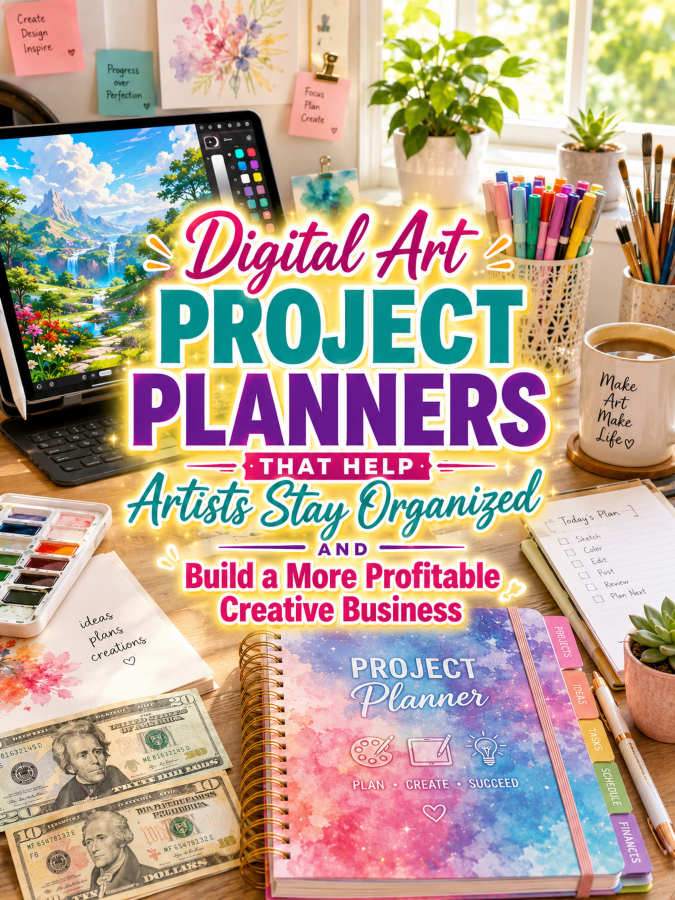
That’s exactly why Digital Art Project Planners are such a valuable printable niche. They help artists organize their workflow, complete more projects, manage clients, and grow a creative business without feeling overwhelmed.
Quick Answer
A Digital Art Project Planner can begin as a simple $7 creative organizer and naturally grow into a complete $77 digital artist business management system.
Each upgrade should help artists organize projects, document techniques, manage commissions, schedule content, and build repeatable business systems.
The more organized the creative process becomes, the easier it is to create artwork that generates income.
Quick Win
Create a printable worksheet that records project ideas, canvas size, brushes used, color palette, export settings, client revisions, and final delivery dates for every completed illustration.
Why This Niche Works
Digital art continues to grow thanks to tablets, drawing software, print-on-demand stores, online commissions, and content creation. New artists enter the market every day, while experienced illustrators constantly look for ways to organize larger workloads.
Many artists spend hours creating beautiful artwork but very little time organizing their projects. A planner helps them spend less time searching for files and more time creating products they can actually sell.
This niche naturally connects with printable businesses, sticker shops, coloring books, children’s book illustration, print-on-demand stores, and digital product creators.
The Reasonable Pricing Rule
Customers don’t upgrade because your planner contains more worksheets. They upgrade because every version organizes a larger portion of their creative business.
Your $7 planner should organize individual projects. Higher-priced versions should introduce client management, marketing systems, financial tracking, content planning, and long-term business growth.
Each upgrade should remove friction from an artist’s daily workflow.
Your $7 Starter Product
Create a printable called the Digital Art Project Planner.
Include:
- Project Planning Worksheet
- Reference Image Log
- Brush & Asset Tracker
- Color Palette Record
- Canvas & Export Settings
- Revision Notes
- Project Cost Worksheet
- Creative Reflection Page
This planner helps artists recreate successful projects while building a searchable creative library.
Grow It Into a $17 to $27 Digital Artist Toolkit
As artists take on more work, organization becomes essential.
Your toolkit could include:
- Commission Planner
- Client Contact Log
- Asset Library Tracker
- Brush Collection Inventory
- Weekly Project Planner
- Content Calendar
- Social Media Planner
- Pricing Calculator
- Delivery Checklist
- Revision Tracker
- Portfolio Planner
- Monthly Progress Review
This toolkit becomes the daily planning system for a productive digital artist.
Build a $37 to $47 Complete Digital Art Business Planner
Professional artists need systems that organize much more than illustrations.
Include:
- Annual Business Planner
- Commission Dashboard
- Client Database
- Income Tracker
- Expense Tracker
- Marketing Calendar
- Portfolio Growth Planner
- Product Launch Planner
- Email Newsletter Planner
- Business Goal Workbook
- Quarterly Review Worksheets
- Year-End Planning Guide
This version becomes the complete operating system for a growing digital art business.
Create a $67 to $77 Premium Bundle
Premium buyers appreciate planners they can customize for their own artistic workflow.
Your premium bundle could include:
- Editable Canva Templates
- Fillable PDF Planner
- Tablet-Friendly Digital Planner
- Procreate Artist Edition
- Children’s Book Illustrator Edition
- Print-on-Demand Planner
- Sticker Designer Planner
- Freelance Commission Planner
- Client Welcome Workbook
- Commercial Use Rights for Art Coaches
The premium version becomes a customizable creative headquarters that supports every stage of a digital artist’s career.
Example Product Ladder
$7 Starter: Digital Art Project Planner
$17–$27 Toolkit: Digital Artist Toolkit
$37–$47 Bundle: Complete Digital Art Business Planner
$67–$77 Premium: Editable Digital Artist Command Center
Recommended Tools
- Canva for planner layouts and editable templates
- ChatGPT for creative prompts, product descriptions, and marketing content
- Creative Fabrica for commercial-use graphics, fonts, and design assets
- remove.bg for creating polished product mockups
- Google Trends for identifying seasonal art opportunities
- Etsy for market research and selling printable planners
- Payhip or Gumroad for digital product delivery
- Systeme.io for email marketing and sales automation
Your 5-Step Action Plan
Step 1: Organize Every Project
Create a planner that captures every illustration from the first idea through the final exported file.
Step 2: Expand Into Workflow Management
Add commission tracking, content calendars, asset management, and project scheduling tools.
Step 3: Build Business Systems
Create planners for pricing, marketing, finances, product launches, and long-term business planning.
Step 4: Develop Specialized Editions
Offer planners for Procreate artists, children’s book illustrators, print-on-demand sellers, game artists, and freelance designers.
Step 5: Build a Complete Product Ecosystem
Create companion planners for sketchbook artists, watercolor painters, acrylic painters, sticker businesses, printable sellers, and creative entrepreneurs to encourage repeat purchases.
Common Pricing Mistakes to Avoid
Don’t increase prices simply by adding decorative pages. Digital artists value planners that simplify file management, organize client work, and improve productivity.
Avoid generic creative planners that ignore the unique workflow of digital illustration. Specialized planners deliver better results and command higher prices.
Where to Find Buyers
- Digital art Facebook groups
- Illustration communities
- Etsy seller groups
- Pinterest creative communities
- Freelance artist forums
- Print-on-demand communities
- Online art course groups
- Creative entrepreneur communities
Affiliate Opportunities
- Drawing tablets
- Stylus pens
- Screen protectors for drawing tablets
- Digital brush packs
- Color palette collections
- Cloud storage services
- External SSD drives
- Ergonomic tablet stands
Internal Link Suggestions
- Sketchbook Project Planners
- Watercolor Painting Project Planners
- Acrylic Painting Project Planners
- Printable Product Business Planners
- Sticker Shop Business Planners
- Resin Art Business Planners
Pinterest Pin Ideas
- The Planner Every Digital Artist Needs
- Organize Your Creative Workflow and Finish More Art
- Build a Better Digital Art Business With Printable Planners
Frequently Asked Questions
Who buys Digital Art Project Planners?
Illustrators, freelance designers, commission artists, Procreate users, print-on-demand sellers, children’s book artists, and digital creators building online businesses.
Can this niche generate repeat customers?
Absolutely. As artists expand into new products, client work, and online stores, they’ll often purchase specialized planners for marketing, launches, finances, and long-term business management.
Should I create specialty editions?
Yes. Editions for Procreate artists, freelancers, print-on-demand sellers, game artists, or children’s book illustrators provide focused value and make your planners stand out.
Call to Action
Creative talent helps artists produce amazing work, but organized systems help them produce amazing work consistently.
Start with one practical project planner that organizes every illustration from concept to delivery. Then expand it into a complete $7 to $77 product ladder that supports every stage of building a thriving digital art business.
When your planner helps artists spend less time searching for files and more time creating products that sell, you’ve built a printable they’ll keep using project after project.
Conclusion
Digital art continues to create exciting opportunities for artists who want to turn creativity into a sustainable income. As opportunities grow, organization becomes one of the biggest competitive advantages.
A Digital Art Project Planner helps artists capture ideas, streamline workflows, organize commissions, and confidently build profitable creative businesses. Start with a practical $7 planner, expand it into a comprehensive $77 business management system, and you’ll have another evergreen printable product ladder that serves today’s growing community of digital creators.
Here’s what you uncovered today. If something made you pause, smile, or feel curious, follow that spark and start working toward it today. Momentum begins with one decision.
Enjoy!