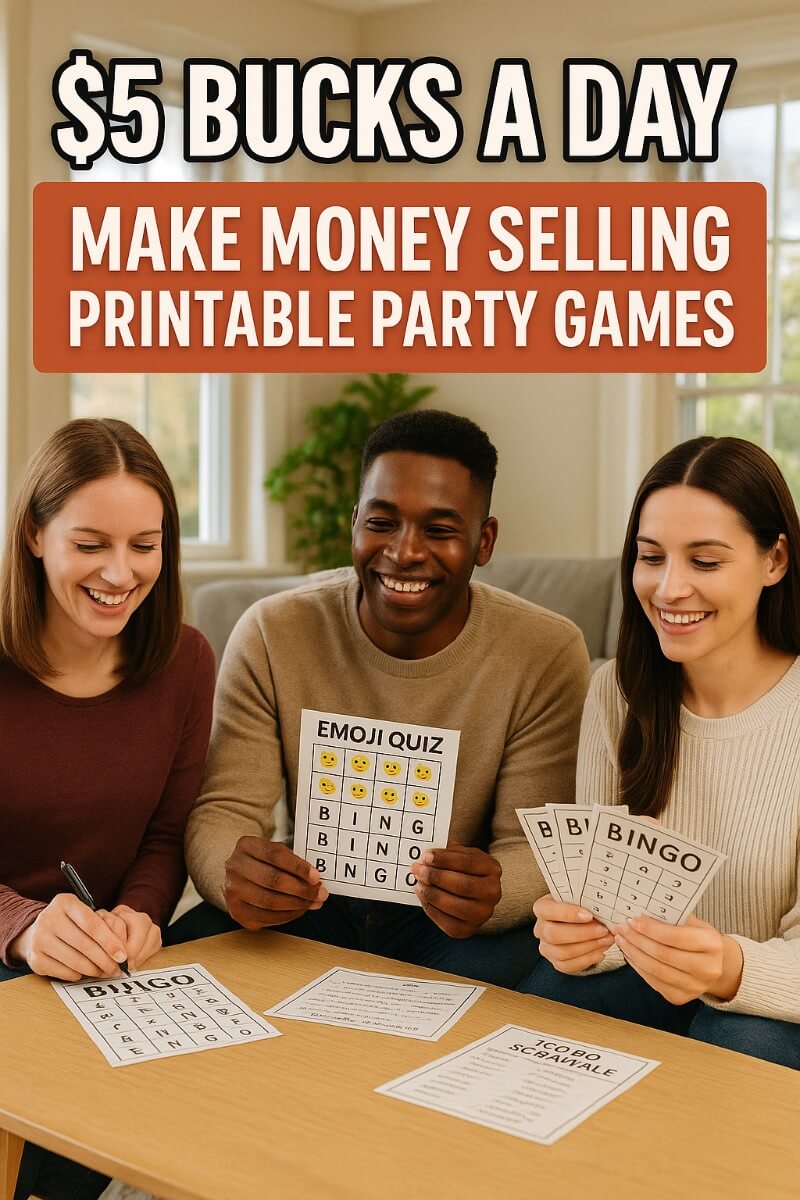
5 Bucks a Day: Make Money Selling Printable Party Games!

5 Bucks a Day: Make Money Selling Printable Party Games!

Introduction

There is one universal truth about parties. Someone always forgets the ice, someone always forgets the cake knife, and someone always needs a game to break the awkward silence before the first slice is cut. That’s where you come in – the hero who swoops in with a PDF full of laughs.

Selling printable party games is one of those beautiful “make it once, sell it forever” income streams. No inventory. No shipping. No hoping the post office doesn’t fold your masterpiece in half. You design it, you list it, and the internet quietly sends you buyers while you’re off doing something far more exciting (like finally winning at your own trivia game).

This is a $5/day side hustle that can snowball fast. Start with one theme, one set of games, and a basic storefront. Before you know it, you’ve got seasonal sellers, evergreen bundles, and customers who come back every year for their party fix. Let’s get started with:

Tools You Will Need

  • Printable Game Templates – Ready-to-use designs that give you a massive head start. Just swap in your own questions, graphics, or colors. Perfect for getting products in your shop faster.
  • Card Stock Paper – Not everyone will use it, but offering your games in a print-friendly format that looks great on heavier paper adds value for customers who want a premium feel.
  • Printer-Friendly Fonts – Fonts can make or break your game design. Pick ones that fit the theme but are still readable when printed. Avoid fancy scripts for main text.
  • Paper Trimmers – If you plan on offering physical versions locally, these make your finished games look crisp and professional.
  • Canva.com – Free, beginner-friendly design tool that lets you create bingo cards, trivia sheets, scavenger hunts, and more. Canva’s drag-and-drop interface means you do not need a design degree to make something stunning.
  • Etsy or Gumroad – Your online storefronts. Etsy brings a built-in audience actively searching for party games. Gumroad gives you a quick, no-frills way to sell direct.

Now, that’s all very well and good, but HOW do you actually put all the steps together?

Move now to:

Your 10 Step Action Plan

Step 1: Pick a Profitable Party Theme

Start with a single theme that sells year-round – think birthdays, baby showers, or bridal showers. Search Etsy for “printable party games” and note the best-sellers. That’s your first goldmine of ideas.

The beauty of focusing on one theme? You only have to design the style once. Then you can just swap in different content for new games, making the creation process much faster. This is how you get to $5/day and beyond without working 12-hour shifts at your laptop.

Evergreen themes keep your shop buzzing year-round, while seasonal themes give you spikes of extra income. My advice? Start evergreen, then sprinkle in seasonal games once you’ve got your first steady trickle of sales.

Step 2: Research Game Types People Love

Forget guessing. Instead, go see what customers are already throwing into their digital shopping carts. Head to Etsy, Pinterest, and Amazon to see the top-selling game formats. Write down the recurring themes, styles, and layouts.

Then read the reviews. They’re a goldmine of customer wishes and frustrations. If people say “wish there were answer sheets,” make sure your version has them. If they complain about low print quality, make sure your files are crisp and high-resolution.

And keep it doable. A simple “Baby Word Scramble” is faster to create than a full-on custom board game. Your early wins will come from fast, repeatable formats you can crank out without headaches.

Step 3: Create Your Game Templates

Fire up Canva.com and design a master template for each game style you want to sell. For bingo, set up the header, grid, and themed icons. For trivia, create a question-and-answer layout with matching colors.

Once you have your template, new games are a breeze – just swap in fresh content. What took 30 minutes the first time will take 5–10 minutes going forward. That’s your scaling superpower.

Design with printers in mind. Not everyone has color printing, so check that your games still look good in black and white. High contrast, clear fonts, and uncluttered layouts win.

Step 4: Add Value With Bundles

One bingo game is nice. A full party pack of 8 games is irresistible. Bundles increase perceived value, let you charge more, and make the host’s life easier. They do not want to hunt for matching games – they want the whole thing in one click.

For example, your “Baby Shower Mega Pack” could have baby bingo, trivia, word scramble, emoji guessing game, scavenger hunt, Pictionary list, advice cards, and a name race sheet. That’s an easy $10–$15 sale versus $2 for one game.

The best part? Bundles give you upsell potential. You can list each game separately at a low price, then say, “Or get all 8 for $12.” People love feeling they got the better deal.

Step 5: Create Seasonal and Evergreen Mix

Evergreen themes keep money trickling in all year. Seasonal themes give you spikes of sales when the event rolls around. Both are essential for long-term growth.

For example, Halloween party games (pumpkin bingo, spooky trivia) can sell like crazy in September and October. Then you pivot to Christmas scavenger hunts and New Year’s Eve trivia. By February, you are rolling out Valentine’s Day couples games.

Plan your seasonal products 2–3 months ahead. That way, they are live when people start searching. Early listers get more sales because they get more time in search results.

Step 6: Offer Customization

Customization can be the golden ticket for charging premium prices. Offering to add the host’s name, event date, or theme colors makes your product feel one-of-a-kind.

Custom orders take a little extra time, but you can charge double or triple your standard price. For a $5 bingo game, you could charge $15 for a custom color palette and personalized header.

Keep it efficient – set boundaries on what you will customize so you do not spend an hour redesigning. Offer specific customization options like “colors, names, and date changes only.”

Step 7: Set Up Your Storefront

Etsy is the go-to for party printables because it already has traffic. Gumroad is great if you have your own audience and want a quick, clean checkout. Pick one to start so you are not spread too thin.

When listing your games, focus on your product photos. Use Canva to create mockups showing your games printed on card stock or in a party setting. People need to visualize how they will use them.

Write your descriptions like you are talking to the party host. They are stressed, they want fun, and they want it now. Use words like “instant download,” “ready to print,” and “no prep needed.”

Step 8: Price for Profit and Perceived Value

Do not underprice yourself into exhaustion. If your games look good and solve the host’s problem, they will pay.

Start with $2–$4 for single games and $8–$15 for bundles. Watch your competitors – if you are selling higher quality, you can charge more. If you want quick reviews to boost visibility, run an early-bird sale for your first 10 buyers.

Test different price points. Sometimes raising your price increases sales because it signals quality. Party hosts will not risk their event on something that looks “cheap.”

Step 9: Promote Without Being Pushy

Before you post in any Facebook, Reddit, or party planning group, get known first. Comment on other posts, answer questions, share helpful tips. Build your name so when you finally share your product, people see you as a trusted friend, not a drive-by spammer.

Once you are known, share a freebie or discounted game to get people hooked. For example, “Here’s a free printable trivia game for anyone planning a baby shower this month!” Then link to your full bundle.

Use Pinterest to share your product images with direct links to your shop. Party planners love browsing Pinterest boards for ideas.

Step 10: Rinse, Repeat, and Expand

Once you have one profitable theme, repeat the process for another. Your templates, storefront, and marketing systems are already in place. Each new theme becomes faster to launch.

Track your sales so you know which games perform best. Double down on those. If “Halloween Scavenger Hunt” outsells “Halloween Trivia” 3-to-1, make more scavenger hunts for other holidays.

Keep your shop active. New listings keep you higher in search results, which leads to more sales. This is the compounding magic of printable products – the more you make, the more you earn without extra ongoing work.

How to Scale in the Future

Once your games are selling steadily, expand into matching party décor printables – cupcake toppers, banners, and invitations. These can be bundled with your games for a complete party kit.

You can also create niche-specific shops. One shop could be only for wedding-related games, another just for kids’ birthday parties. This allows you to target different audiences without overwhelming them with unrelated products.

Finally, consider adding PLR (Private Label Rights) to your products so other sellers can buy and rebrand your games. This opens a whole new income stream without extra marketing.

But let’s now overdeliver, shall we?  Move to:

5 Creative Tips

  • Theme Mashups – Combine two themes into one unexpected game pack, like “Baby Shower Halloween” for October moms-to-be. Customers love unique twists, and you can target two audiences at once. Use it now by brainstorming crossover events in your niche calendar.

  • QR Code Answer Keys – Add a QR code to your printable that links to the answers. This feels high-tech and keeps players engaged. Use it now by generating free QR codes online and embedding them in your design.

  • Interactive Printable Packs – Include instructions for optional interactive elements, like using their phones for scavenger hunts. This makes your games stand out in a crowded market. Use it now by adding a short “bonus play” section to your PDF.

  • Mini-Freebies for Reviews – Offer a small free game to customers who leave a review. Reviews boost your search ranking, and freebies keep buyers happy. Use it now by creating a one-page game you can send instantly.

  • Game Night Bundles – Market your products not just for parties, but for family game nights. This taps a whole new customer base. Use it now by creating a separate listing targeted at “at-home family fun.”

5 Coolio Ways of Getting in Front of the RIGHT Buyer Audiences

  • Party Planning Facebook Groups – First, join the group, engage, and answer questions for at least two weeks. Then share a helpful post with a free sample game, linking to your store for more.

  • Pinterest Boards for Specific Events – Build boards for “Baby Shower Fun,” “Birthday Games,” or “Holiday Party Ideas.” Pin your product images with direct links to your shop.

  • Etsy Collaborations – Network with sellers of digital invitations or party décor. Cross-promote by bundling your games with their products.

  • Event Blogger Partnerships – Offer your games to bloggers who write about party planning in exchange for a feature or link.

  • Instagram Reels of Games in Action – Record friends or family playing your games and laughing. Short, fun videos drive curiosity and clicks.

Your Next Steps

Pick your first party theme and commit to creating three games by this weekend. Set up your storefront, even if it only has those three products to start. Begin engaging in your chosen audience spaces so you are ready to promote.

Small actions compound. Your first $5 sale is the hardest, but once it happens, you will see how easy it is to repeat.

Conclusion

Printable party games are the perfect low-cost, low-stress digital product. They are fun to create, fun to sell, and they deliver repeatable income once your shop is live.

Whether you stop at $5/day or grow to a full-time income, this is a business you can run on your own schedule – preferably while playing one of your own games.

Enjoy!