Introduction
Owning a 3D printer is exciting. One day you’re printing a phone stand, the next you’re designing replacement parts, tabletop gaming accessories, home organization tools, or products to sell online. Every new idea opens another creative possibility.
The challenge is that successful 3D printing involves much more than pressing the Print button. Makers need to remember filament settings, nozzle temperatures, layer heights, slicer profiles, print times, maintenance schedules, failed print lessons, material inventory, and customer orders. Without a reliable system, valuable information quickly disappears.
That’s why 3D Printing Project Planners are such a profitable printable niche. You’re helping makers organize every stage of the printing process while reducing failed prints, saving materials, and creating a smoother workflow. Whether someone prints for fun or runs a growing business, staying organized makes every project easier.
Quick Answer
A 3D Printing Project Planner can begin as a simple $7 print logbook and naturally grow into a premium $77 maker business management system.
Each upgrade should help users organize projects, document successful print settings, manage supplies, schedule maintenance, and improve production efficiency.
The more time and filament your planner helps save, the more valuable it becomes.
Quick Win
Create a printable print log that records slicer settings, filament type, print duration, and lessons learned after every project.
Why This Niche Works
The popularity of desktop 3D printers continues to grow as hobbyists, educators, engineers, designers, and entrepreneurs discover new ways to create custom products. Every project generates valuable information that makers want to reuse rather than rediscover.
This niche also serves both hobbyists and business owners. Someone printing gifts at home has many of the same organizational needs as a shop fulfilling dozens of customer orders each week.
Better yet, 3D printing naturally connects with cosplay, tabletop gaming, home organization, robotics, STEM education, engineering, product design, and Etsy businesses, creating countless opportunities for future printable products.
The Reasonable Pricing Rule
Customers don’t upgrade because your planner has more worksheets. They upgrade because each version helps organize more of their printing workflow and saves both time and materials.
Your $7 planner should document successful prints. Higher-priced versions should introduce inventory management, maintenance records, customer tracking, production planning, and business tools.
Every upgrade should make printing easier, more efficient, and more profitable.
Your $7 Starter Product
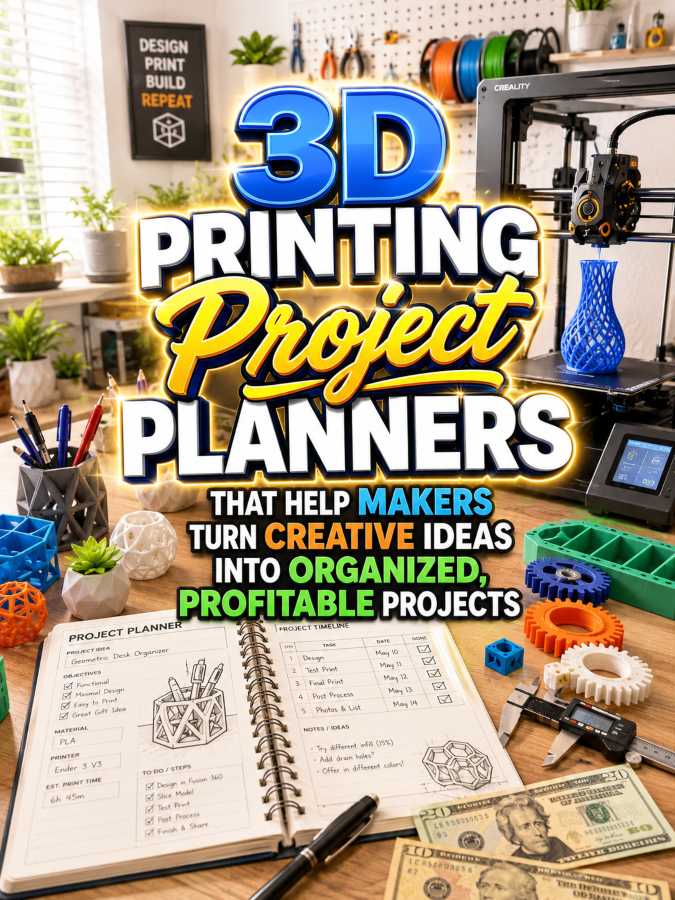
Create a printable called the 3D Printing Project Logbook.
Include:
- Project Information Sheet
- Filament Type Log
- Printer Settings Record
- Slicer Profile Tracker
- Print Time Log
- Failure Analysis Worksheet
- Material Cost Tracker
- Project Notes Page
This gives makers an easy way to repeat successful prints without relying on memory.
Grow It Into a $17 to $27 Maker Workshop Toolkit
As projects increase, makers need more than print records. They also need systems that organize maintenance, supplies, equipment, and customer work.
Your toolkit could include:
- Filament Inventory Tracker
- Printer Maintenance Schedule
- Nozzle Replacement Log
- Calibration Checklist
- Customer Order Tracker
- Production Planner
- Quality Control Checklist
- Packaging Worksheet
- Supplier Directory
- Expense Tracker
- Weekly Workshop Planner
- Project Priority Dashboard
This toolkit becomes the daily planner that keeps a busy workshop running smoothly.
Build a $37 to $47 Complete 3D Printing Business Planner
Once makers begin selling products, organization becomes even more important. A complete business planner helps reduce missed deadlines, improve profitability, and streamline production.
Include:
- Annual Business Planner
- Product Development Planner
- Customer Database
- Pricing Calculator
- Inventory Dashboard
- Sales Tracker
- Production Calendar
- Maintenance Planner
- Marketing Calendar
- Craft Fair Planner
- Monthly Goal Tracker
- Year-End Business Review
This version transforms a simple print log into a complete business operating system.
Create a $67 to $77 Premium Bundle
Premium buyers appreciate editable resources that adapt to their equipment, workflow, and business goals.
Your premium bundle could include:
- Editable Canva Templates
- Fillable PDF Planner
- Tablet-Friendly Digital Planner
- FDM Printer Edition
- Resin Printer Edition
- Commercial Print Shop Planner
- Product Launch Planner
- Maker Market Planner
- Client Project Workbook
- Commercial Use Rights for Maker Coaches
The premium version becomes a customizable management system for growing maker businesses.
Example Product Ladder
$7 Starter: 3D Printing Project Logbook
$17–$27 Toolkit: Maker Workshop Toolkit
$37–$47 Bundle: Complete 3D Printing Business Planner
$67–$77 Premium: Editable 3D Printing Command Center
Recommended Tools
- Canva for planner layouts and editable templates
- ChatGPT for planner prompts and marketing copy
- Creative Fabrica for commercial graphics and fonts
- remove.bg for product mockups
- Google Trends for discovering growing 3D printing niches
- Etsy for product research and digital product sales
- Payhip or Gumroad for digital downloads
- Systeme.io for email marketing and automated sales funnels
Your 5-Step Action Plan
Step 1: Solve One Printing Problem
Create a project log that helps makers consistently reproduce successful prints.
Step 2: Expand Into Workshop Organization
Add planners for inventory, maintenance, customer orders, and production schedules.
Step 3: Build Business Resources
Create printable tools for pricing, sales tracking, product launches, and financial planning.
Step 4: Offer Specialized Editions
Develop versions for hobbyists, Etsy sellers, educators, engineering students, and commercial print shops.
Step 5: Build a Complete Product Ecosystem
Add companion planners for cosplay makers, tabletop creators, robotics enthusiasts, and product designers to encourage repeat purchases.
Common Pricing Mistakes to Avoid
Don’t rely on decorative pages that don’t improve workflow. Makers value organization, efficiency, and practical tools that save time and reduce wasted materials.
Avoid creating generic project planners that ignore the unique needs of 3D printing. Specialized resources are far more appealing to this audience.
Focus on helping customers print more successfully and manage their projects with confidence.
Where to Find Buyers
- 3D printing Facebook groups
- Maker communities
- STEM education groups
- Cosplay communities
- Etsy seller groups
- Engineering students
- Robotics clubs
- Small maker business forums
Affiliate Opportunities
- 3D printers
- Filament and resin
- Replacement nozzles
- Build plates
- Printer maintenance tools
- Digital calipers
- Storage organizers
- Packaging supplies
Internal Link Suggestions
- Laser Engraving Project Planners
- Cricut Project Planner Printables
- Woodworking Project Planners
- Resin Art Project Planners
- Printable Product Business Planner
- Sticker Shop Business Planner
Pinterest Pin Ideas
- The Planner Every 3D Printing Maker Needs
- Stop Forgetting Your Best Print Settings
- Build a Better 3D Printing Business With Printable Planners
Frequently Asked Questions
Who buys 3D Printing Project Planners?
Hobbyists, Etsy sellers, educators, engineers, product designers, cosplay creators, and small businesses that use 3D printers to create custom products.
Can this niche generate repeat customers?
Yes. As makers expand their equipment, product lines, and businesses, they often purchase specialized planners, inventory systems, and production tools.
Should I create printer-specific versions?
Absolutely. Editions tailored for FDM printers, resin printers, educational labs, or commercial workshops help your products stand out and provide more targeted value.
Call to Action
Every successful print teaches something worth remembering. The more organized makers become, the faster they improve and the more confidently they can grow their businesses.
Start with a simple project log that helps users record successful print settings. Then expand it into a complete $7 to $77 product ladder that supports every stage of a maker’s creative and business journey.
When your printable helps customers save time, reduce failed prints, and stay organized, you’ve created a resource they’ll return to again and again.
Conclusion
3D printing continues to open new opportunities for creators who enjoy designing, building, and selling custom products. As projects become more complex, having an organized system becomes just as valuable as owning a quality printer.
A 3D Printing Project Planner helps makers capture knowledge, streamline production, and confidently grow their creative businesses. Start with a practical $7 project log, expand it into a comprehensive $77 workshop management system, and you’ll have another evergreen printable product ladder serving one of today’s fastest-growing maker communities.
So here’s what you’ve discovered today – if anything excites you, why not start working towards that goal today?
Enjoy!