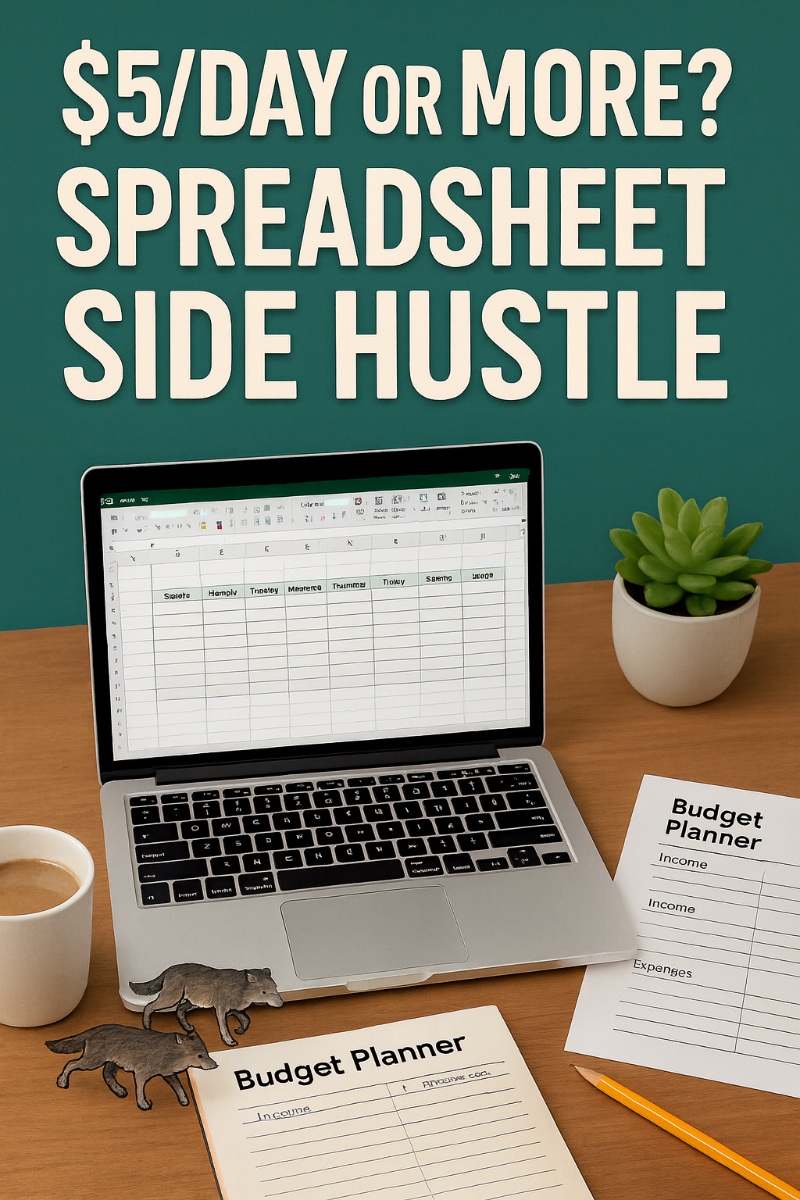
Making money with spreadsheets sounds boring, right?
I know, I know, like something your accountant cousin rhapsodizes about at Thanksgiving. But here’s the twist – people love buying ready-to-go templates because they simply don’t want to build them!
That laziness? That’s your profit! This is Gooood Laziness. You want this kind of laziness. Why? Because now you are turning rows and columns into daily latte money. It’s like sneaking into the vending machine of the Internet and filling it with your own candy bars (of course, all of them being Nerds!).
Tools You Need
-
Microsoft Excel – Old reliable, king of columns and formulas.
-
Google Sheets – Free with a Google account, perfect for sharing templates.
-
Canva – Essential for making pretty product images and covers.
-
Gumroad – Simple storefront to host and sell your spreadsheets.
-
Etsy – Built-in audience hunting for planners, trackers, and organizers.
-
Blue Light Blocking Glasses – Because you’ll be staring at rows and columns longer than you planned.
-
Desk Organizer – Keep your pens, sticky notes, and caffeine stash in order.
-
Ring Light – Perfect if you’re recording quick TikToks or Etsy product demos showing off your spreadsheets.
-
Microphone for Recording – Great for adding voiceover to short tutorial videos that sell your sheets harder than plain text ever could.
-
Color Printer – Print and photograph your spreadsheets in action for killer Etsy product shots.
Now that you’ve got your toolbox, let’s dive into the meat and potatoes – your 10-step plan to turn boring grids into bank.
So let’s now pounce upon:
Your 10 Step Action Plan
Step 1: Pick a Niche That’s Easy
Start small. Nobody’s hunting for a spreadsheet called “Intergalactic Space Finance Log.” Stick to human needs: budgeting, meal planning, workout logs, wedding checklists. Think of life’s headaches. Your sheet becomes the aspirin. The easier the niche, the faster you’ll have a sheet ready to roll.
Here’s a cheat: Google “X planner” or “X tracker.” If people search for “dog walking schedule” or “weekly chores tracker,” that’s a hint. Make it simple, make it specific, and keep it beginner-friendly.
Step 2: Build Your First Spreadsheet
Do not overcomplicate. You don’t need pivot tables or VLOOKUP sorcery. Columns. Rows. Maybe a cute color or a sum formula. Done. For example: a “7-Day Meal Plan” with columns for breakfast, lunch, dinner, and a notes row. That’s already saleable.
Add one little flourish – like highlighting weekends in a different color – and suddenly you’re Martha Stewart of spreadsheets. Keep it visual and useful. Buyers love something they can plug-and-play instantly.
Step 3: Save in Multiple Formats
This is where rookies mess up. If you only save as Excel, half your buyers will grumble, “But I use Google Sheets.” Solve this by exporting both. Save the file as .xlsx and create a shareable Google Sheets link. Double coverage = double happy buyers.
Also add a PDF instructions page with big arrows or screenshots. Pretend your buyer hasn’t touched a spreadsheet since 1998. Hand-holding earns you five-star reviews.
Step 4: Create Pretty Mockups
Nobody wants to buy “Spreadsheet_2025_Final_FINALv2.xlsx.”
I mean seriously. How exciting does THAT sound? Instead, they want to see a glossy product shot! Open Canva, grab a laptop mockup template, and paste in screenshots of your sheet. Boom – it looks pro in under 10 minutes.
Think of it like plating food. You can cook spaghetti straight from the pot, but buyers pay bigger bucks when it’s on a fancy plate with parsley sprinkled. Canva = your parsley.
Step 5: Write a Time-Saving Product Description
Don’t drone on with “This spreadsheet contains rows and columns.” Instead, sell the outcome. “Spend less time stressing about making meals, more time enjoying them!” Or maybe:
“Ditch the math! Know exactly where your money goes each month without those painful excruciating headaches that result from numbers and numbers and ….” That’s the benefit buyers want – a solution to *both* their pain AND making taxes easier!
Don’t forget: keep descriptions short, punchy, and in plain English. No jargon (unless you’re talking the same lingo the buyer is used to. In “Personal Taxes, “EEEEEKKKKAAARRRGGGGGGHHHH is NOT said lingo).
Instead, imagine you’re texting a buddy: “Hey, the last thing you need before the Big Day is freaking out over forgotten expenditures! This sheet makes sends relief YOUR way.”
That’s enough to close a $5 sale. Again and again!
Step 6: Upload to Gumroad or Etsy
Ah, selling.
This is where your baby leaves the nest! Upload the spreadsheet, instruction PDF, and mockup images and then let buyers know it’s an introductory price – only $5! Keep checkout friction-free. One click, instant download. Perfection!
And traffic?
Etsy gives you built-in traffic.
Gumroad is like your personal shop.
Post in all! The more the merrier! That way you’ve got double exposure, triple, 9uple, etc. with no extra work.
Step 7: Post Your First Social Media Tease
Here’s now where that fun thing known as “advertising” can begin. Oh so much fun. Fun fun fun. Words do not exist that describe this level of fun. So let’s begin!
Post a screenshot on Instagram. Heck, why stop there? Post 2! 10! AN ENCYCLOPEDIA!!!!! (sorry ’bout that, caffeine has been applied): “I just made this meal planner that ensured I included everything required… and my family is never happier. Want it? Link in bio.”
TikTok? Show a gorgeous time-lapse of you filling in the sheet with color, style and solutions.
YouTube Shorts? Quick demo. Just add personality! Your viewer’s attention span = 8 seconds on a good day. So just give them a nibble.
Remember, don’t just show boring grids (unless you’re showing it to Uncle Framford, winner of the World Accountants Battle Masters). Frame it like a lifestyle!
Make that spreadsheet one gorgeous hero that makes chaos look organized.
Step 8: Make More, Fast
One sheet is a lonely wolf.
See the lonely wolf.
It’s time to build the entire wolf pack, each wolf specializing in one exciting business skill! We’re talking Cry Havoc and Let Slip the Wolves of a:
- Budget tracker!
- Workout log!
- Chore chart!
Heroic music optional. Then (I hope you’re sitting down, the excitement is going to leap right off this page)!
Bundle them! Bundle them together!
Think of each as a wolf pack member. One wolf = Lone wolf.
Ten wolves = solid business protected by 10 wolves! Buyers start seeing you as “that spreadsheet shop.”
And here’s the super coolio goodie – half the designs can be just variations!
- Weekly planner.
- Monthly planner.
- Yearly planner.
- Decade planner.
- Century planner.
- Stardate planner.
Boom, 6 products from one idea.
Step 9: Bundle for Bigger Bucks
Once you’ve got 5+ sheets, create a “Planner Pack.” Sell it for just $15! Bundles make buyers feel they’re getting a deal while you earn more per transaction. Win-win!
Think of it like Costco. You walk in for one box of cereal and leave with 48.
Bundling can make folks feel like they’re strolling the Costco of Business Ease!
Step 10: Rinse, Repeat, and Promote
Don’t stop at one batch. I mean why on earth would you do that? Keep adding! And adding and adding and adding and adding and ….. One per week = 52 products in a year! That’s compounding power.
The power of Math! Each new sheet is another profit maker in your store.
Promote lightly but consistently. If you utterly adore spreadsheets, or even better NICHE spreadsheets, become known as The King or Queen on the Business Budget Spreadsheets!
Heck, I became known as the CheatSheet Master, not to mention the Pinterest Queen, and the Internet Recruiting Pioneer so who is to say you cannot do the same?
Share screenshots, post tips, and drop links in relevant communities. One daily sale at $5 gets you your goal. Ten daily sales?
That’s a mocha habit plus wolf t-shirts!
There’s lots of other thingees you can do too, like:
5 Super Creative Tips
-
Turn Boring Into Fun! Add emojis in headers. Meal planner? . Suddenly, it looks friendly, not corporate. Buyers eat it up.
-
Make Niche Weirdness! “Fantasy Football Draft Tracker” or “Chicken Coop Egg Log.” The stranger the niche, the less competition.
-
Color Themes Sell! Pastel pink for wedding checklists, bold black-and-gold for finance. People pay for vibe.
-
Offer Freebies to Build Email List! Give away a mini one-page tracker. Capture emails. Sell them bundles later.
-
Seasonal Spreadsheets! Holiday budget tracker in November. Fitness log in January. Ride the yearly hype train.
5 Excellent Ways to Get in Front of Customers
Always remember: don’t barge into groups and spam links. It’s kinda common sense, y’know? You build goodwill first, then share your goodies. People hate link-dumpers, but love helpers.
-
Facebook Groups – Join budgeting, fitness, or homeschool groups. Share value posts. Drop your spreadsheet as a “tool” when people ask.
-
Reddit Communities – Subreddits like r/personalfinance or r/mealprep. Answer questions, then mention your sheet casually.
-
TikTok Mini-Demos – Show your sheet in action with trending sounds. Fast eyeballs, fast clicks.
-
Pinterest Pins – Pin mockups with “Free Meal Planner” or “Budget Template.” Pinterest drives long-term traffic like a turtle on rocket fuel.
-
YouTube Shorts – 30-second “How I Plan My Meals” with your sheet on screen. Link in description.
Your Next Steps
So. Your next steps?
Pick one niche. No, NOT 7,391. ONE. 1 niche. Research what your niche would love to see and then:
- Build a spreadsheet today.
- Test it tonight.
- Make sure it works in the weee hours of the morning.
- Upload it tomorrow.
Get that first $5 sale by the weekend!
Then build another. And another. Each one is a digital member of your wolf pack that protects your income for as long as it can.
Remember, $5/day is not about giant launches or fancy tech. No siree!
Instead, it’s about stacking small wins until they snowball.
- One bundle could pay your Netflix bill.
- Ten bundles could cover groceries.
- Fifty bundles could cover your rent.
Spreadsheets are like digital rabbits. They multiply. Your job? Keep feeding them, let your store grow and see your bottom line become quite happy indeed.
Enjoy!