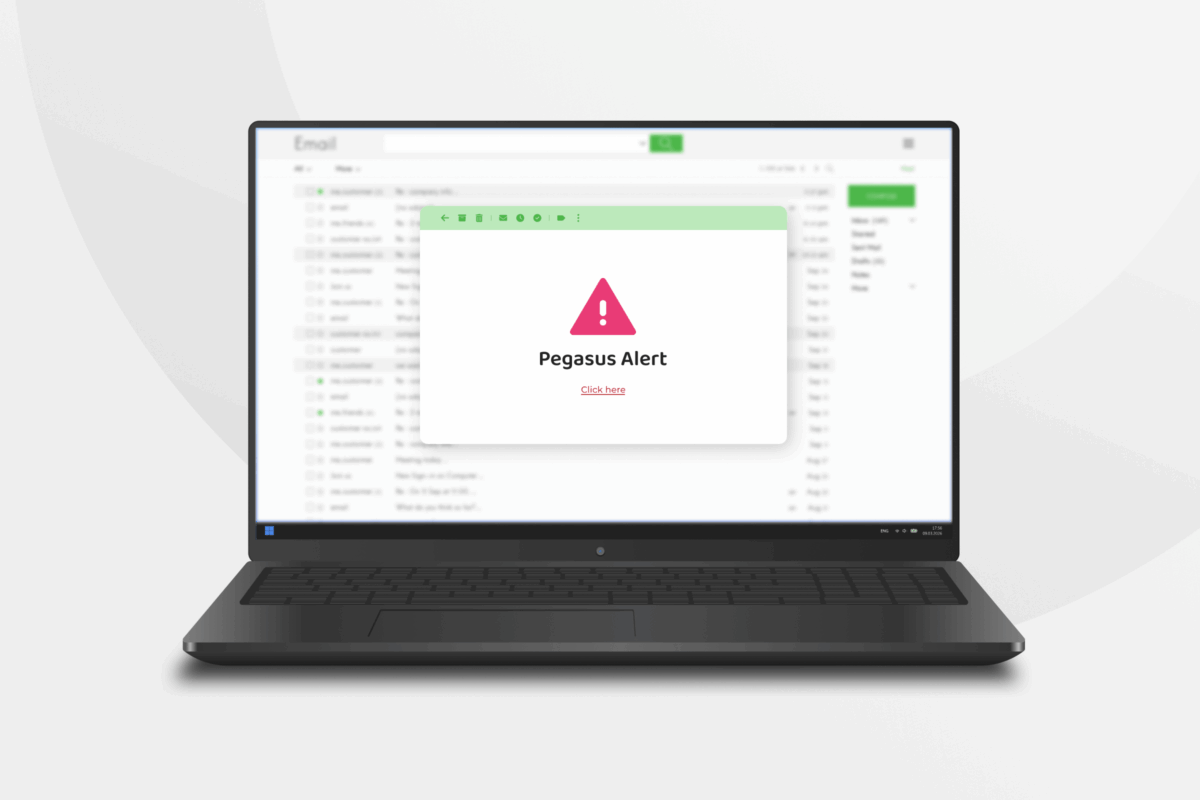
The Pegasus email scam is circulating again. Cybercriminals claim they’ve been spying on you or have hacked your device with Pegasus malware. These claims are false and designed to make you panic.
In this article, we’ll cover everything you need to know about the Pegasus email scam, including what it is, how to spot it, and how to avoid it. We’ll also show ways to recover if you fall victim to the scam.
What Is the Pegasus Email Scam?
The Pegasus email scam is a phishing scam where cybercriminals try to trick you into believing they’ve infected your device with the Pegasus spyware.
The scam works because Pegasus is a real and dangerous spyware. It uses “zero-click” attacks to infiltrate a device, meaning it can infect one without the victim ever clicking a link or downloading a file. Pegasus is also hard to detect and doesn’t slow your device down, which makes the scammer’s threat feel more credible.
In reality, Pegasus attacks are rare and usually target high-profile individuals like government officials or journalists.
How Does the Pegasus Email Scam Work?
There are two main versions of the Pegasus email scam. One is a sextortion angle, where scammers claim they’ve used Pegasus to access your camera and record explicit footage of you. The other is more general. They say they’ve compromised your device and are watching everything you do.
They often demand payment in cryptocurrency and include a personal detail, like an old password or part of your phone number, to make the threat feel real and pressure you into paying.
Have I Really Been Hacked?
No, chances are that you haven’t been hacked. Pegasus spyware is expensive and reserved for rare, targeted cases against governments, journalists, and activists. Scammers don’t have the budget to infect average people with it.
Receiving the email doesn’t mean that cybercriminals have compromised your device. As long as you didn’t click any links or open any attachments, your device is fine. If you did click a link or open an attachment, run a security scan, update your device software, and change any important passwords to be safe.
What Info Do They Have on Me, and How Did They Get It?
Scammers don’t know as much about you as they want you to believe. They usually only have basic information like your name and email address, and possibly your telephone number. This information likely ended up on the dark web after a data breach at a website or service you once used.
Scammers may also include your home address or a photo of your home to make you panic. This information is easy to find in public records. A scammer can get it by typing your name into a search engine and doing a reverse lookup, and photos of your home are easy to find on mapping and real estate sites.
How To Spot a Pegasus Spyware Email
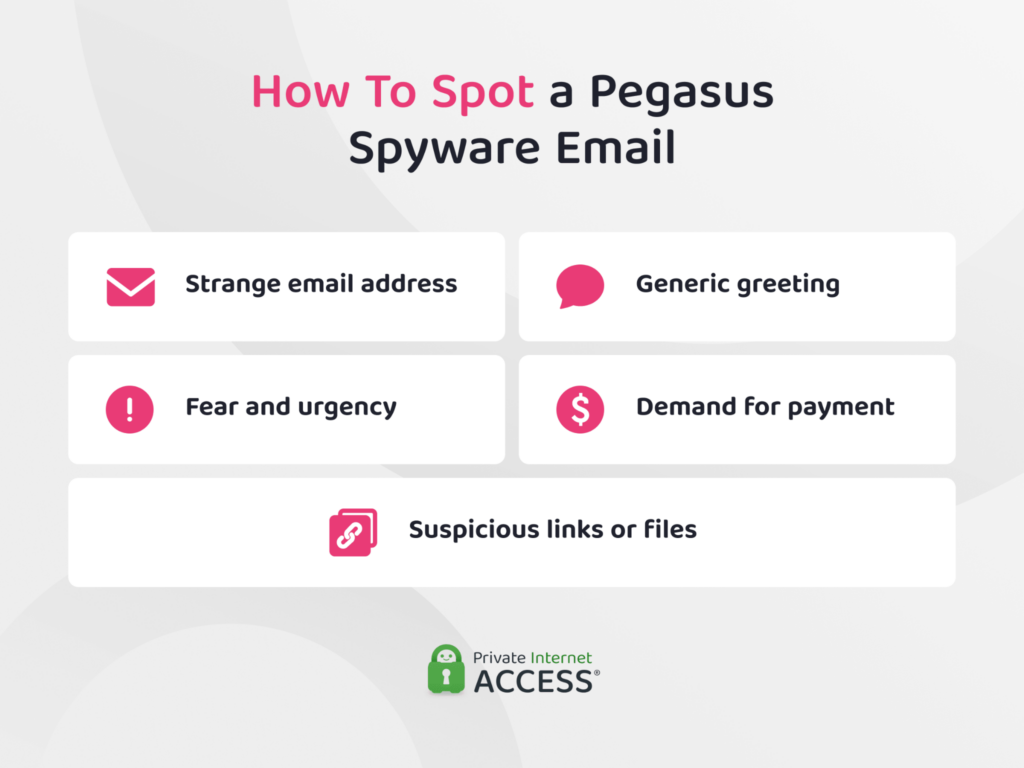
Pegasus scam emails vary in wording, but they typically have the same handful of moves. If an email hits several of these notes, it’s almost certainly a bluff:
- A dramatic opening line meant to rattle you: Scammers front-load shock or shame, sometimes claiming the message came “from your own account,” to knock you off balance before you’ve read the details.
- A claim they installed Pegasus through your browsing: They’ll say you clicked the wrong link or visited an unsafe site, then insist Pegasus recorded you through your camera. Real Pegasus isn’t spread this way, so the story is the first giveaway.
- A recorded-video threat: Almost every version claims to have explicit footage of you and threatens to send it to your contacts, family, or coworkers. It’s the core pressure tactic, and it’s fabricated.
- A specific crypto demand with a countdown: You’ll usually see an exact dollar figure, a Bitcoin or Litecoin wallet address, and a tight deadline of 24 to 48 hours to force a fast, panicked payment.
- A “read receipt” bluff: Many emails claim a hidden tracking pixel tells the scammer the moment you open the message, or that their malware is watching what you do next. It’s there to make you feel monitored.
- Warnings not to tell anyone: Scammers often insist you keep quiet and avoid contacting the authorities, because involving anyone else breaks the illusion that they hold real leverage.
How to Avoid a Pegasus Email Scam
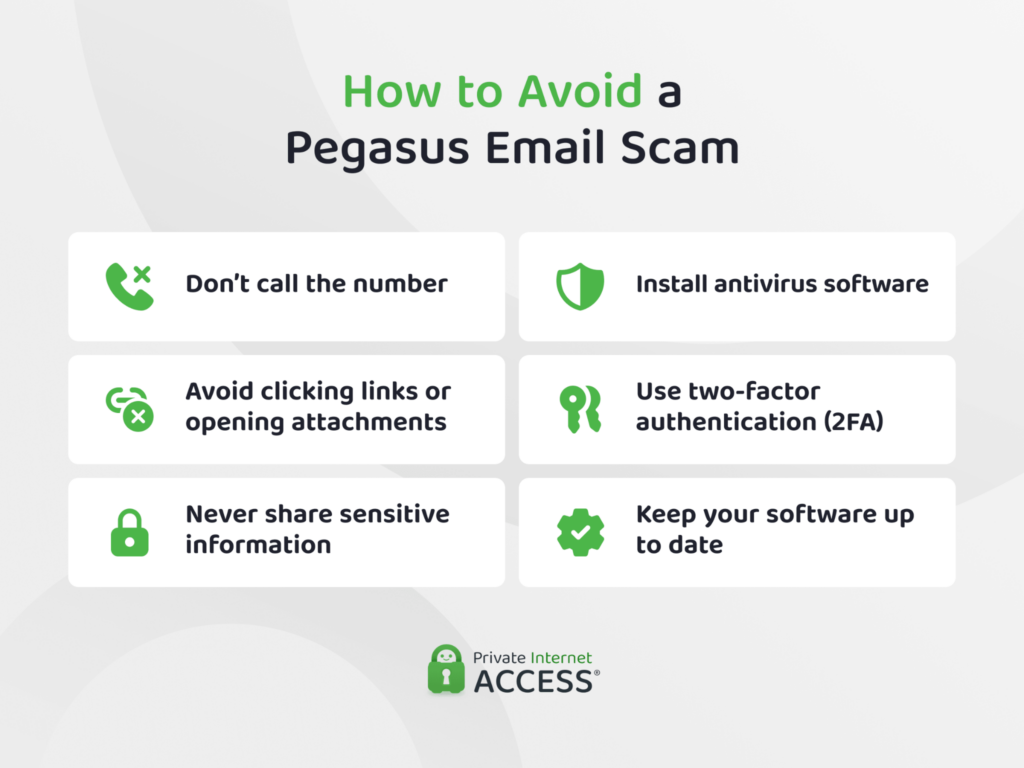
Treat these emails the way you would any phishing attempt. Even if nothing seems suspicious, these tips can help you stay safer and avoid falling for a scam:
- Don’t call any numbers listed. If the email seems threatening, contact your local cybercrime authority instead.
- Avoid clicking links or opening attachments in unexpected emails.
- Never share personal or financial information with someone you don’t recognize.
- Install reputable antivirus and run regular security checks to help detect threats.
- Enable two-factor authentication (2FA) on your email and banking accounts.
- Keep your device and software up to date by enabling automatic updates.
Pegasus attacks are extremely rare, so try not to panic. If something feels off, trust your instincts and investigate further.
How to Report a Pegasus Scam Email
If you receive a suspicious email and you’ve determined it’s a scam, report it to protect yourself and others. Here’s how:
- Don’t reply to the email.
- Report it to your email provider using the “Report phishing” or “Mark as spam” option in your email client.
- Report it to the Federal Trade Commission (FTC).
- File a report with the Internet Crime Complaint Center (IC3).
After you report the email, delete it from your inbox and trash to avoid accidentally opening it again.
What to Do If You Fall for a Pegasus Email Scam
Opening a Pegasus scam email usually isn’t dangerous on its own, as long as you don’t click any links or download any files. But if you do fall for an email scam, act as quickly as possible.
- Stop replying to any emails. If you are on the phone, hang up immediately.
- Freeze any compromised bank accounts or payment sources.
- Contact your bank or credit card company immediately to report unauthorized charges. If you already sent money, notify the provider and try to reverse the transaction.
- Change the logins and passwords for any accounts you may have exposed. That includes protecting your email account.
- Run a full virus scan and remove any suspicious programs. If needed, consider restoring your device to factory settings.
- Regularly check your bank accounts, credit reports, social media accounts, and email activity for signs of unauthorized use.
- Contact your local cybercrime authority if you need professional help.
FAQ
What is the Pegasus spyware email scam?
The Pegasus email scam is a phishing scheme that falsely claims your device is running Pegasus spyware. The scammer says they’ve hacked your device and accessed private or sensitive information, then tries to extort money through blackmail.
How does Pegasus spyware infect devices through email?
Real Pegasus spyware doesn’t spread through everyday scam emails. It’s an expensive, targeted tool used against a small number of high-profile people, and these blackmail emails claim an infection to scare you. The genuine risk in a scam email is the phishing link or attachment, which can install ordinary malware if you click it. The email itself doesn’t infect your device unless you interact with it.
How do I know if a Pegasus spyware email is real or a scam?
Pegasus scam emails often follow a pattern that starts with a threatening opening line, followed by claims that through Pegasus, the scammer now has explicit recordings of you captured by your camera. This is almost always a bluff. Remember to never click on any links, call any numbers in the email, or share financial information with someone you don’t know.
What do I do if I get a Pegasus spyware email?
You can immediately report it to your email client by clicking on the “Report phishing” or “Mark as spam” option. You can also file reports with the Federal Trade Commission (FTC) and the Internet Crime Complaint Center (IC3). After filing a report, send the email to your trash and empty your bin to delete it permanently.