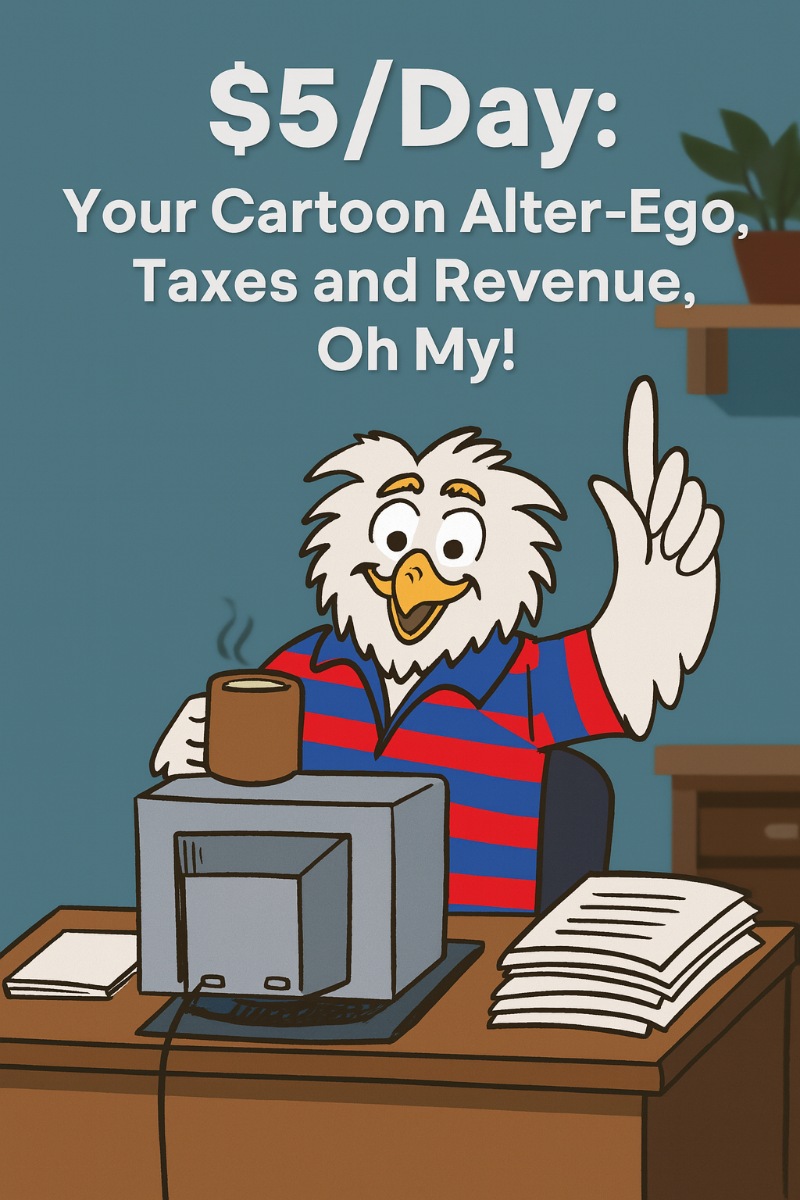
Let’s check out one of the most exciting topics imaginable….
Taxes!
Doesn’t hearing that word want to make you rush out and hug the world… that excitement and heart-pounding adrenalin would do it to anyone!
OK, perhaps… not *anyone*
Double OK, I will admit… even just the word can make people suddenly remember they need to scrub the grout in the shower instead. But imagine if instead of a dry IRS manual, you had a cartoon character swooping in like a caffeinated superhero owl or a sarcastic penguin in a bowtie?
Suddenly, filing taxes turns into an actual adventure instead of a chore that makes your soul cry!
That is the beauty of creating a cartoon alter-ego who guides readers through boring-but-necessary topics – you turn complexity into entertainment, and entertainment into money.
And here’s where the magic comes in: you do NOT need to become the next Walt Disney to pull this off. You only need one quirky character, one problem, and one funny solution guide.
Then you can wrap that into a simple PDF, slap it up on Gumroad, and you have something people will pay five bucks for – especially around tax season, when everyone is panicking. And if your cartoon takes off? Boom. You can build out an entire line of “Fun Guides” that people will start collecting like Pokémon cards.
With that out of the way, let’s now move to:
Tools You Might Need
-
Google Docs – Draft your script in plain, clean text, track edits, and keep versions tidy. Easy sharing if you’re collaborating with an artist or editor.
-
Canva – Turn your script into a friendly, visual PDF with big headers, icons, and your mascot in the margins. Great covers and one-click exports.
-
Krita – Free, powerful drawing app for creating or polishing your cartoon alter-ego. Layers, brushes, and tablet-friendly workflow.
-
Procreate – If you’re on iPad, this is the smoothest sketch-to-final tool for character poses and reaction doodles. Crisp lines, fast coloring.
-
Midjourney – Generate base character poses, props, or backgrounds fast; then refine in Krita/Procreate. Great for idea exploration and variations.
-
Fiverr – Hire a budget illustrator for a consistent character sheet (front/side/expressions). One small spend, endless reuse across guides.
-
Gumroad – Your storefront. Upload the PDF, set your $5 – $7 price, deliver instantly, and collect emails for future launches.
-
Etsy – Optional second sales channel with built-in traffic. Duplicate listing, new audience. Good for seasonal spikes.
-
Placeit – Create book-style mockups and device previews so your guide looks real, premium, and worth the click.
-
CapCut – Make 15 – 60 second teaser clips with captions and quick cuts. Perfect for TikTok/Shorts promos starring your mascot.
-
Grammarly – Keep jokes punchy and explanations clear. Flags jargon, run-ons, and accidental robot-speak.
-
Blue Yeti USB Microphone – Record a playful voiceover preview or full audio edition. Better sound = higher trust = more sales.
-
Ring Light Tripod – Clean, bright lighting for short promo videos and product shots. Looks pro without effort.
-
XP-PEN Drawing Tablet – Affordable tablet for inking expressions, speech bubbles, and quick margin doodles. Consistent style, fast edits.
Now that you have the toolkit ready, let’s dive into the action plan! Zoom over to:
Your 10 Step Action Plan
Step 1: Choose Your Cartoon Alter-Ego
Pick a character that feels natural for you. Maybe it is a nerdy owl with giant glasses, a squirrel who thinks taxes are nuts, or even a robot who insists on filling out forms with deadly accuracy. The important part is that it has personality – the sillier, the better.
Need help? Sites like ToonGenerrators or Canva’s CartoonGen are useful indeed!
Once you have your alter-ego, sketch it out in Canva, hire a cheap illustrator on Fiverr, or use AI art tools. Do not stress about perfection. Your readers are here for humor, clarity, and relief from boredom, not polished Pixar animation.
And just fyi, mine is Owlbert Owlenstein.
Step 2: Identify a Pain Point (Taxes, in this case)
You need one clear, sharp problem. For taxes, that could be “What the heck is a 1099?” or “Why is my refund smaller than a slice of stale bread?” A single problem makes it easy to focus your cartoon’s adventure around a solution.
Think of this as a sitcom episode. One conflict. One quirky solution. End scene. Win!
That focus will keep your guide short, easy to read, and easy for you to sell quickly.
Step 3: Write the Story Like a 6th Grader Could Understand
This is where you channel your inner teacher. Pretend you are explaining it to a 12-year-old who just wants to know if they will still have money for pizza afterward. Use short sentences, funny analogies, and bold statements.
Example: “A W-2 is like a report card from your boss. It shows how much money you made and how much Uncle Sam stole.”
Keep it playful, but also make sure the reader actually learns something. That balance is the secret sauce.
Step 4: Add Visual Humor
Your cartoon alter-ego should not just talk – it should do. Maybe your owl character faints dramatically when it sees a tax penalty, or your penguin tosses receipts in the air like confetti. Screenshots, doodles, or even stock cartoon poses work fine.
Humor in visuals keeps readers moving through your guide. The more smiles they have, the more likely they are to buy your next guide, too.
Step 5: Package It Into a Report
Once your story is written and illustrated, package it up neatly. Use Canva to make it look like a mini-comic book, or even just a clean PDF with funny headers and your cartoon sprinkled throughout. Short is fine – 5 – 7 pages is enough for a $5 guide.
Remember, clarity beats quantity. Do not bloat your report with fluff. Keep it lean, funny, and useful.
Step 6: Upload to Gumroad
Head over to Gumroad and set up your product. Add a fun title like “Taxes Don’t Have to Suck (An Owl’s Guide to Surviving April).” Use the cover image from your PDF as your product thumbnail. Set the price at $5.
Gumroad makes it easy for anyone to buy your guide instantly. You do not need a website, and you do not need tech wizardry.
Step 7: Create a Funny Product Description
Your product page should sound like your cartoon is speaking directly to the buyer. Example: “Hey, it’s me, Tax Owl. I may not have talons for math, but I can sure explain your 1099 faster than you can say ‘audit.’”
This gives the whole thing personality, which is what will make it stand out from boring tax help books.
Step 8: Share on Social Media
Now it is time to put your cartoon alter-ego out in the wild. Create a TikTok or Instagram Reel where your character explains one tiny tax tip in under 30 seconds. Share memes with your character. Post funny screenshots from your guide.
People love sharable, relatable humor. And they will want the full guide once they see your snippets.
Step 9: Collect Feedback
As people buy and read, ask them for feedback. Did they laugh? Did they finally understand something about taxes? Would they buy more guides? This helps you figure out what to create next.
Sometimes your audience will literally hand you your next idea. Listen carefully.
Step 10: Expand Into a Series
This is where the $5/day turns into something bigger. Once your cartoon has one hit guide, make more. “Fun Guide to Freelancers’ Taxes.” “Fun Guide to Saving Receipts Without Crying.” Over time, you will have a whole quirky library of guides.
Your character becomes your brand. And your brand becomes the thing people keep coming back to.
5 Super Creative Tips
-
Use Seasonal Hooks: Release a “Cartoon Tax Survival” guide right before April 15. People are stressed and will pay for quick relief. Capitalize on urgency.
-
Offer Bundles: Sell 3 guides for $12. People love feeling like they got a deal, and you increase your average order size instantly.
-
Make Stickers of Your Character: A little owl saying “Deduct THIS!” as a sticker? People will giggle and share. That boosts your brand visibility.
-
Run a Giveaway: Offer a free guide to the first 20 people who share your cartoon on social media. Suddenly, your readers do your marketing for you.
-
Add Mini-Quizzes: At the end of your guide, add a silly quiz like “What kind of tax filer are you? Owl, penguin, or squirrel?” This makes it more interactive and memorable.
5 Excellent Ways to Get in Front of Customers
Before you do ANYTHING with communities, first spend time getting yourself known so you do not hear the word SPAAAAMMMMM! flinging itself into your avatar.
Now that we’re cleared that up, let consider:
-
Reddit Communities: Join r/tax, r/freelance, or other related subreddits. Do not spam – instead, post funny cartoon explanations in comments. Build trust before linking your guide.
-
Facebook Groups: Search for groups where small business owners or freelancers hang out. Post helpful funny tax memes. Once you are known, casually mention your guide.
-
Twitter/X Threads: Post quick, snappy tax jokes with your cartoon images. Twitter is perfect for one-liners. Example: “The IRS is like my mom – always knows when I owe them money.”
-
Email Signature: Add your cartoon character + “Need a fun tax guide? Click here.” Every email you send becomes an ad.
-
Niche Newsletters: Partner with newsletter owners who write about money or freelancing. Offer them an affiliate link to sell your $5 guide for a cut.
Your Next Steps
So, what now? Start with just one idea, one cartoon, and one problem. That is it. Do not worry about making it perfect – readers care more about clarity and laughs than about polished artistry.
Once your first guide is up, share it in one place. Watch for feedback. Then create another guide. Piece by piece, you build an empire of fun guides that people actually enjoy reading.
The beauty here is that the ceiling is unlimited. You can grow this from a single $5 guide into a full quirky brand. And it all starts today.
You’ve got this!
Enjoy.