Halloween is all about creativity, and for Halloween 2026, AI photo editing is taking it to the next level. With just a few words, you can generate hyper-realistic spooky portraits that look straight out of a horror movie or fantasy world. Get inspired with AI-generated Halloween art and conjure up some masterpieces with our collection of AI prompts.
Note: All the images below are created with YouCam Makeup, a free photo editing app to create AI Halloween art and portraits.
🧪 How I tested this: For this 2026 refresh, I went back through all 25 prompts and ran them on my own selfies in YouCam Makeup instead of just reusing last year’s examples. I tried each one with a daylight window selfie and a dim indoor selfie so I could see how much the starting photo changes the result. Some prompts looked instantly convincing, while others needed a shorter, more focused wording to stop the effect from looking busy. Below I’ve added notes on what worked, what didn’t, and what I’d change before posting.
Key Takeaways
- 🎃 Your face, not a stranger’s: These Midjourney-style prompts work on your own selfie in YouCam Makeup, so the result still looks like you.
- 👻 Short prompts win: One character, one or two makeup details, and one setting gave me cleaner results than long, stacked prompts.
- 💡 Start with good light: A soft, front-lit selfie made glowing eyes and shimmer makeup look far more believable.
- 🎬 Take it further: Once you like a still, you can animate it with YouCam Makeup’s Image-to-Video feature for Reels or TikTok.
- 🕸️ 2026 twist: Fall 2026 makeup trends like gunmetal smoky eyes and ghost lashes translate well into Halloween prompts.
25 Midjourney Halloween Prompts to Try
If you’re not sure where to start, here are 25 Halloween AI photo prompt ideas to spark your creativity. Simply copy and paste the prompts below to create your AI photos.
Witch with emerald eyes and smoky makeup, moonlight glow, enchanted forest.
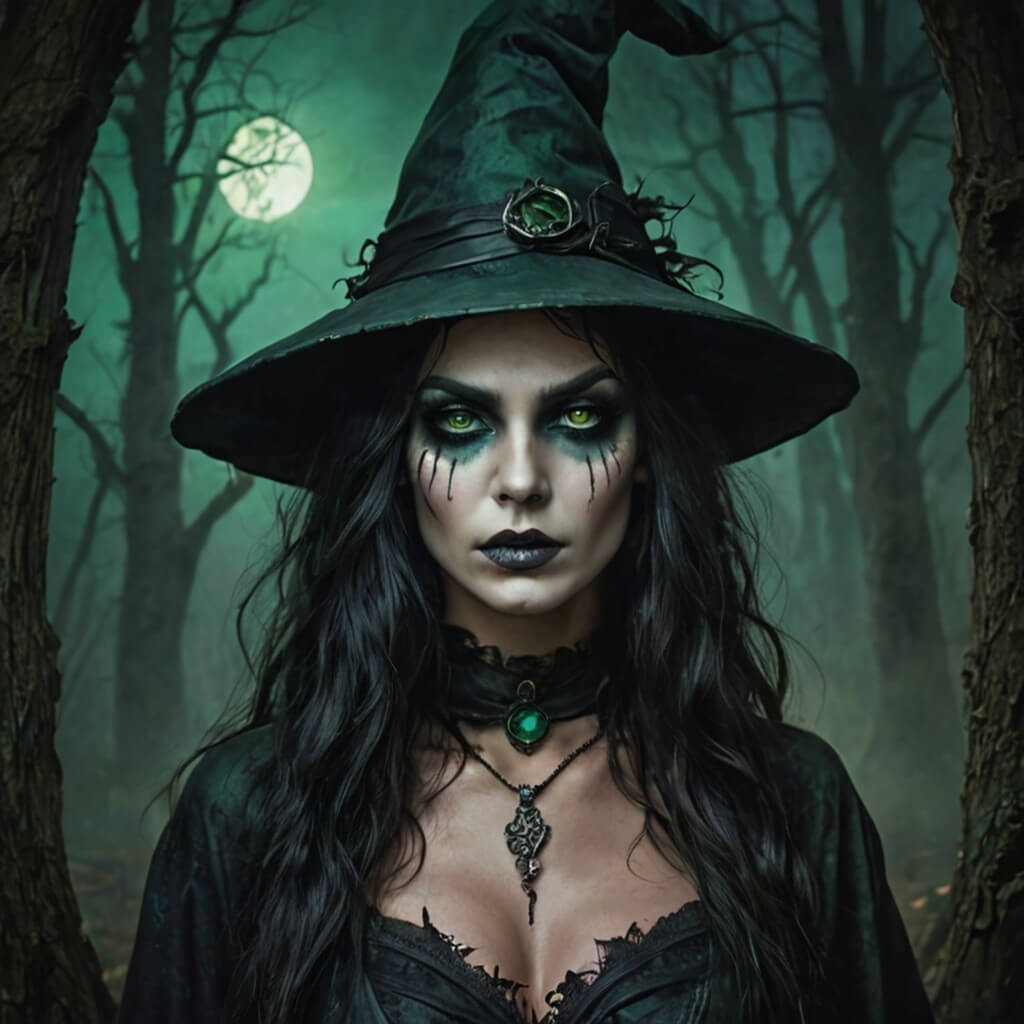
Create this image for free using YouCam Makeup ➡️
🧪 My test notes: This was one of the most convincing results in my test. The smoky makeup blended naturally with my own features, and the moonlight glow looked best on the selfie I took facing a window rather than under overhead light.
Glam vampire with red glitter eyeshadow and silver accessories, gothic castle backdrop.
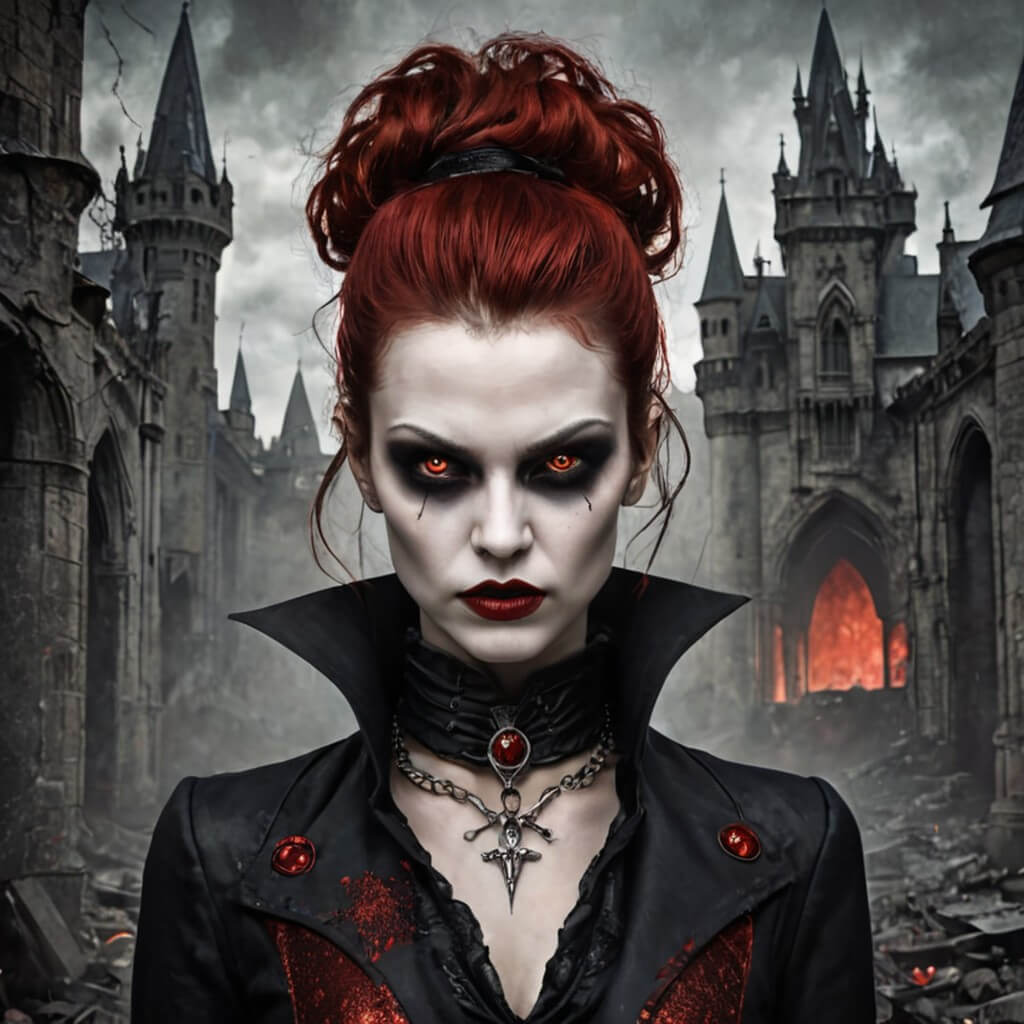
Create this image for free using YouCam Makeup ➡️
Ghost bride with flowing veil, pearl shimmer makeup, foggy graveyard setting.
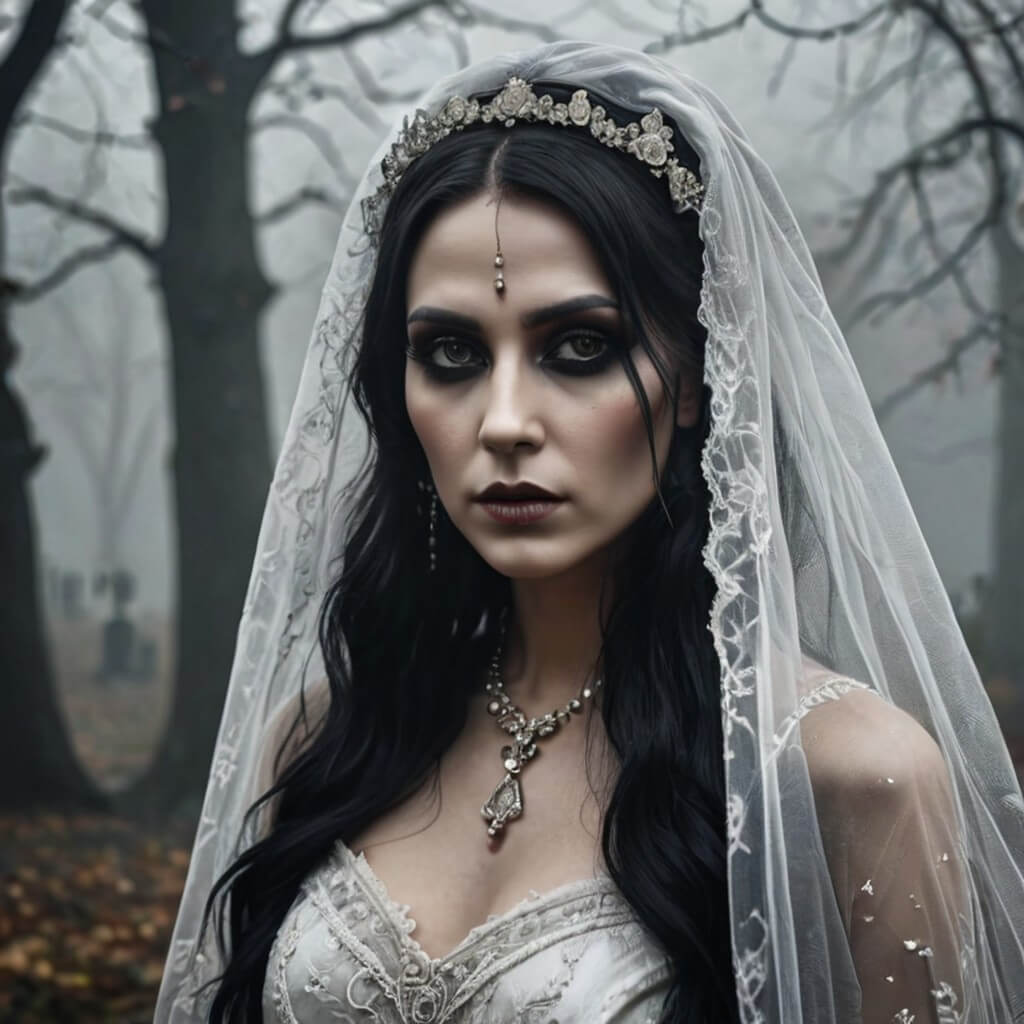
Create this image for free using YouCam Makeup ➡️
🧪 My test notes: The veil and pearl shimmer looked lovely, but on a busy indoor background the foggy graveyard setting felt less believable. A plain wall behind me gave the AI more room to build the scene.
Zombie queen with cracked porcelain skin, glowing neon eyes, dark ruins.
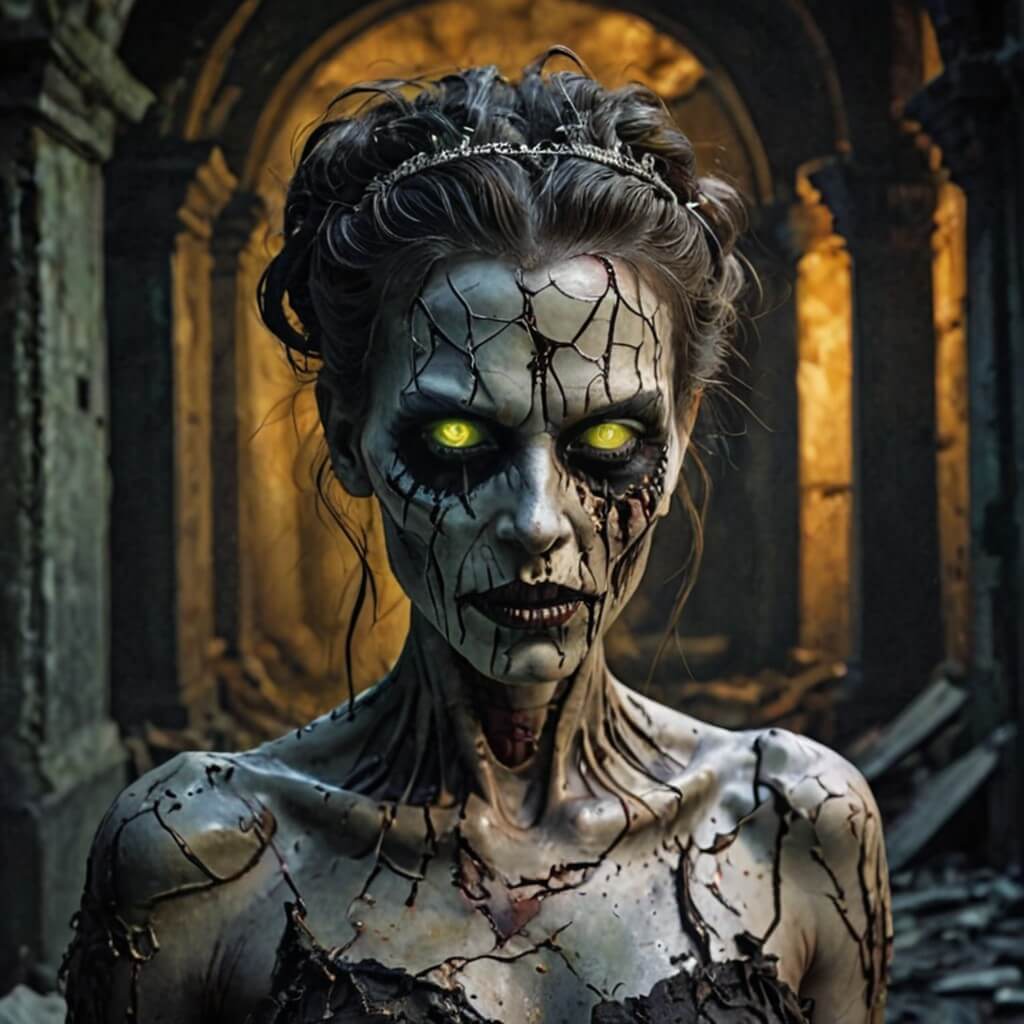
Create this image for free using YouCam Makeup ➡️
Cute pumpkin fairy with orange blush, leaf crown, warm candlelight.
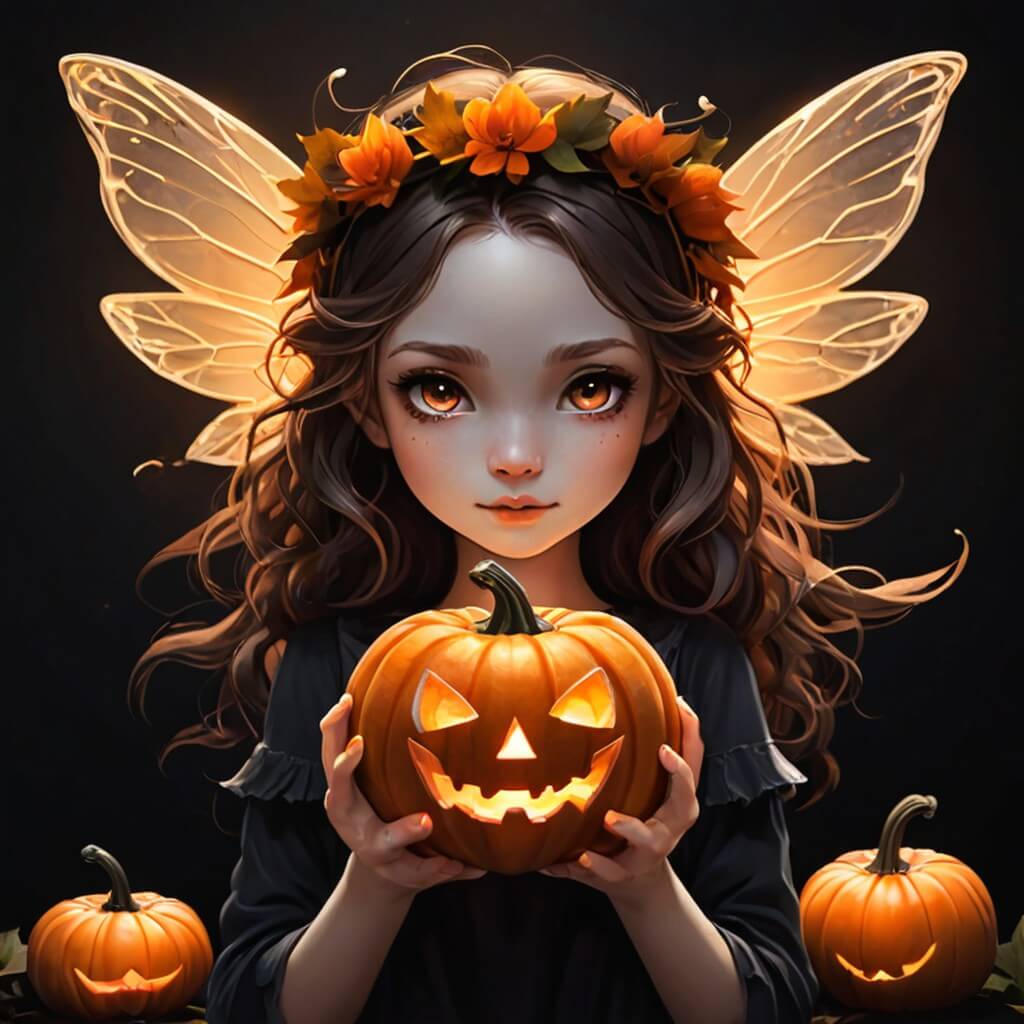
Create this image for free using YouCam Makeup ➡️
🧪 My test notes: If you want something cute rather than scary, start here. The orange blush and candlelight worked especially well on a warm-toned selfie; on a cool, bluish photo the look felt a little washed out.
Haunted doll with pink blush and porcelain skin, vintage horror look.
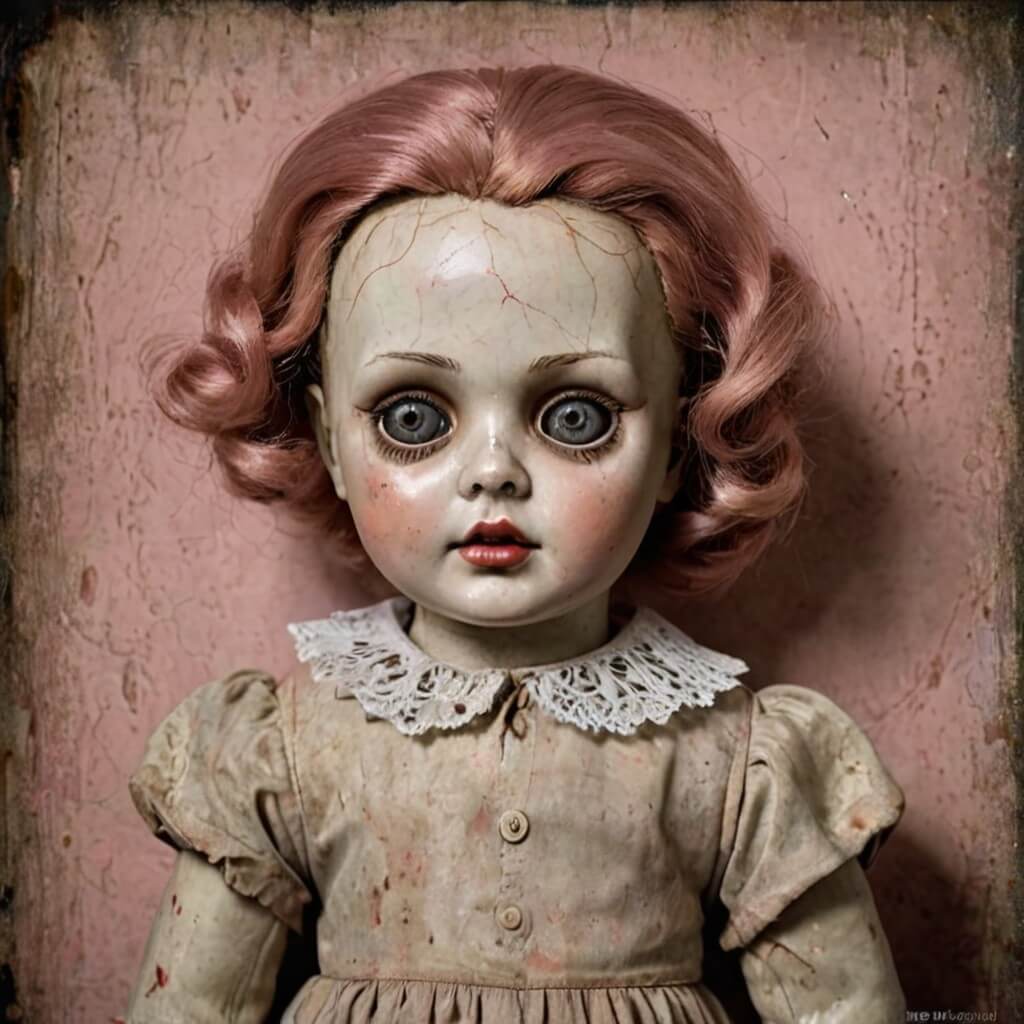
Create this image for free using YouCam Makeup ➡️
Cyberpunk skeleton with metallic makeup and glowing neon ribs.
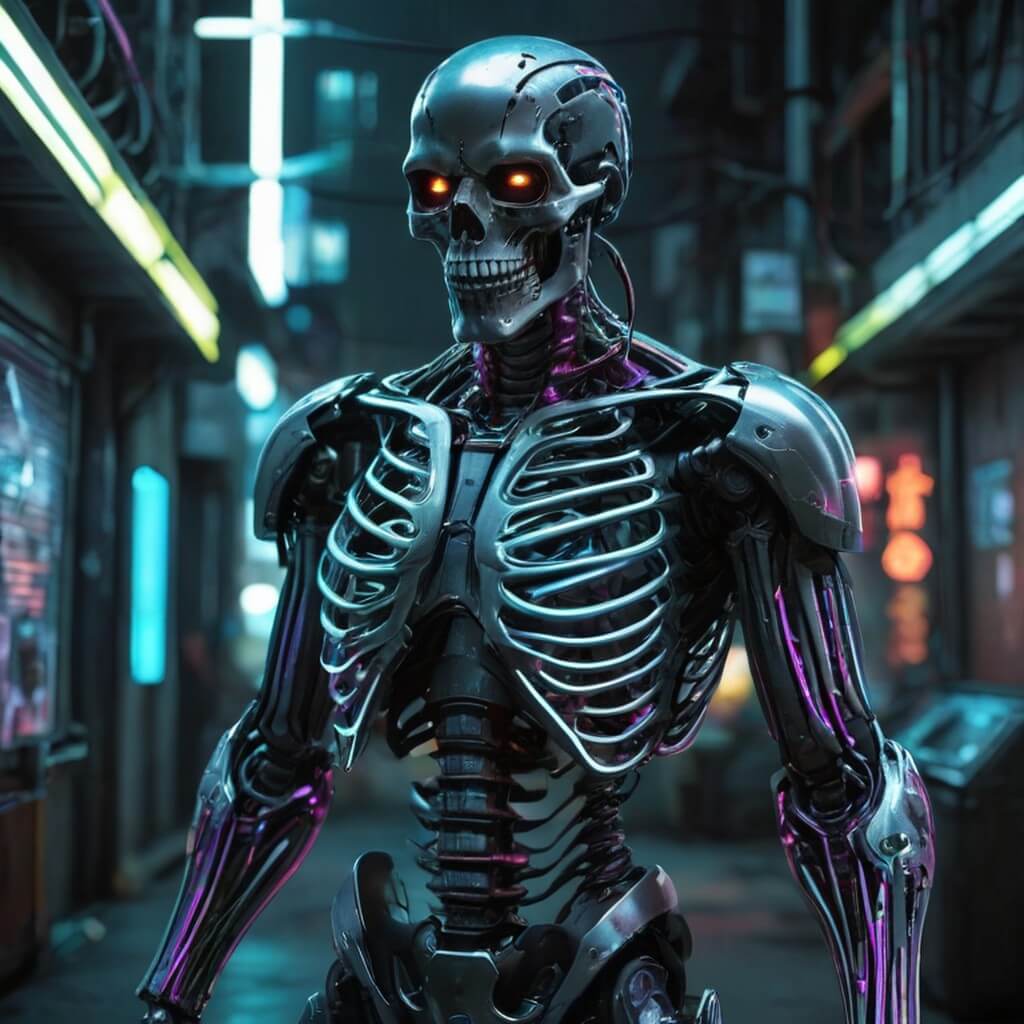
Create this image for free using YouCam Makeup ➡️
🧪 My test notes: The neon ribs looked striking, but the metallic makeup was more convincing on a straight-on selfie than an angled one. If yours looks off, retake the photo facing the camera directly.
Gothic angel with black feathers, glowing eyeliner, silver lips.
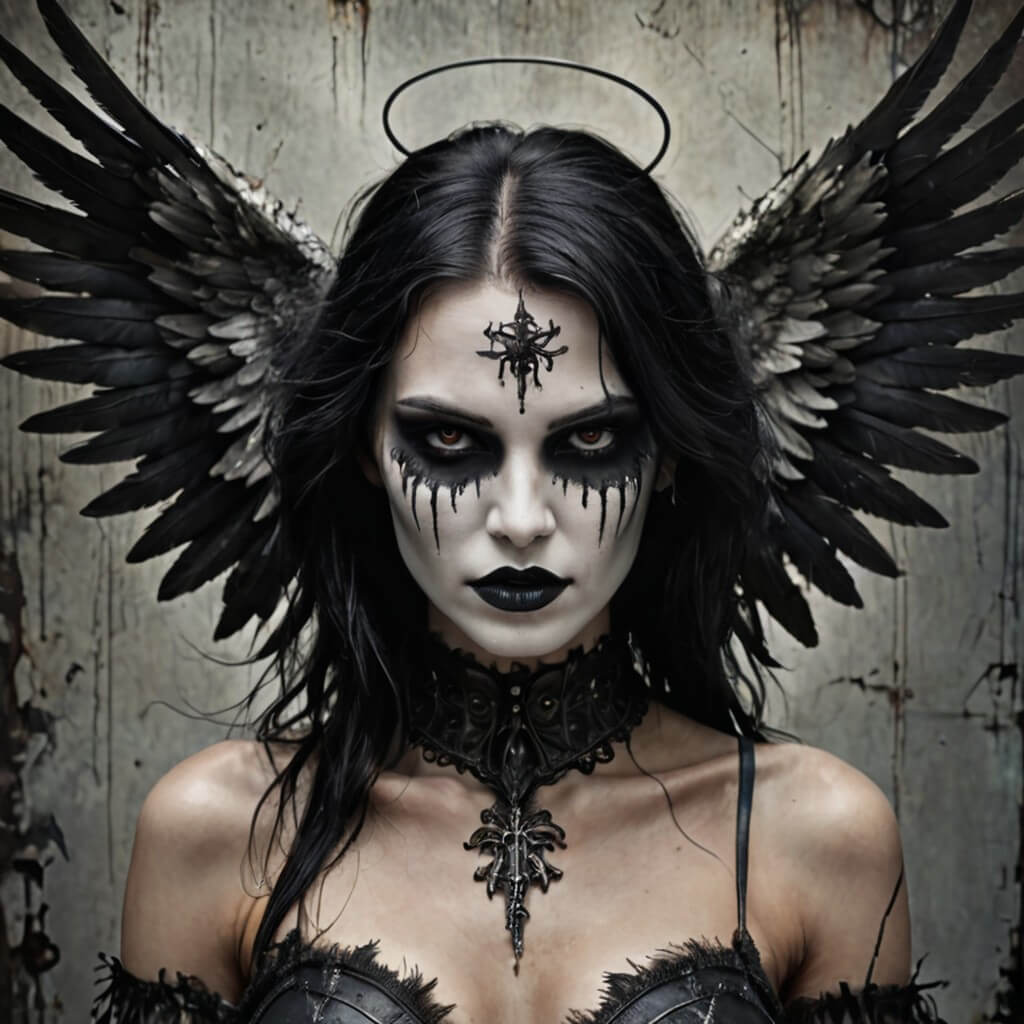
Create this image for free using YouCam Makeup ➡️
Ethereal ghost with white sparkles and flowing hair, misty background.
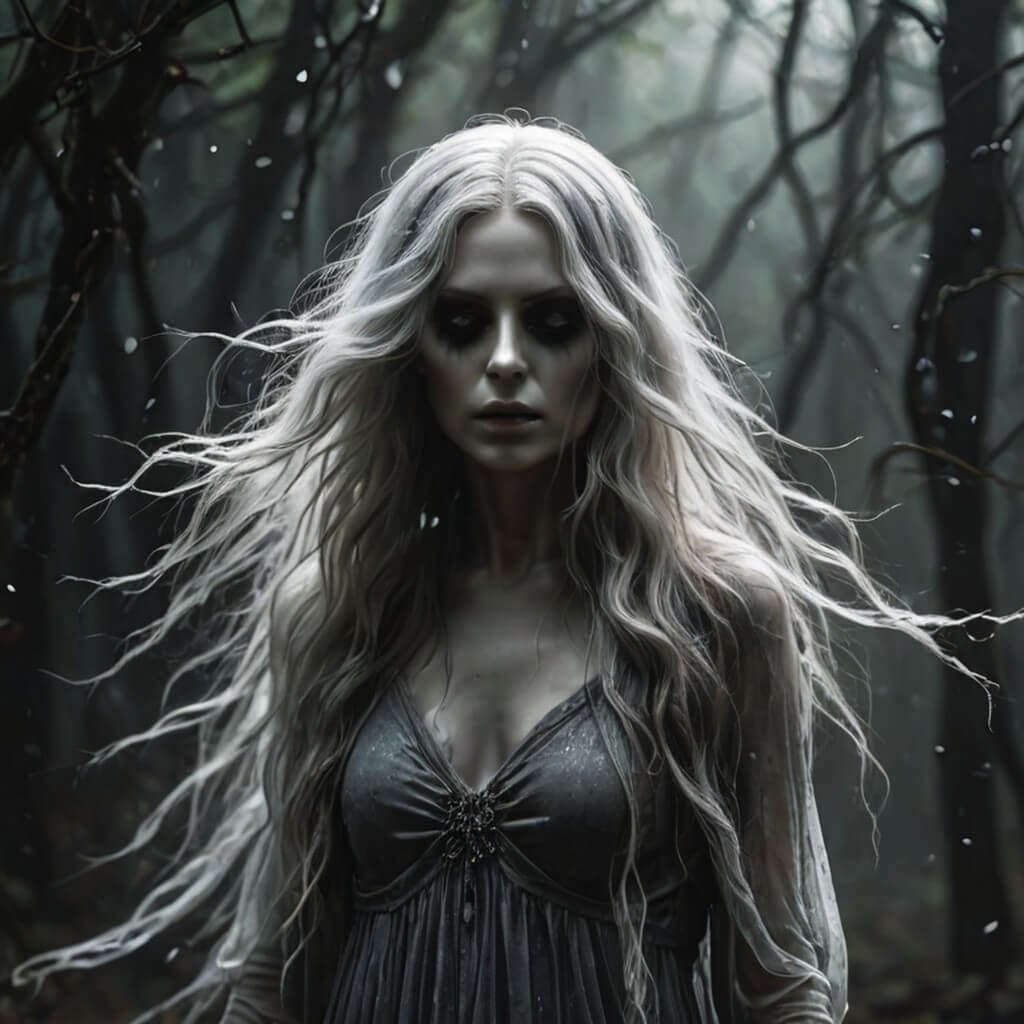
Create this image for free using YouCam Makeup ➡️
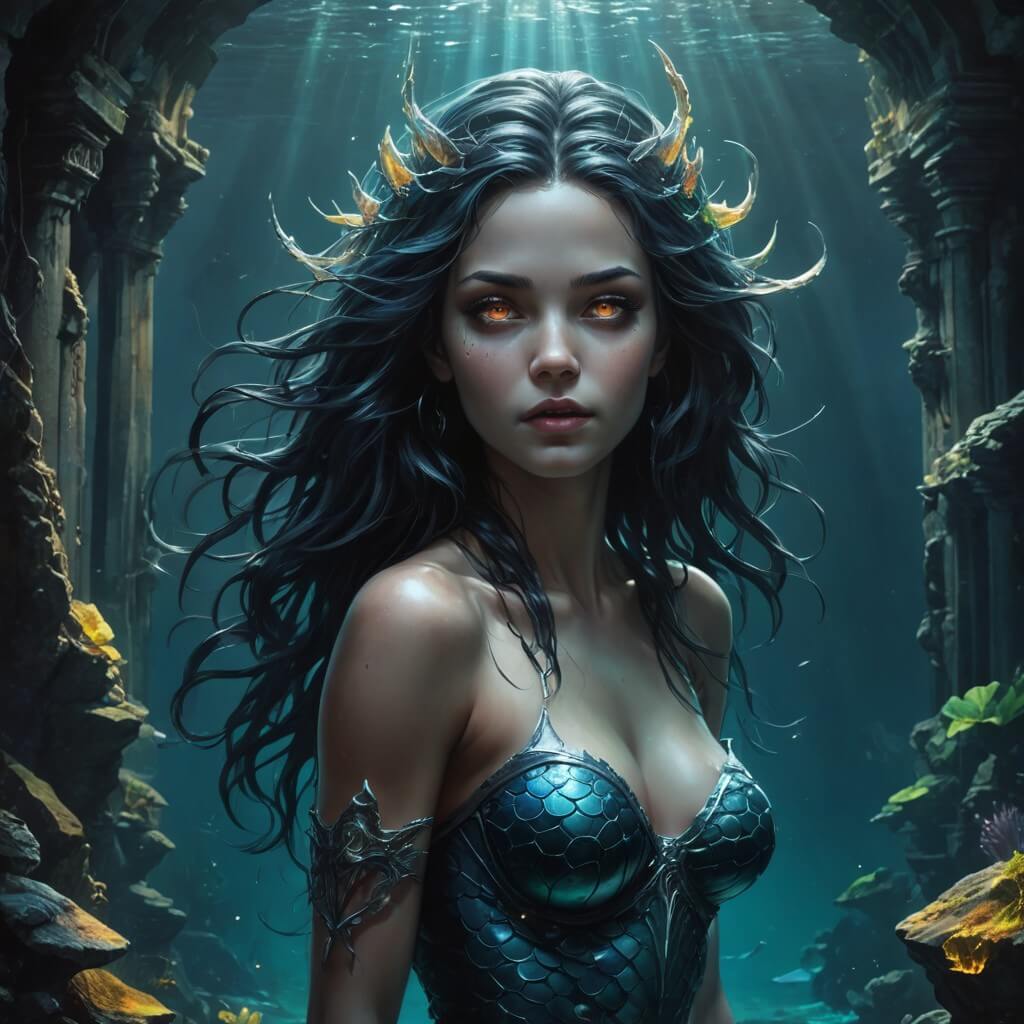
Dark mermaid with teal scales, holographic makeup, underwater ruins.
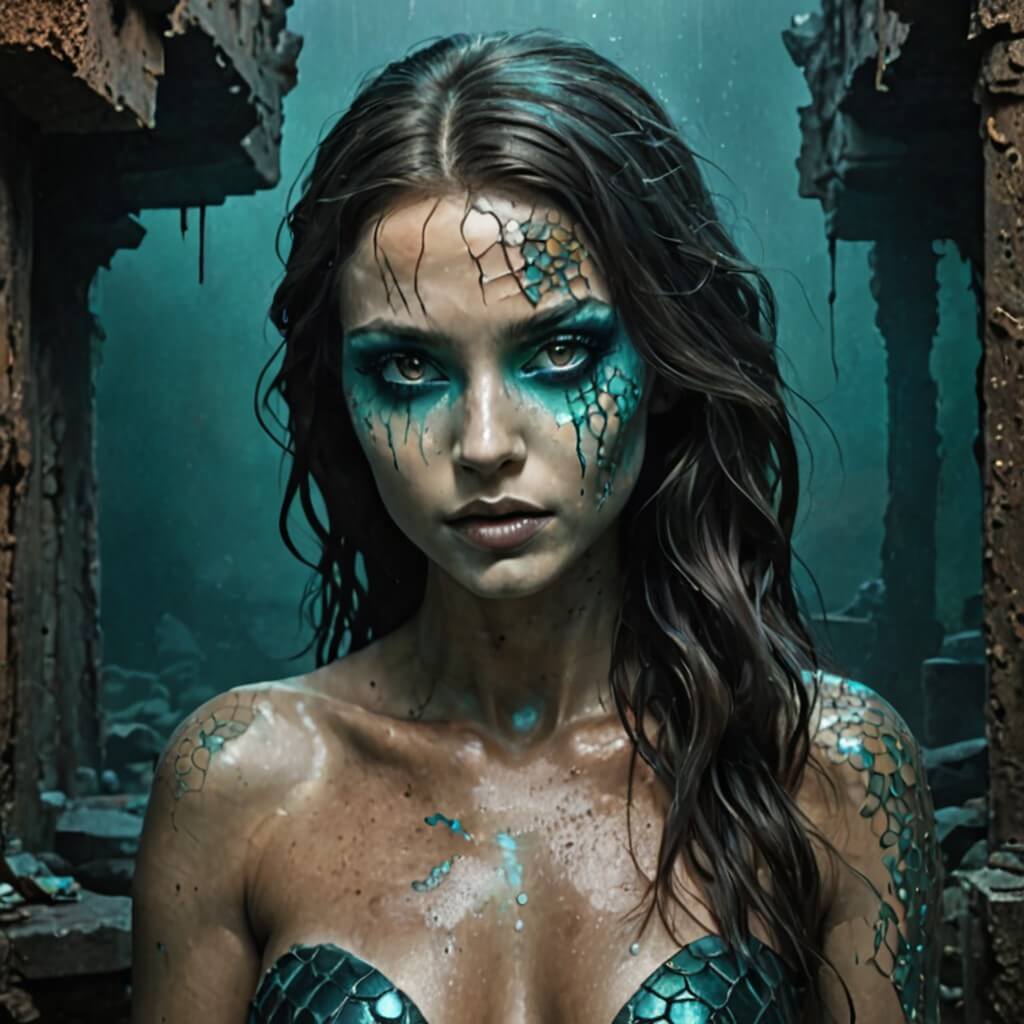
Create this image for free using YouCam Makeup ➡️
🧪 My test notes: The holographic makeup was a highlight for me. Wet-look or slightly glossy skin in the original selfie seemed to help the underwater mood, while a very matte photo made the scales feel flatter.
Demon queen with firelight reflection and gold crown, smoke effects.
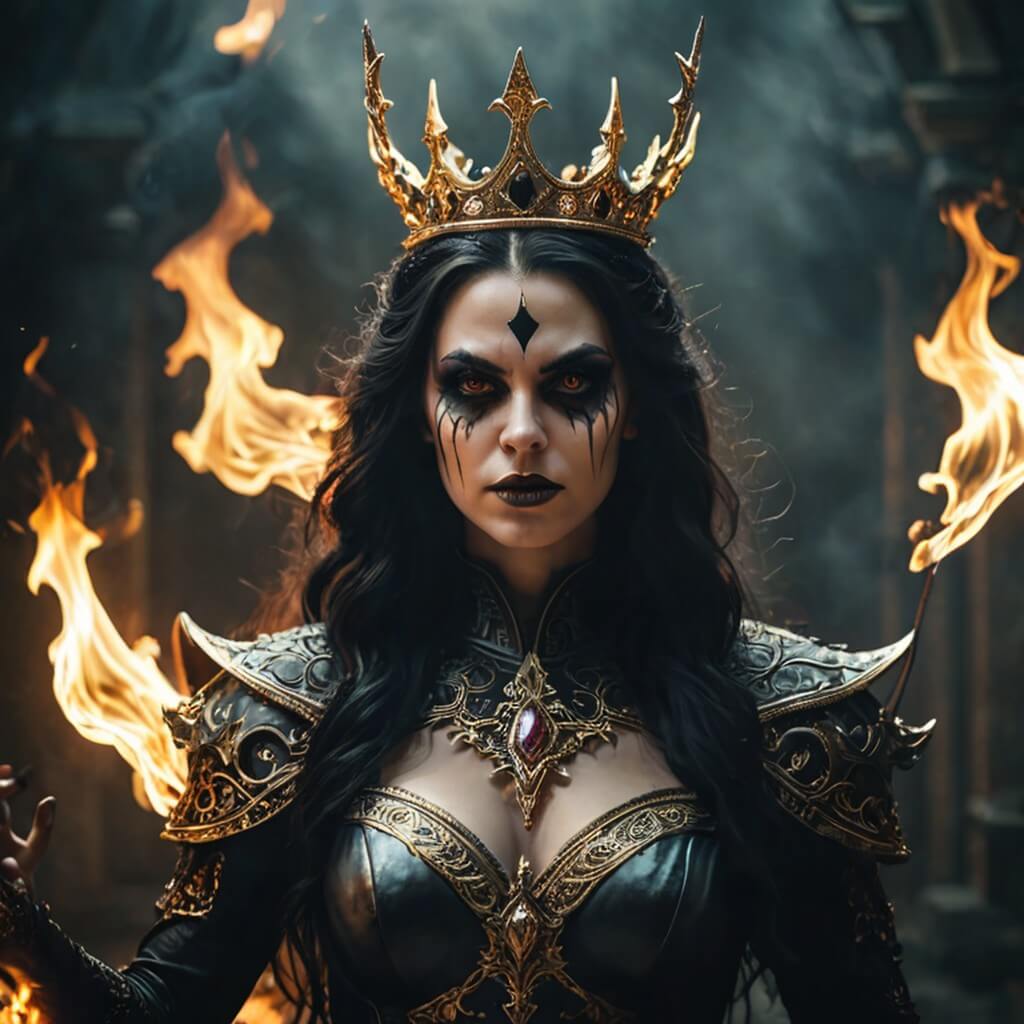
Create this image for free using YouCam Makeup ➡️
Scarecrow with patchwork skin and glowing pumpkin eyes.
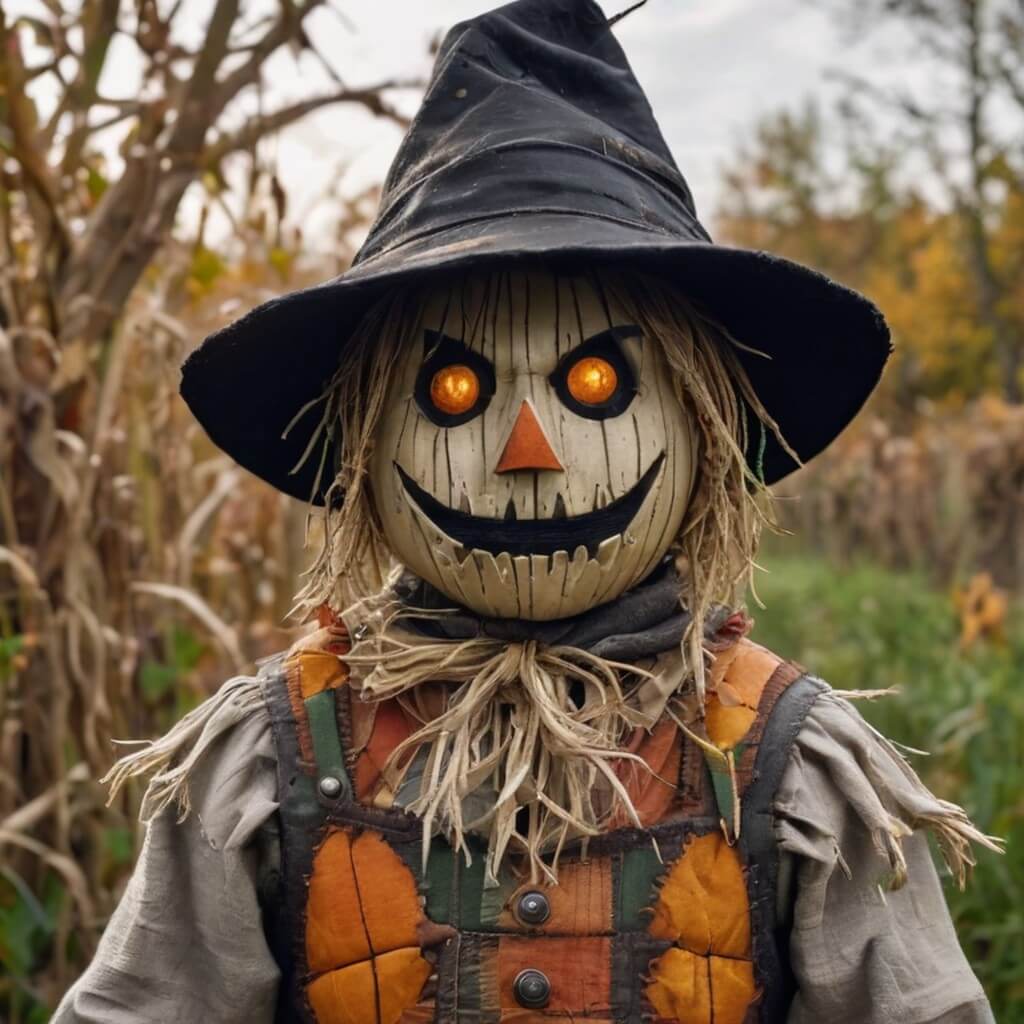
Create this image for free using YouCam Makeup ➡️
Victorian vampire lady with lace choker and dramatic black eyeliner.
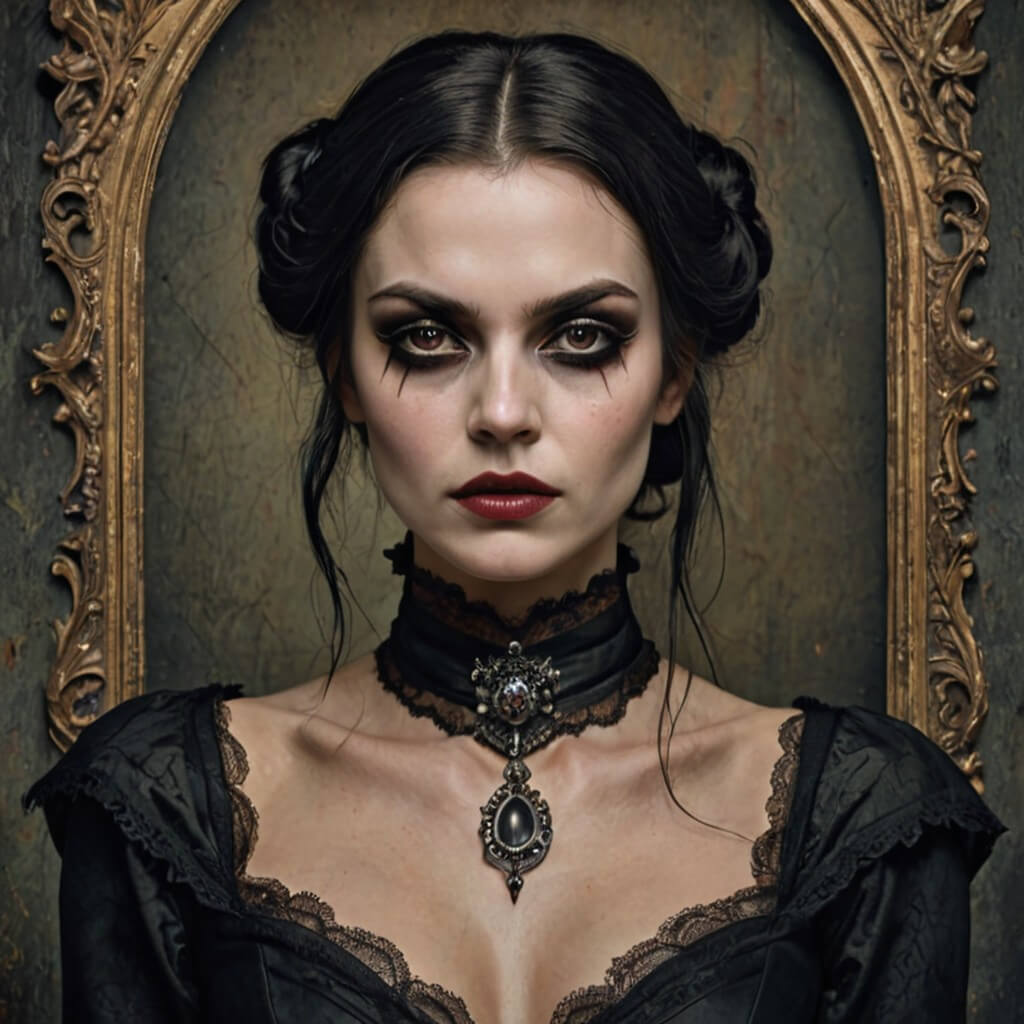
Create this image for free using YouCam Makeup ➡️
🧪 My test notes: A classic that is hard to get wrong. The dramatic eyeliner read clearly even on a small phone screen, which makes this one a good pick for a profile picture.
Witch apprentice mixing potions, glowing eyeshadow and neon pot glow.
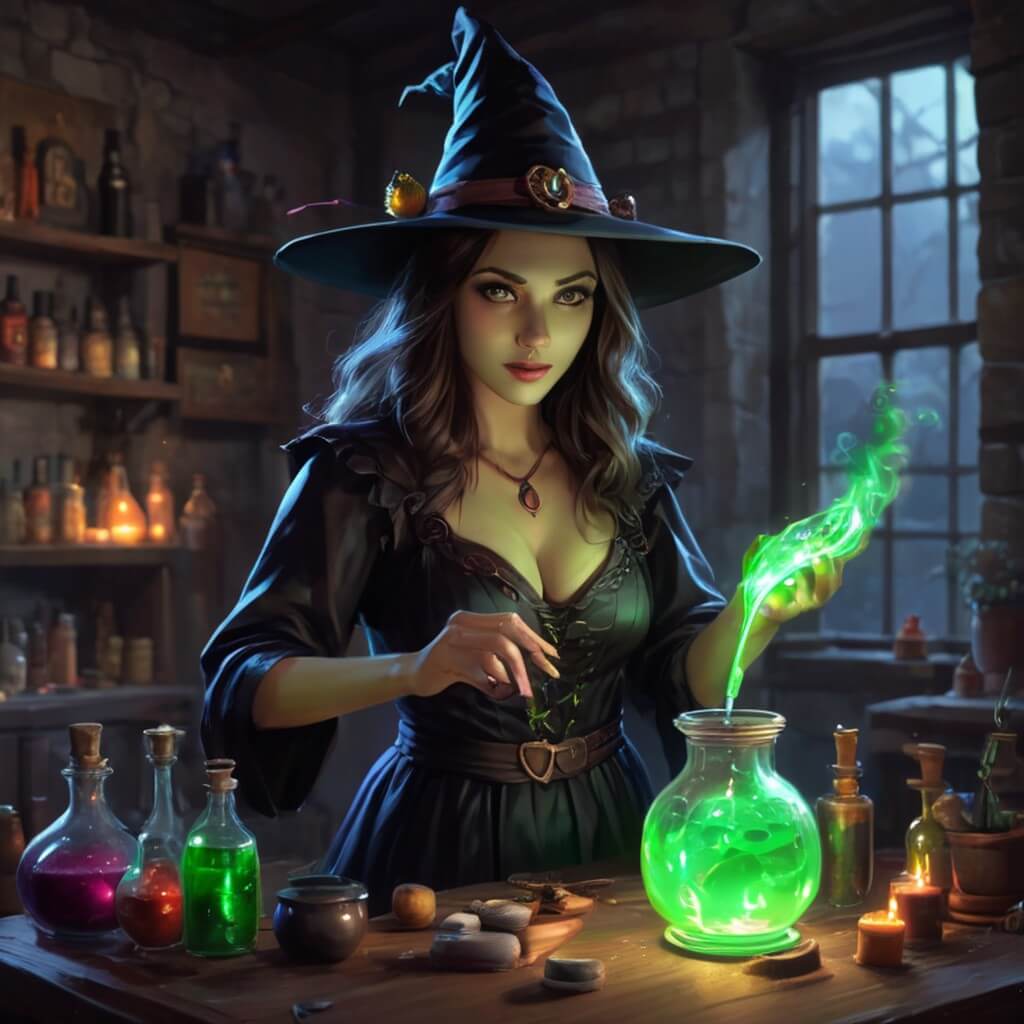
Create this image for free using YouCam Makeup ➡️
Skeleton glam look with glitter bones and crystal crown.
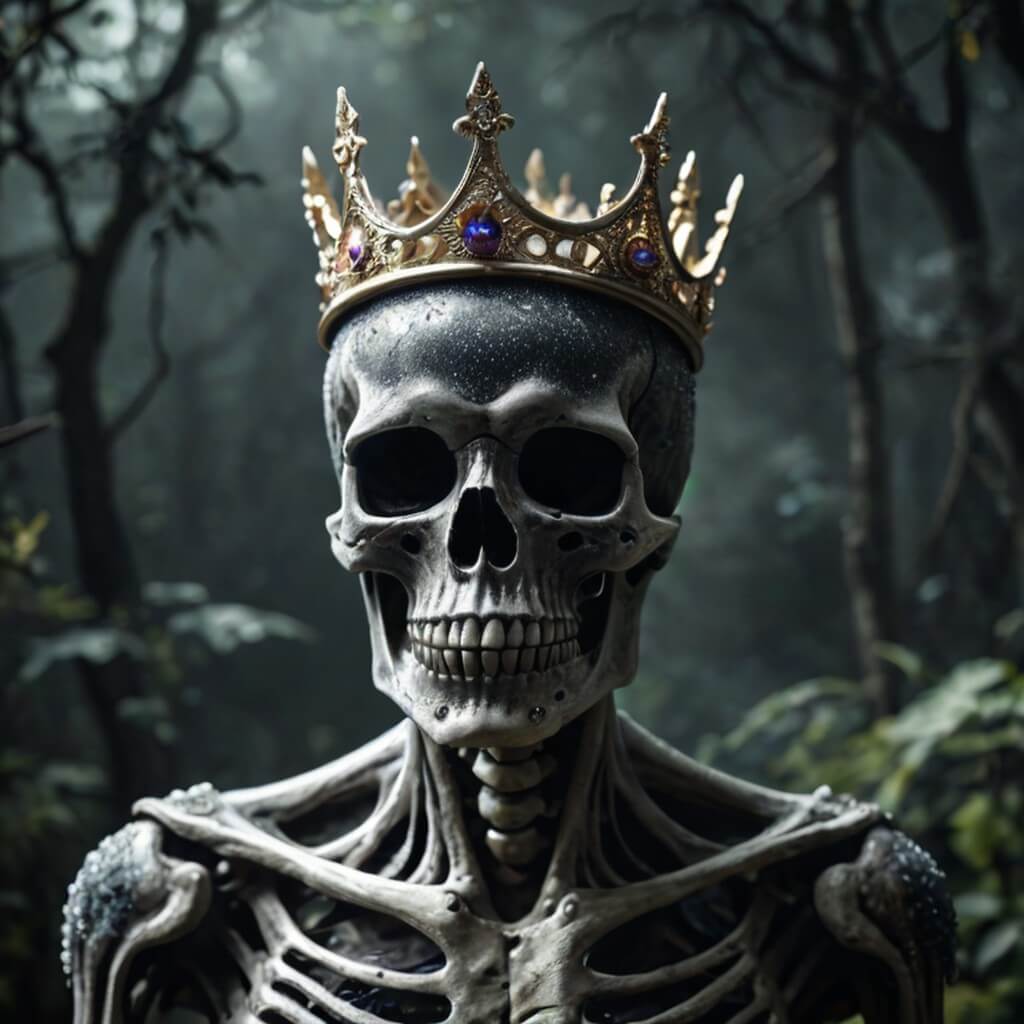
Create this image for free using YouCam Makeup ➡️
Haunted carnival performer with star-shaped eye makeup and eerie lighting.
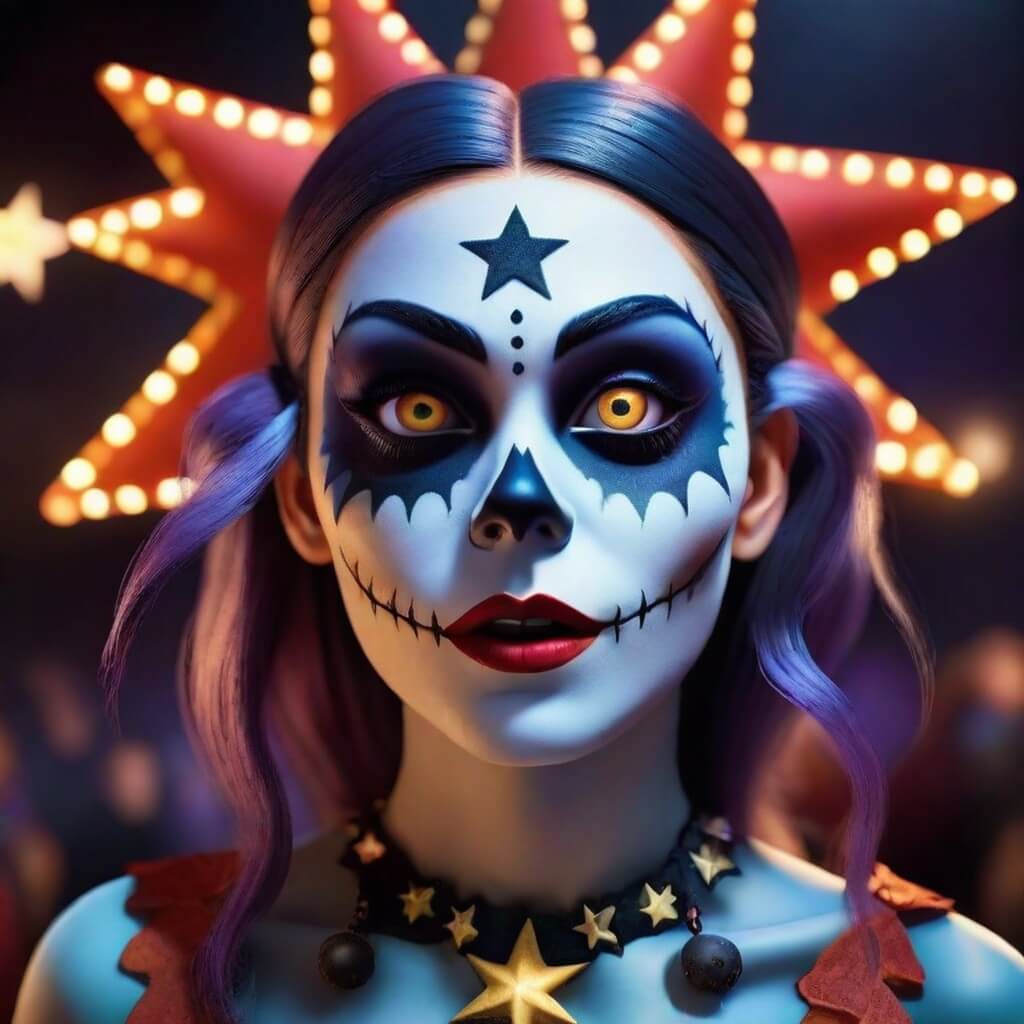
Create this image for free using YouCam Makeup ➡️
Neon ghost aesthetic, bright pink and blue glow, street photography style.
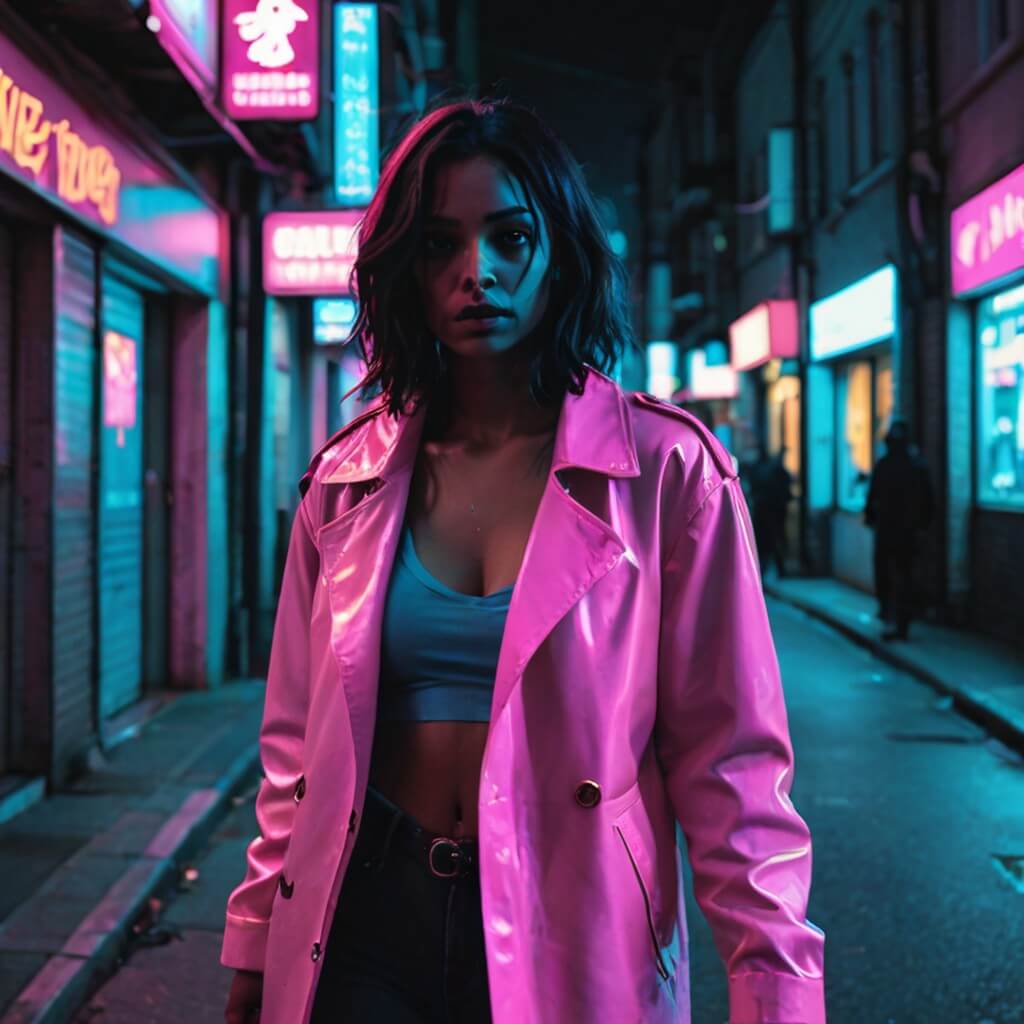
Create this image for free using YouCam Makeup ➡️
🧪 My test notes: This prompt depends heavily on the source photo. A night-time selfie with some city lights behind me looked much more like street photography than a bright daytime shot did.
Spider queen with web-inspired eyeliner and jeweled lips.
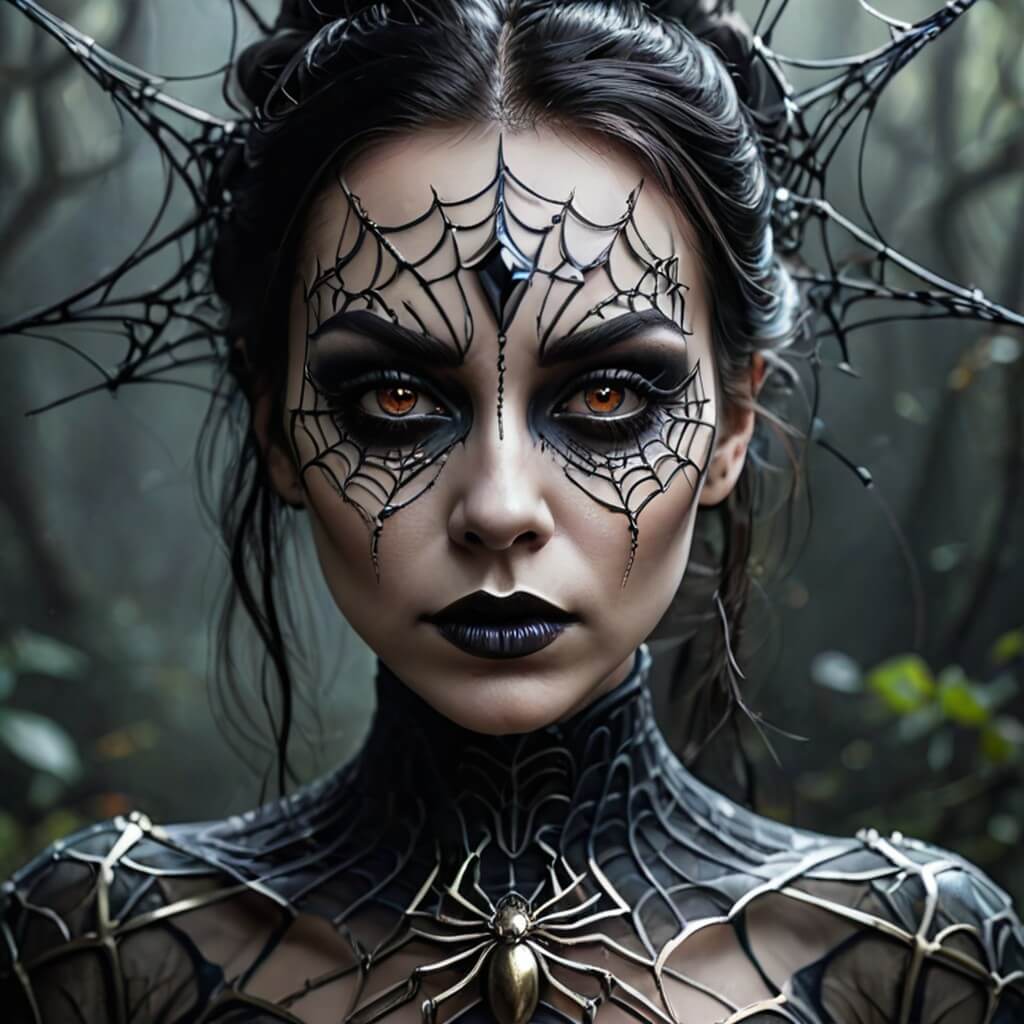
Create this image for free using YouCam Makeup ➡️
Mummy with gold accents, cracked ancient texture, royal expression.
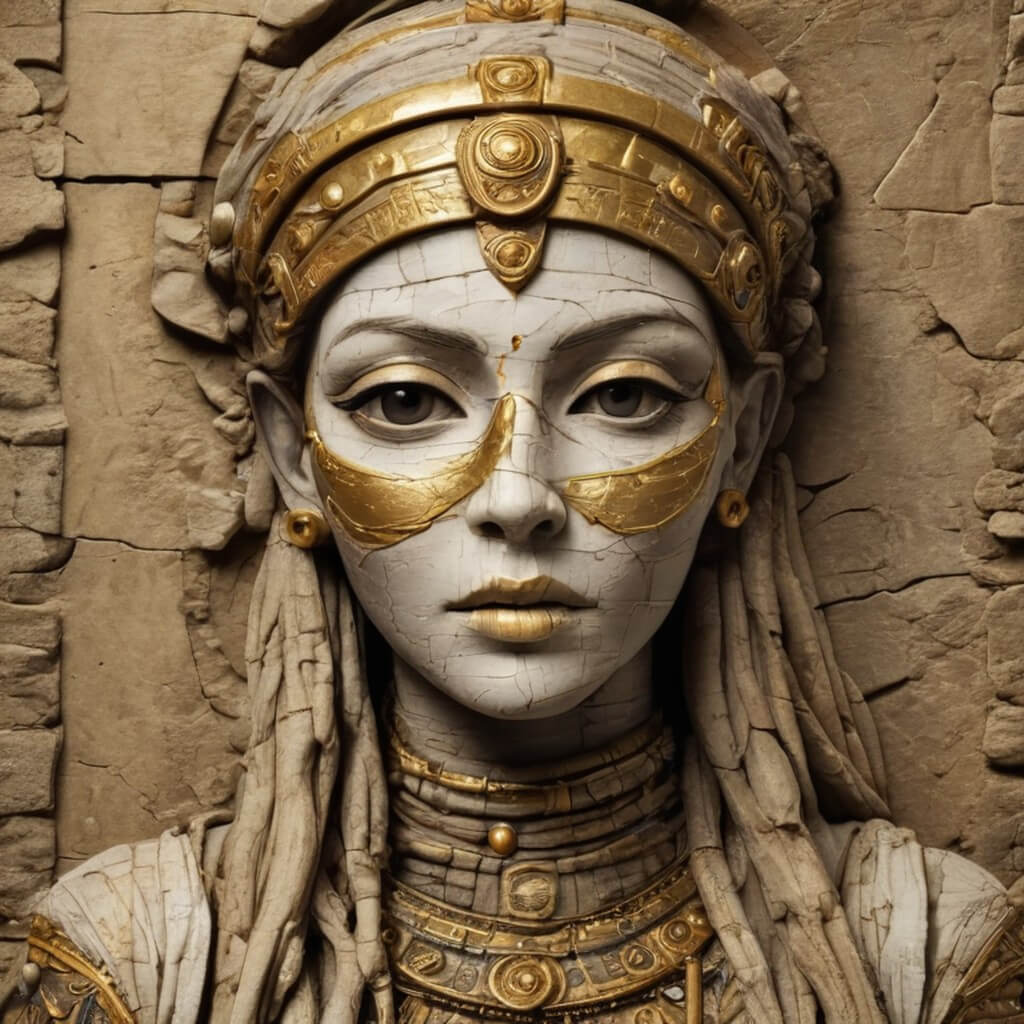
Create this image for free using YouCam Makeup ➡️
Glam reaper with silver shimmer eyes and smoky black lips.
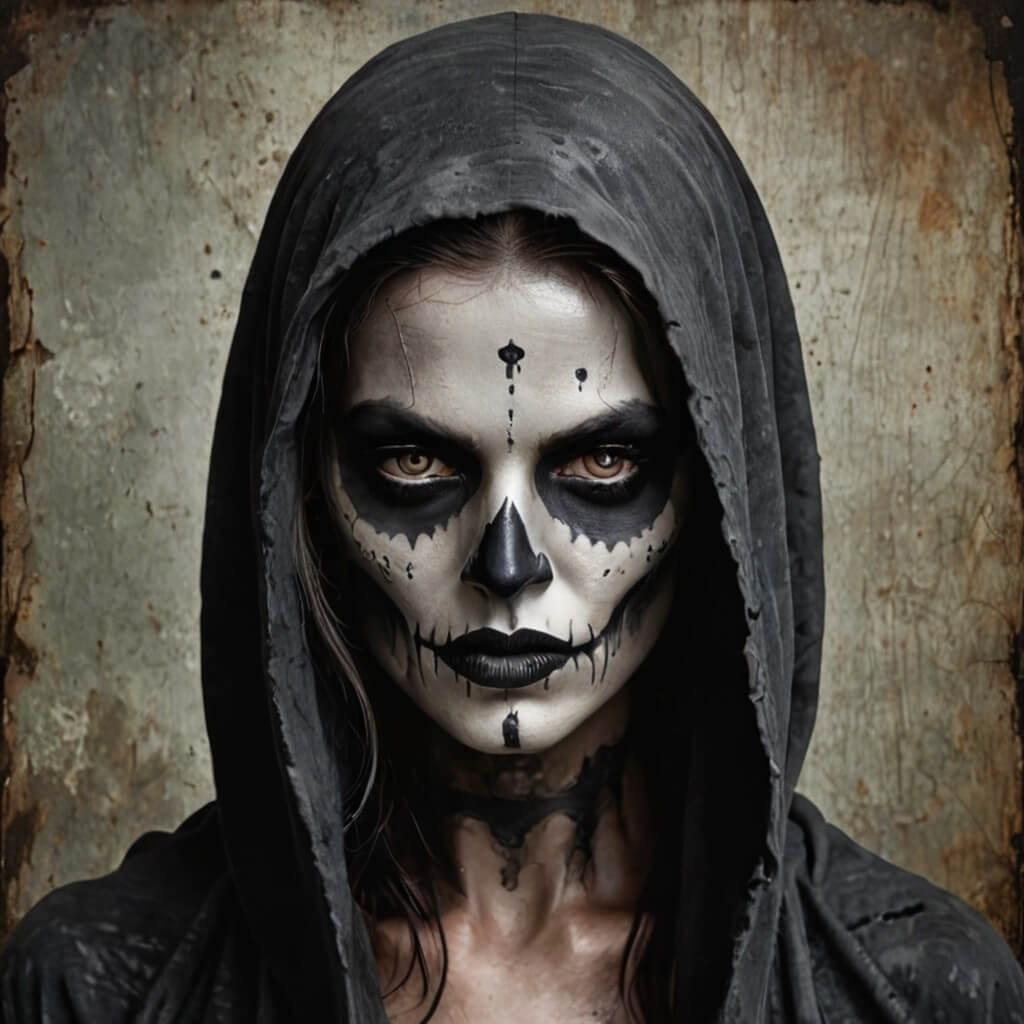
Create this image for free using YouCam Makeup ➡️
🧪 My test notes: The silver shimmer eyes looked great, but the smoky black lips came across as heavier than I expected in the preview. If you want a softer version, try swapping in “deep plum lips”.
Futuristic vampire with glowing red eyes, neon lights, cyberpunk background, high-fashion horror concept.
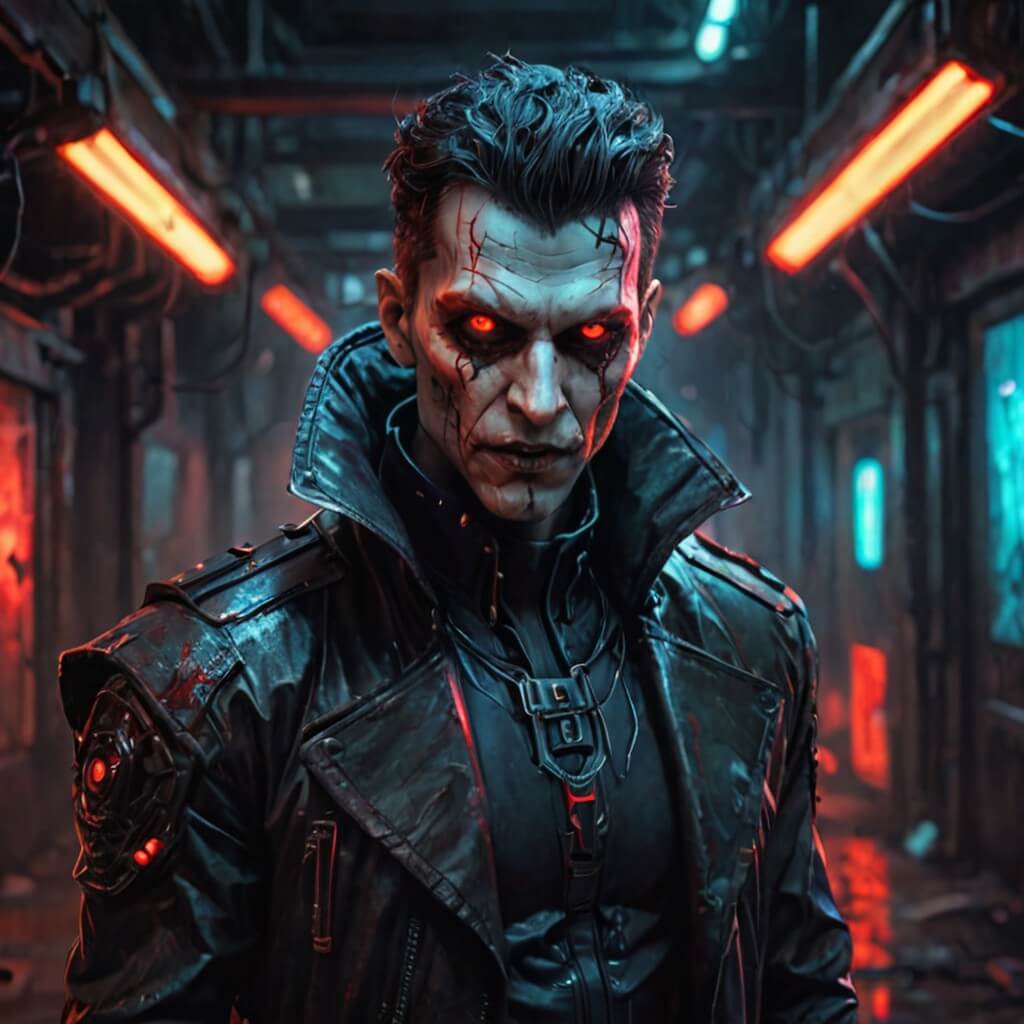
Create this image for free using YouCam Makeup ➡️
Porcelain doll with cracks, eerie smile, vintage house, soft focus lighting, horror aesthetic.
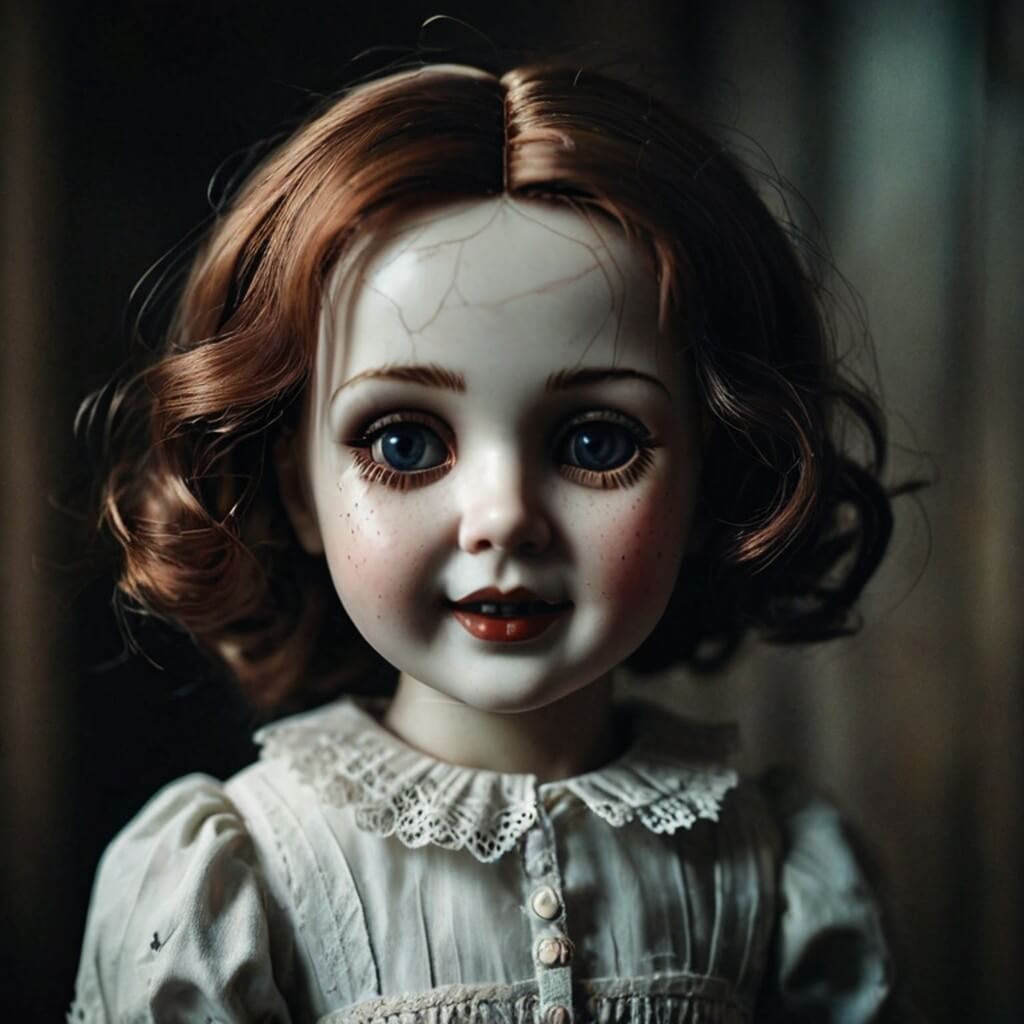
Create this image for free using YouCam Makeup ➡️
🧪 My test notes: The cracked-porcelain texture is one of the creepier effects in this list. It looked most realistic when my hair was pulled back so the cracks weren’t competing with loose strands around my face.
Undead cheerleader with messy hair, ripped uniform, foggy stadium background, eerie glow.
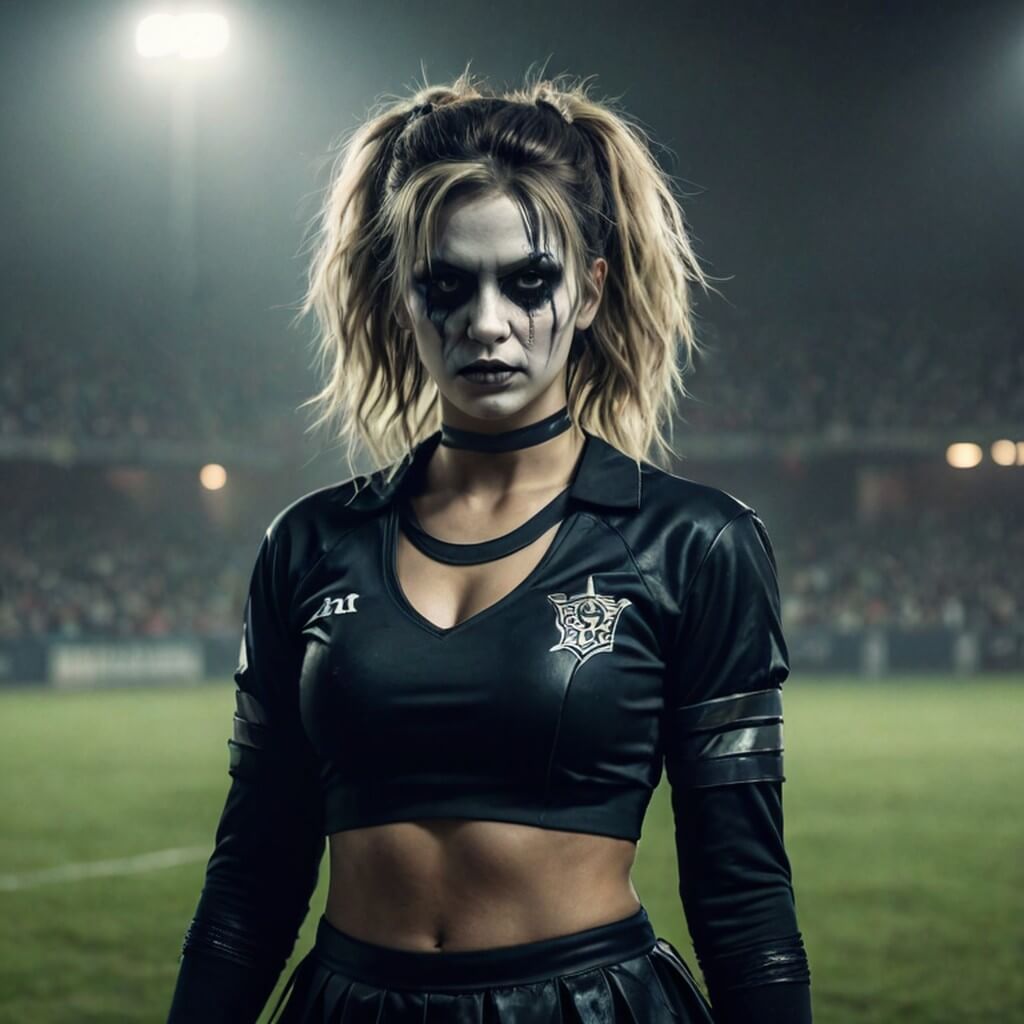
Create this image for free using YouCam Makeup ➡️
Reflection showing ghost version of self, cracked mirror, moody bathroom lighting.
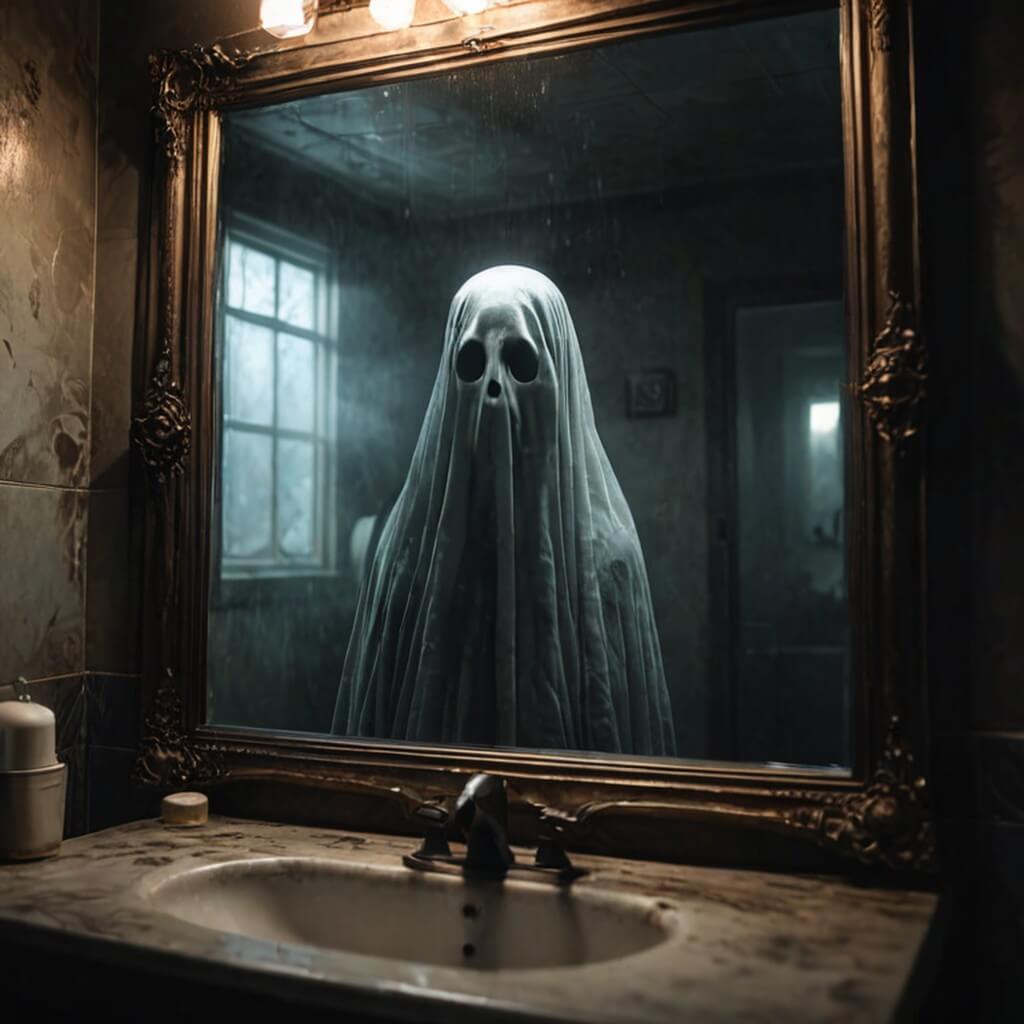
Create this image for free using YouCam Makeup ➡️
🧪 My test notes: This concept is clever, but it needed a clear mirror-style composition to land. It worked better when I kept the rest of the prompt short and let the reflection idea carry it.
Dark mermaid with glowing eyes, underwater ruins, bioluminescent glow, fantasy portrait.
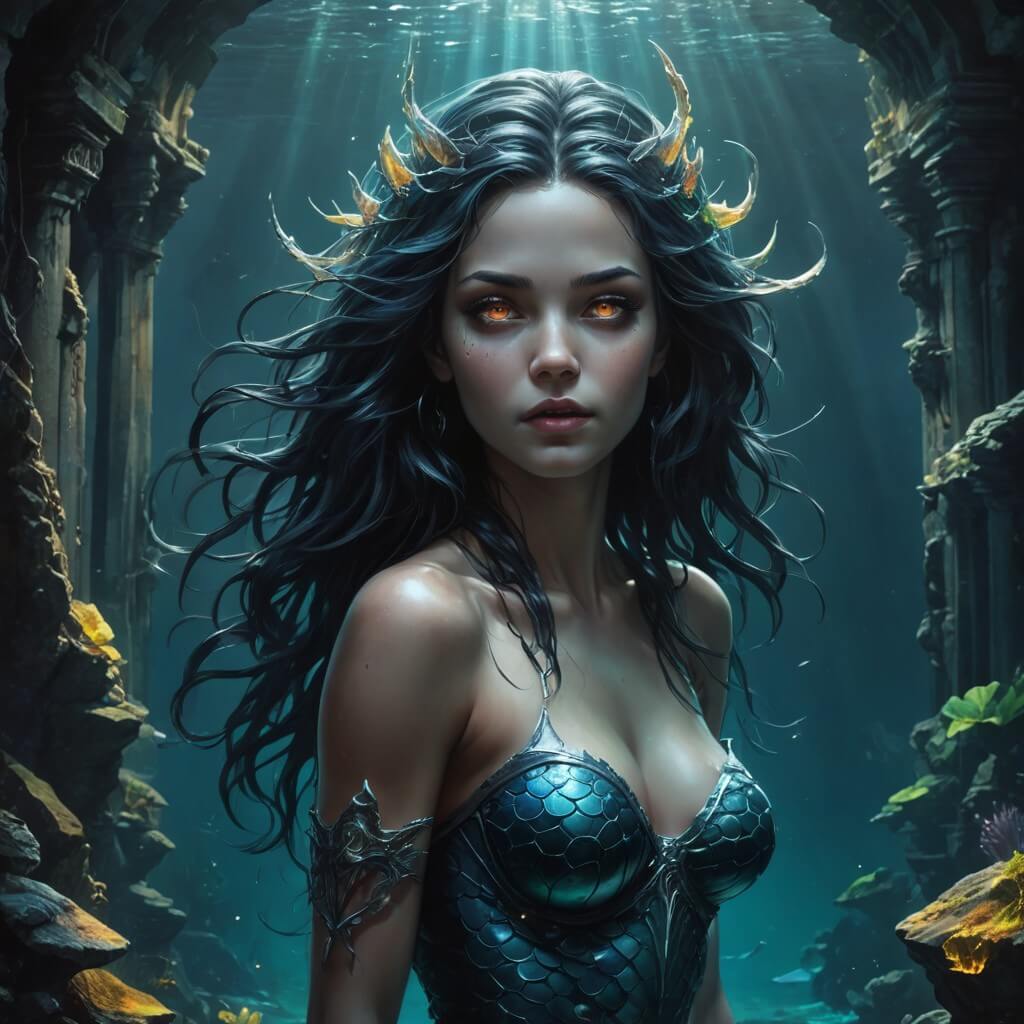
Create this image for free using YouCam Makeup ➡️
How to Create Halloween AI Photos
Most AI image generators create fictional faces but with YouCam Makeup, you can apply AI prompts to your own selfies.
The Beauty Agent understands creative language and instantly designs makeup, hairstyles, and filters to match your description. You can even test Halloween ideas before actually doing your makeup or buying costumes. It’s the ultimate fusion of beauty and AI creativity.
Whether you want to look creepy, elegant, or downright magical, YouCam Makeup turns your Halloween ideas into high-quality, shareable photos in seconds.
🧪 My test notes: What surprised me most was how much the Beauty Agent respects the original face. Compared with tools that invent a brand-new person, my results still looked like me, just in costume. Next time I’d shoot two or three selfies up front so I can pick the best base photo for each prompt.
Tips for Writing the Perfect AI Photo Prompt
If your AI photo doesn’t turn out the way you imagined, try refining your prompt with these tips:
- Use descriptive words: Replace “scary” with “foggy forest with glowing green eyes.”
- Include colors: Adding color tones like “purple,” “neon,” or “crimson” helps guide the AI.
- Mention makeup or lighting: This ensures the AI focuses on beauty details, like “glitter eyeliner under moonlight.”
- Add atmosphere: Descriptions like “misty,” “haunted,” or “glamorous” give the AI a mood to match.
- Avoid too many ideas at once: Stick to one main theme per prompt for the best results.
How to Animate Your Halloween Photos
After creating your perfect Halloween selfie, take it up a notch by bringing it to life with YouCam Makeup’s Image-to-Video feature. This powerful AI tool animates your photos, giving your ghostly portraits or witchy looks realistic motion and expression.
Imagine your AI witch blinking and smiling mysteriously, or your vampire turning their head under moonlight — all possible in just a few taps. It’s the easiest way to make your Halloween photo edits feel alive, perfect for sharing as a short video or spooky social post.
🧪 My test notes: Subtle motion looked more believable than big movement. Portraits with a simple background animated more cleanly than busy scenes, so I’d pick your cleanest still before turning it into a video.
Halloween AI Photo Options Compared: Which Option Is Best?
Depending on whether you want a fictional portrait or a spooky version of yourself, here is how the main approaches compare.
| Option | Best For | My Verdict |
|---|---|---|
| Midjourney (text-to-image) | Fictional characters, posters, and concept art created from scratch | Great for imaginative scenes, but the result is not your own face |
| YouCam Makeup Beauty Agent (prompts on your selfie) | Personal Halloween portraits and profile pictures that still look like you | My top pick for social posts because it keeps your features recognizable |
| Preset Halloween filters | Quick, one-tap looks when you don’t want to write a prompt | Fastest option, but less custom than a written prompt |
| Image-to-Video animation | Turning a finished still into a short clip for Reels or TikTok | A fun final step once you already have a still you love |
Verdict: If you want a Halloween photo of yourself, use these prompts on your own selfie in YouCam Makeup; keep Midjourney-style text-to-image for fictional scenes, and use presets when you are short on time.
What Real Users Say
Here is what App Store reviewers have said about YouCam Makeup, the app used to create the examples in this article.
“This app is truly incredible once you take time to explore what it can do and use creative thinking.” — tehstev88, ★★★★★ (App Store review)
“I would recommend downloading this app if it weren’t for a few bugs.” — Nerdymay, ★★★☆☆ (App Store review)
Pro Tips for Better Results
- Face the light: Take your selfie facing a window or soft lamp so glowing eyes, shimmer, and glitter details have clean skin to sit on.
- Keep the background simple: A plain wall gives the AI space to build a haunted forest, castle, or graveyard without clashing with real objects.
- Shoot straight-on: Front-facing selfies with your whole face visible gave me the most accurate makeup placement; tilted angles and hands near the face caused more mistakes.
- Edit one idea at a time: If a result looks busy, remove one detail from the prompt (for example, the lighting or the setting) and run it again.
- Save at full resolution: Export the highest-quality version before cropping for a profile picture or story, so fine details like lace or cracks stay sharp.
- Post a before-and-after: Pairing your original selfie with the Halloween version makes the transformation obvious at a glance in a carousel post.
New for Halloween 2026: Trend-Inspired Bonus Prompts
Fall 2026 makeup coverage is highlighting gunmetal smoky eyes, ghost lashes, and deeper berry blush (Source: Coveteur, August 20, 2026), while this year’s pop-culture costume picks include Miranda Priestly from The Devil Wears Prada and looks inspired by Christopher Nolan’s The Odyssey (Source: Yahoo Shopping, September 28, 2026). Try these bonus prompts to put a 2026 spin on your Halloween selfie:
- Gothic vampire with a gunmetal smoky eye, ghost lashes, and deep berry blush, candlelit crypt.
- Icy fashion-editor villain with sharp sunglasses, sleek bob, and blurred mauve lips, dark office at midnight.
- Ancient sea-voyage sorceress with bronze shimmer eyes, windswept hair, and a stormy ocean backdrop.
Want more ideas? Try the YouCam Halloween Filter online, or browse these trending Halloween filters and effects.