Introduction
Streaming looks easy until you’re the person actually doing it. You press the button, go live, play the game, talk to people, and somehow everything magically happens. Right?
Well… not exactly.
Behind a good stream is usually a pile of planning. What are you streaming? When are you going live? What are you talking about? What happens if nobody asks a question for ten minutes? What content are you making this week? Which ideas worked last time? And where did you write down that brilliant idea you had while brushing your teeth?
That’s where Twitch stream planning templates can become a useful digital product opportunity. Streamers don’t necessarily need another complicated business system. They need simple tools that help them organize content, plan broadcasts, track ideas, prepare segments, and stay consistent.
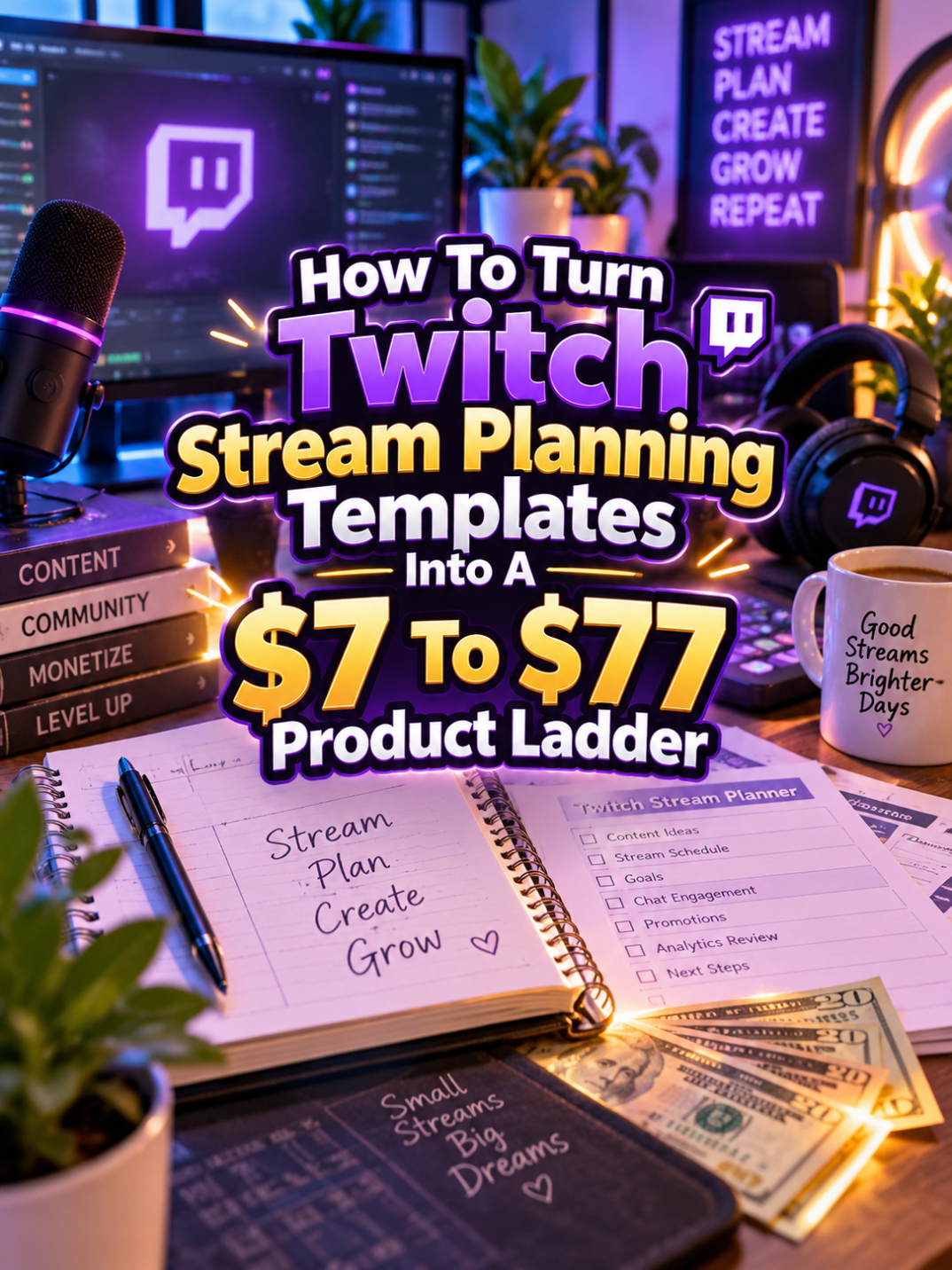
And from a make-money-online perspective, there’s another interesting opportunity. You don’t have to sell one generic stream planner and stop there. You can build a product ladder that starts with a $7 quick-win template and grows into a $77 streaming command center.
The goal isn’t to create a giant bundle just because you can. The goal is to help the customer move from “What am I streaming tonight?” to “I have an organized content system I can actually use.”
Quick Answer
A $7 to $77 Twitch stream planning product ladder can help streamers organize their broadcast ideas, schedules, content themes, engagement activities, and creator workflow.
Your $7 offer can be a simple Stream Planning Template. Your $17 to $27 offer can expand into a Stream Content Planning Kit. Your $37 to $47 offer can become a complete Stream Management System. Your $67 to $77 premium product can become an editable Streaming Command Center with content calendars, campaign planning, engagement systems, collaboration pages, and creator-business tools.
The key is to increase usefulness at every level. You’re not selling more pages. You’re selling a more complete solution.
Why Twitch Stream Planning Templates Work As A Product Ladder
Streaming creates a surprisingly large number of planning tasks. A streamer may need to plan broadcast times, choose content, prepare titles, organize talking points, track recurring segments, think about community activities, schedule promotional posts, and review what happened after the stream.
That creates several different problems you can solve with digital products. Someone just starting may only need a weekly stream schedule. A growing creator may need a content calendar and idea bank. A more established streamer may want campaign planning, collaboration tracking, sponsorship preparation, and a repeatable content workflow.
There’s your ladder.
You can serve the same broad audience while giving different customers different levels of organization. And because the products are digital, you can build the system once and sell it repeatedly without packing boxes, printing labels, or explaining to the post office why there are 47 envelopes containing spreadsheets.
The Reasonable Pricing Rule
Before you decide what goes into each tier, remember this: price the problem you solve, not the number of pages you create.
A focused $7 template can be extremely useful if it helps a streamer plan an entire week. Meanwhile, a 150-page bundle can be nearly worthless if half of it is repetitive worksheets nobody wants to fill out.
Your $7 product should deliver one quick win. The $17 to $27 product should organize several related tasks. The $37 to $47 product should create a complete workflow. The $67 to $77 product should add flexibility, editable assets, advanced planning, and creator-business features.
Think usefulness first. Page count can sit quietly in the back seat.
Step 1: Create The $7 Twitch Stream Planning Template
Your $7 starter product should solve one simple problem: helping a streamer plan their upcoming streams.
You could call it something straightforward like Twitch Stream Planning Template or Weekly Stream Planner.
The template could include:
- Weekly streaming schedule
- Stream date and time
- Game or content category
- Stream title ideas
- Stream topic or goal
- Talking points
- Segment ideas
- Viewer engagement ideas
- Call-to-action notes
- Post-stream notes
You could also include a simple “next stream” page that gives the creator one place to record everything they need before going live.
Keep the starter product clean. A streamer shouldn’t need to attend Stream Planning University before figuring out where to write Tuesday’s game.
Step 2: Build The $17 To $27 Stream Content Planning Kit
Once your customer can plan individual streams, the next problem becomes bigger: How do I organize all my content?
That’s where your Stream Content Planning Kit comes in.
This version can combine your starter planner with tools for managing a larger content pipeline.
- Weekly stream planner
- Monthly content calendar
- Stream idea bank
- Game rotation planner
- Content theme planner
- Stream title idea sheet
- Talking-point planner
- Segment idea bank
- Community engagement planner
- Special-event planner
- Post-stream review sheet
- Content repurposing planner
Now the product isn’t just about tomorrow’s broadcast. It’s helping the customer think ahead.
That difference matters. Someone who is trying to stream consistently may find a monthly planning system much more valuable than a single weekly worksheet.
Step 3: Turn It Into A $37 To $47 Stream Management System
At the $37 to $47 level, it’s time to move beyond simple content planning and build a Twitch Stream Management System.
This product should connect the creator’s content ideas, schedule, preparation, engagement, and review process.
You could include:
- Master stream dashboard
- Weekly stream planner
- Monthly content calendar
- Stream idea database
- Game and content rotation tracker
- Stream preparation checklist
- Title and topic planner
- Talking-point worksheet
- Segment planning pages
- Viewer engagement planner
- Special-event planner
- Collaboration planner
- Content repurposing tracker
- Post-stream review
- Content performance notes
- Next-stream improvement planner
You can also provide digital versions using tools such as Google Sheets or editable documents where appropriate.
The important thing is that the customer can use the system repeatedly. They’re not buying something they finish once. They’re buying a workflow they can return to every week.
Step 4: Create The $67 To $77 Premium Streaming Command Center
Now we’re ready for the premium offer: the Ultimate Streaming Command Center.
This product can be designed for creators who want to manage streaming as part of a larger content business. It can include everything from the lower tiers while adding advanced planning and editable components.
Potential premium features include:
- Everything from the lower tiers
- Editable Canva templates
- Digital planning versions
- Master content dashboard
- 90-day content planner
- Monthly stream campaign planner
- Collaboration tracker
- Guest appearance planner
- Community event planner
- Content repurposing system
- Social promotion planner
- Stream sponsorship preparation worksheet
- Brand partnership planning pages
- Creator workflow checklist
- Content performance review pages
- Quarterly content review
- Stream improvement planner
You can also include different versions for different types of creators. For example, one section could focus on gaming streams while another could work for Just Chatting, creative streams, educational content, music, or other creator formats.
If you include editable templates or commercial-use rights, clearly explain what the buyer is allowed to do with those files. Licensing clarity is part of the product value.
Your Example $7 To $77 Product Ladder
Here’s what the complete ladder could look like:
| Price | Product | Main Value |
|---|---|---|
| $7 | Twitch Stream Planning Template | Plan individual streams and weekly broadcasts |
| $17-$27 | Stream Content Planning Kit | Organize content ideas, schedules, themes, and engagement |
| $37-$47 | Twitch Stream Management System | Manage the complete streaming workflow |
| $67-$77 | Ultimate Streaming Command Center | Manage content, campaigns, collaborations, promotion, and creator-business activities |
Notice how each product has a different job. The starter helps with the next stream. The middle products help with the content pipeline. The premium product helps organize the broader creator operation.
That’s a real product ladder.
Tools You Can Use To Create This Ladder
You don’t need expensive software to build these products. A small collection of familiar tools can handle the design, research, planning, and delivery.
- Canva: Use Canva to create printable templates, editable worksheets, dashboards, covers, mockups, and promotional graphics.
- Google Sheets: Use Google Sheets for content calendars, stream schedules, idea databases, and tracking dashboards.
- Google Docs: Use Google Docs for editable planning documents and creator guides.
- ChatGPT: Use ChatGPT to brainstorm stream topics, engagement ideas, content prompts, checklist items, product descriptions, and FAQ questions.
- Google Trends: Use Google Trends to research broader content interests and seasonal opportunities.
- Placeit: Use Placeit for product mockups and promotional visuals when appropriate.
- Etsy: Browse Etsy to research how creators search for planners and digital organization products.
- Payhip: Use Payhip to sell and deliver digital products.
- Gumroad: Use Gumroad as another option for digital product delivery.
You don’t need all of these. Start with the tools that let you create a clean product quickly and maintain it without turning your workflow into a full-time IT department.
How To Know If Your Price Is Fair
Start with the question: What can the customer accomplish with this product?
If your $7 template helps someone plan one stream, that’s a focused result. If your $27 kit helps them organize a month of content, that’s a larger result. If your $47 system gives them a repeatable workflow for planning, preparing, engaging, and reviewing streams, that’s a larger solution again.
The $77 premium offer should add meaningful flexibility and depth. Editable templates, long-range planning, collaboration tools, campaign planning, and creator-business modules can make sense at this level.
Don’t simply add 80 pages to justify the price. That’s how you end up creating a product that requires its own project manager.
5-Step Action Plan
Ready to build it? Start small and let each tier grow naturally from the one before it.
- Map the streamer’s workflow. List everything a creator needs to plan before, during, and after a stream. Identify the biggest organization problems.
- Create the $7 template. Build a simple weekly or individual-stream planning tool that delivers one obvious quick win.
- Expand into the $17-$27 kit. Add monthly planning, idea management, content themes, engagement planning, and related tools.
- Build the $37-$47 system. Connect the pieces into a repeatable stream-management workflow that creators can use every week.
- Create the premium command center. Add editable templates, long-range planning, collaborations, promotion, sponsorship preparation, and creator-business tools.
That’s five steps. No need to build the entire streaming empire before you’ve sold your first planner.
3 Ways To Stand Out From The Thundering Herd
1. Build templates around specific creator problems. Instead of making one generic “stream planner,” create focused tools for stream scheduling, content batching, game rotation, viewer engagement, collaborations, special events, or sponsorship preparation.
2. Create versions for different stream styles. A gaming streamer may need game rotation and challenge planning. A Just Chatting creator may need conversation topics and segment planning. A creative streamer may need project planning and progress tracking. Specificity can make your products easier to market.
3. Focus on consistency instead of hype. Many creators don’t need another motivational quote telling them to “grind harder.” They need a practical system that makes it easier to show up consistently. Build around that.
3 Nifty Ways To Find Customers
1. Create content about streamer organization. Show how to plan a week of streams, organize content ideas, prepare for a special stream, or build a repeatable pre-stream checklist. Your free content can demonstrate the value of the paid template.
2. Create Pinterest content around creator planning. Stream schedules, content calendars, checklists, creator dashboards, and planning templates can all become visual pins that lead people toward your products.
3. Listen to creator communities. Pay attention to recurring questions about consistency, content planning, engagement, collaborations, and creator workflow. Those questions can reveal exactly what your next product should solve.
3 Takeaways You Won’t Find Everywhere
First, the real customer may not be the streamer who is just starting. Growing creators often have a bigger organization problem because they have more content, more commitments, more collaborations, and more ideas competing for their attention.
Second, planning can become a content-product ecosystem. Your stream planner can lead to a content calendar, which can lead to a collaboration planner, which can lead to a creator command center. One useful product can become the foundation for several related offers.
Third, post-stream planning is just as important as pre-stream planning. A creator can learn from every broadcast. What topics worked? What questions came up? What should be repeated? What should be changed? A review system turns past streams into information that can improve future content.
Common Pricing Mistakes To Avoid
Mistake #1: Making the $77 product enormous. Premium does not mean overwhelming. Organize the product so the customer can find what they need quickly.
Mistake #2: Selling the same template four times. Each tier needs a distinct purpose. Don’t simply change the cover and increase the price.
Mistake #3: Making everything about gaming. Twitch has a broader creator ecosystem. Consider different streaming styles when designing future products.
Mistake #4: Confusing planning with analytics. A planning template should help people plan. If you add performance tracking, make it understandable and useful rather than filling it with complicated metrics.
Mistake #5: Promising growth or income. Your planner can help creators organize their work, but it can’t guarantee viewers, followers, sponsorships, or revenue. Sell the tool for what it actually does.
Scaling Your Results
Once your first Twitch planning ladder is built, you can create specialized products from the same framework.
For example, you could create a 30-Day Stream Challenge Planner, a Gaming Stream Content Calendar, a Streamer Collaboration Planner, a Creator Sponsorship Preparation Kit, or a Streaming Setup Checklist Bundle.
You can also create seasonal editions for major gaming periods, holidays, community events, or special creator campaigns. The key is to reuse your underlying design system while changing the actual problem being solved.
That’s how one product becomes a product family without making you start from zero every time.
Simple Promo Angles
When marketing these products, don’t just say “Twitch planner for sale.” Talk about the frustration the creator recognizes.
- “Stop deciding what to stream five minutes before you go live.”
- “Plan your streams before the week gets away from you.”
- “Turn your stream ideas into an actual content calendar.”
- “A simple planning system for creators who have too many ideas.”
- “Know what you’re streaming, why you’re streaming it, and what comes next.”
- “Plan the stream. Prepare the content. Review the results.”
- “Your next stream shouldn’t begin with, ‘Umm… what should I do today?'”
That last one is especially relatable because we’ve all watched somebody stare at their own screen like the answer might suddenly crawl out of the monitor.
Affiliate Opportunities
A creator-planning audience can naturally connect with relevant affiliate products and services. Depending on your audience, you could create useful resource content around microphones, webcams, lighting, streaming accessories, creator software, design tools, productivity products, and other equipment or services that genuinely support the workflow.
Keep the recommendations relevant and transparent. Your planning product should remain the main solution, while affiliate recommendations can help the customer with the surrounding workflow.
Internal Link Ideas
If you’re building a larger creator-economy content library, this article could naturally link to topics such as:
- Podcast Content Planning Templates
- YouTube Video Planning Templates
- Social Media Content Calendars
- Content Creator Business Planners
- Digital Product Launch Planners
- Influencer Campaign Planning Templates
- Video Content Repurposing Planners
- Creator Sponsorship Planning Templates
These connections can help turn individual blog posts into a larger content hub around creator productivity and digital products.
Pinterest Ideas
Streaming planners can work surprisingly well visually. Create pins showing weekly stream schedules, content calendars, stream preparation checklists, creator dashboards, game rotation planners, collaboration trackers, and content planning workflows.
You can also create problem-focused pins such as “How To Plan A Week Of Twitch Streams,” “Twitch Stream Ideas Tracker,” “Streamer Content Calendar,” or “How To Organize Your Stream Ideas.” Each one can lead readers toward your free content or paid templates.
Frequently Asked Questions
Can I sell Twitch stream planning templates as digital products?
Yes. Planning templates can be sold as printable PDFs, editable documents, spreadsheets, or other digital formats. Make sure your product does not imply an official affiliation with Twitch unless you actually have one.
What should a Twitch stream planner include?
Start with stream scheduling, content ideas, titles, talking points, segments, engagement ideas, preparation checklists, and post-stream notes. You can add more advanced tools at higher product tiers.
Should I make the planner specifically for gamers?
Not necessarily. Gaming is a major streaming category, but you can also create versions for Just Chatting, creative streams, music, educational content, and other creator formats.
Can I include sponsorship planning?
Yes. Sponsorship preparation, campaign planning, deliverable tracking, and collaboration organization can be useful premium features. Keep the templates focused on organization rather than promising that a creator will obtain sponsorships.
Could this work as a $77 product?
It can if the premium offer provides significantly more utility than the starter product. Editable templates, long-range planning, creator workflows, collaboration tools, campaign organization, and specialized modules can create a meaningful premium system.
Your Next Steps
Start with one simple problem. Don’t try to create the ultimate streamer operating system on day one. Build a $7 template that helps a creator plan their next stream and make it genuinely useful.
Then watch what happens. If people want monthly planning, build it. If they need content idea management, add it. If they want collaboration and campaign planning, those can become higher-tier features.
Your customers’ problems can show you where the next step of the ladder belongs.
Final Product Ladder Summary
| Tier | Suggested Price | Offer | Value Increase |
|---|---|---|---|
| Starter | $7 | Twitch Stream Planning Template | Plan individual streams and weekly broadcasts |
| Expanded | $17-$27 | Stream Content Planning Kit | Organize content ideas, schedules, themes, and engagement |
| Complete | $37-$47 | Twitch Stream Management System | Manage the complete streaming workflow |
| Premium | $67-$77 | Ultimate Streaming Command Center | Manage content, campaigns, collaborations, promotion, and creator-business activities |
Final Thoughts
Streaming may look spontaneous from the viewer’s side, but creators often have a surprising amount of work happening behind the scenes. Planning content, organizing ideas, preparing streams, managing collaborations, and reviewing what worked can quickly become a full-time organizational challenge.
That’s why Twitch stream planning templates can become more than a simple printable. They can form the foundation of a digital product ladder that grows with the creator. Start with the $7 quick win. Expand into content organization. Build the complete workflow. Then create a premium command center for creators who need more flexibility and structure.
You don’t need to promise followers, viral streams, or overnight income. You just need to solve an annoying problem well.
Because when your customer opens your template and thinks, “Finally. I know what I’m doing this week,” you’ve already created something valuable.
So here’s what you discovered today. If something sparked your interest, take it as your sign to start moving toward that goal now. Even one small step counts.
Enjoy!