Introduction
Crochet has a funny way of turning “I’ll just make one” into an entire collection of yarn, hooks, patterns, half-finished projects, and ideas scribbled somewhere that you absolutely know you’ll remember later. Spoiler alert: sometimes you don’t.
That’s where crochet project planners can become surprisingly useful. A good planner gives crocheters a place to organize project ideas, yarn, colors, patterns, progress, finished pieces, and future projects without taking away the relaxing part of the hobby.
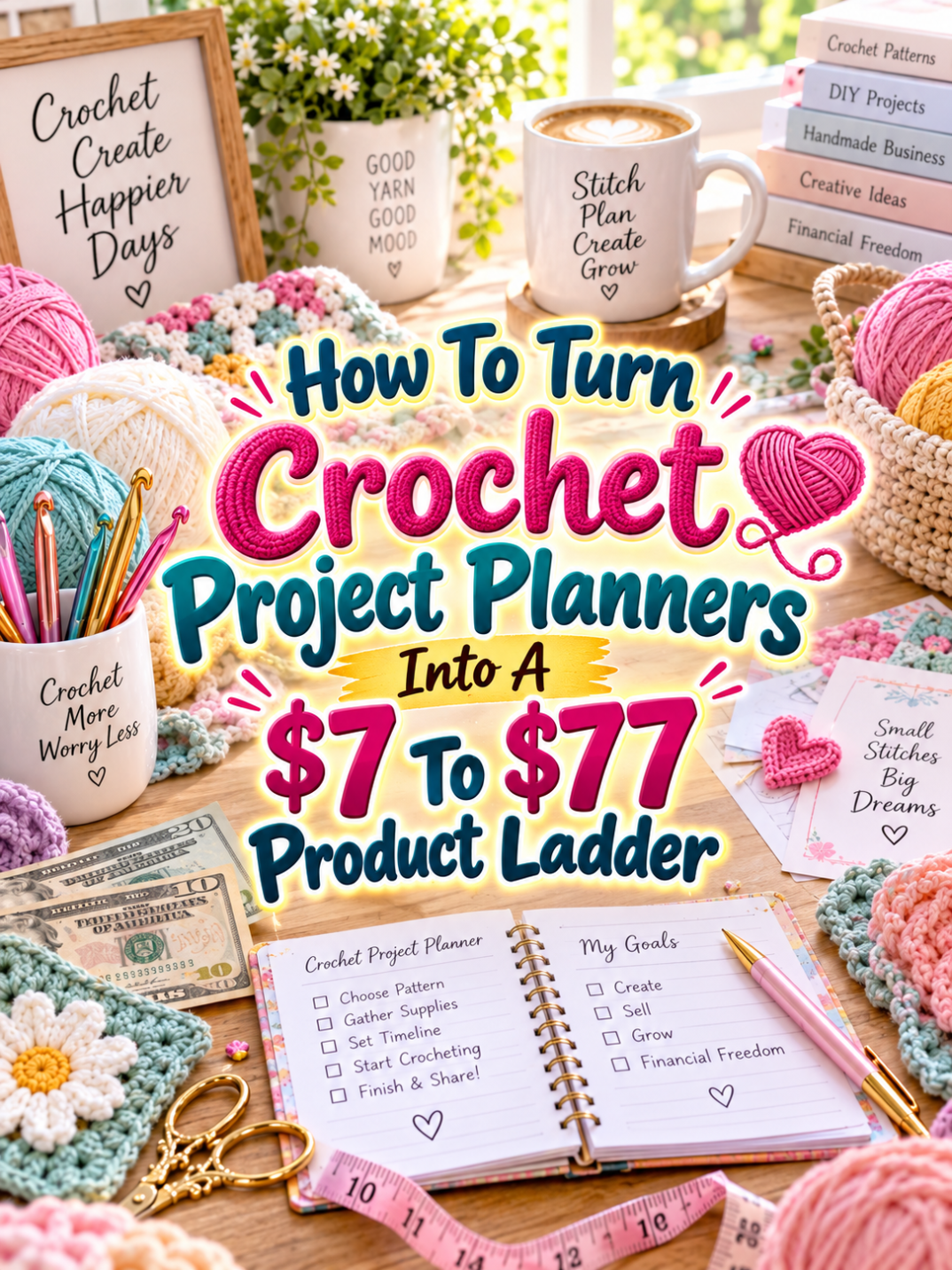
For a digital-product creator, that organization problem creates an opportunity. Instead of selling one basic crochet planner for a few dollars, you can build a product ladder that starts with a simple $7 solution and grows into a $77 crochet planning command center.
The key is making every level more useful, not simply bigger. Your customer should understand why the next product exists and what new problem it solves. That’s how you build a ladder instead of a pile of nearly identical PDFs.
Quick Answer
A $7 to $77 crochet project planner ladder can help crocheters organize everything from individual projects to a complete personal crochet library. The $7 product can focus on planning one project. The $17 to $27 product can organize multiple projects, yarn, patterns, and ideas. The $37 to $47 bundle can become a complete crochet project management system. The $67 to $77 premium version can add editable templates, collection planning, gift planning, inventory tools, and optional small-business features.
The important part is that each tier solves a larger organizational problem. You’re not charging more because you added 40 nearly identical pages. You’re charging more because the customer can accomplish more.
Why Crochet Project Planners Work As A Product Ladder
Let’s look at the actual workflow. A crocheter may start with an idea, choose a pattern, select yarn and colors, gather hooks and supplies, begin the project, track progress, make changes, finish the piece, and eventually give it away, sell it, or add it to their personal collection.
And that’s just one project. A serious crocheter may have several projects going at the same time. There might be a blanket on the couch, a scarf in a basket, a gift project in progress, and three future projects waiting patiently beside the yarn stash. That’s a lot of information to keep in your head.
This gives you multiple opportunities to create products for different stages of the customer’s journey. A beginner may want a simple project sheet. A hobbyist may want a complete project organizer. A prolific maker may want a project library. A crochet seller may need additional pages for product collections, custom orders, and inventory.
That’s the sweet spot for a product ladder. One audience can support several useful products because their needs grow as their hobby grows.
The Reasonable Pricing Rule
Before choosing your prices, remember one important rule: price the usefulness, not the page count. A 15-page planner that helps someone organize a complicated crochet project can be more valuable than a 100-page workbook full of repetitive worksheets.
Your $7 product should provide a quick win. Your $17 to $27 product should organize more of the customer’s workflow. Your $37 to $47 offer should feel like a complete working system. Your $67 to $77 product should add flexibility, customization, advanced planning, or business-friendly features.
Think of every tier as another step in the customer’s journey. If the customer can clearly see what they get at the next level, your pricing becomes much easier to explain.
Step 1: Create The $7 Crochet Project Planner
Your $7 starter product should solve one obvious problem: helping someone plan and track an individual crochet project.
Call it something straightforward such as Crochet Project Planner. Don’t make the customer decode a clever product name before understanding what they’re buying.
Your starter planner could include:
- Project name and date
- Project inspiration
- Pattern information
- Yarn brand and type
- Yarn color information
- Hook size
- Materials checklist
- Project steps
- Progress tracker
- Notes and adjustments
- Finished project details
You could also include a small project sketch area or a place for the crocheter to paste a photo of the finished item.
The goal is simplicity. Someone should be able to download the planner, print it, and immediately understand how to use it. That’s your quick win.
Step 2: Build The $17 To $27 Crochet Organization Kit
Once your basic project planner is useful, expand the product around the problems that appear when a crocheter has multiple projects. This is where you can introduce a Crochet Project Organization Kit.
Instead of tracking one project, the customer can now organize their entire collection of ideas and works in progress.
- Crochet project idea bank
- Works-in-progress tracker
- Finished project tracker
- Yarn inventory sheet
- Color inventory
- Hook and tool tracker
- Pattern library index
- Project priority planner
- Gift project planner
- Seasonal project planner
- Project deadline tracker
This is a meaningful increase in value because you’re solving an organization problem that the basic planner doesn’t address.
You can also include different page styles or sizes, such as US Letter and A4, if that fits your workflow. Small usability improvements can make a digital product feel much more polished.
Step 3: Turn It Into A $37 To $47 Working Bundle
At the $37 to $47 level, you’re no longer selling a collection of worksheets. You’re creating a Crochet Project Management System.
This system should help the customer move from idea to finished project while keeping important information together. The customer should be able to see what they’re making, what supplies they need, what’s currently in progress, and what they want to make next.
Your bundle could include:
- Master crochet project dashboard
- Project planning worksheets
- Idea bank
- Works-in-progress tracker
- Finished project catalog
- Yarn stash tracker
- Yarn color library
- Hook and tool inventory
- Pattern library
- Project priority planner
- Seasonal project planner
- Gift-making planner
- Project deadline tracker
- Project review page
- Lessons-learned worksheet
The project review page is especially useful because it gives the maker a place to record what worked, what didn’t, and what they’d change next time. That’s how a planner becomes more than a place to write things down. It becomes a personal reference library.
Step 4: Create The $67 To $77 Premium Crochet Command Center
Now we can build the premium offer: the Ultimate Crochet Studio Command Center.
This version should be designed for the crocheter who has a serious hobby, a large collection of projects, or a small creative business. It can combine the best pieces from the lower tiers with editable templates and specialized planning tools.
Possible premium components include:
- Everything from the lower tiers
- Editable Canva templates
- Digital planning versions
- Master project dashboard
- Advanced yarn inventory
- Color combination planner
- Pattern library system
- Seasonal collection planner
- Gift planning system
- Custom project planner
- Finished product catalog
- Product photography checklist
- Content planning pages
- Collection launch planner
- Custom order planning pages
- Small crochet business worksheets
The premium version can also include a customization guide so buyers can adjust the templates for their own workflow. If you offer editable templates, make sure all included design elements are properly licensed for the use you’re selling.
And remember: premium doesn’t mean enormous. If the buyer opens the folder and thinks, “Good grief, I’ll need a planner just to organize this planner,” we’ve gone a little too far.
Your Example $7 To $77 Product Ladder
Here’s a simple way to structure the complete ladder:
| Price | Product | Main Value |
|---|---|---|
| $7 | Crochet Project Planner | Plan and track individual crochet projects |
| $17-$27 | Crochet Project Organization Kit | Organize multiple projects, yarn, patterns, and ideas |
| $37-$47 | Crochet Project Management System | Manage the complete crochet workflow |
| $67-$77 | Ultimate Crochet Studio Command Center | Manage projects, collections, supplies, gifts, content, and optional business activities |
Notice how the customer isn’t paying more for the same planner with a fancy cover. Each tier adds another layer of usefulness.
That’s what makes a product ladder work. The customer can start small and upgrade when their needs grow.
Tools You Can Use To Create This Ladder
You don’t need a complicated technology stack to create crochet planning products. A few practical tools can handle most of the work.
- Canva: Use Canva to design printable planners, editable templates, covers, mockups, and promotional graphics.
- Google Sheets: Use Google Sheets for yarn inventories, project databases, pattern libraries, and tracking systems.
- Google Docs: Use Google Docs for editable instructions, planning guides, and supporting documents.
- ChatGPT: Use ChatGPT to brainstorm planner pages, customer problems, FAQ questions, product descriptions, and promotional ideas.
- Google Trends: Use Google Trends to investigate broader interest around crochet projects, seasonal crafts, gifts, and related topics.
- Etsy: Browse Etsy to study how customers search for crochet planners and related digital products.
- Creative Fabrica: Use Creative Fabrica for design resources when their licensing terms fit your intended product use.
- Payhip: Use Payhip to sell and deliver your digital products.
- Gumroad: Use Gumroad as another option for digital product sales and delivery.
Pick the tools that make your workflow easier. You don’t get bonus points for having 17 browser tabs open while designing a crochet tracker.
How To Know If Your Price Is Fair
The easiest way to test your pricing is to compare the job each product does. Your $7 planner should solve one focused problem. Your $27 kit should solve several related organization problems. Your $47 system should connect those solutions into a workflow. Your $77 premium product should provide additional flexibility and advanced uses.
If the $27 product is basically the $7 planner with a different cover and a few extra checkboxes, the customer has little reason to upgrade. That’s not a good thing.
Instead, ask yourself whether the higher tier saves the buyer time, reduces confusion, organizes more information, or gives them more ways to use the product. Those are real forms of value.
5-Step Action Plan
Don’t try to build the entire product ladder in one weekend. Start with the smallest useful offer and let the next products grow from what you learn.
- Map the crochet workflow. Write down what happens from project idea to finished item. Look for places where a planner can save time or prevent forgotten information.
- Create the $7 planner. Build a focused individual-project planner and make it easy to print and use.
- Expand into the $17-$27 kit. Add yarn tracking, idea organization, project status, pattern organization, and other tools for managing multiple projects.
- Build the $37-$47 system. Connect the individual tools into one complete crochet project workflow.
- Create the premium command center. Add editable templates, specialized planning modules, collection tools, and optional small-business features.
That’s your ladder. Five steps. No need to crochet 900 tiny flowers before breakfast.
3 Ways To Stand Out From The Thundering Herd
1. Create specialized crochet planners. General crochet planners are useful, but specialized versions can give you more specific marketing angles. Consider planners for blankets, amigurumi, crochet garments, granny squares, gifts, baby projects, seasonal projects, or crochet jewelry.
2. Solve the yarn problem. Yarn organization is a natural companion to project planning. Add color records, yarn stash pages, partial skein tracking, project-to-yarn matching, and supply planning where appropriate.
3. Make progress visible. Crochet projects can take days, weeks, or months. Progress trackers, milestone pages, project status boards, and completion records can help the customer see movement instead of feeling like they’re staring at the same half-finished blanket forever.
3 Nifty Ways To Find Customers
1. Create helpful crochet content. Show people how to organize a crochet project, plan a blanket, track yarn, or manage multiple works in progress. Your content should demonstrate the problem your planner solves.
2. Use Pinterest strategically. Create pins around crochet organization, yarn inventory, project planning, gift planning, seasonal crochet projects, and printable crochet trackers. Each pin can lead to a relevant product or free resource.
3. Find the questions people keep asking. Browse crochet communities, craft discussions, comments, and search suggestions. Look for repeated questions about organizing patterns, yarn, unfinished projects, gifts, and project ideas. Those questions can become future planner pages and future blog posts.
3 Takeaways You Won’t Find Everywhere
First, unfinished projects are a product opportunity. A crocheter with multiple works in progress has an organization problem that goes beyond simply writing down the project name. A planner can help them prioritize what to finish, what to pause, and what to tackle next.
Second, your yarn tracker can become its own product. Once you build a useful stash and color organization system, you may have another standalone digital product. That can become a related offer rather than forcing every feature into the main planner.
Third, don’t overlook gift-making. Crocheters often make items for birthdays, holidays, babies, weddings, friends, family, and special events. A gift project module gives your product another practical use and gives you additional seasonal marketing angles.
Common Pricing Mistakes To Avoid
Mistake #1: Making the premium version huge. A massive download doesn’t automatically feel premium. If the product is difficult to navigate, the extra pages can actually reduce its usefulness.
Mistake #2: Making every tier look the same. Give each product a clear identity. The buyer should immediately understand what they gain by moving upward.
Mistake #3: Trying to serve every crocheter with one product. Beginners, serious hobbyists, gift makers, and crochet sellers may have different needs. Specialized versions can make your marketing much easier.
Mistake #4: Adding business features too early. Not everyone wants to sell crochet products. Keep the core product useful for hobbyists, then add business tools as optional premium features.
Mistake #5: Forgetting actual usability. Make sure writing areas are large enough, labels are clear, pages print properly, and digital versions are easy to navigate. A beautiful planner that nobody can comfortably use isn’t doing its job.
Scaling Your Results
Once your core crochet planner ladder is working, look for related niches instead of starting from scratch every time. You could create specialized versions for amigurumi, crochet blankets, garments, baby projects, seasonal decorations, granny square projects, crochet gifts, or crochet businesses.
You can also create seasonal editions. A Christmas Crochet Project Planner could focus on gifts and deadlines. A Baby Crochet Planner could focus on blankets, clothing, and keepsakes. A Crochet Gift Planner could help someone organize projects by recipient and occasion.
Now your original planner isn’t just one product. It’s a framework that can support an entire family of related digital products. That’s always a Good Thing.
Simple Promo Angles
When promoting your planner, talk about the problem rather than simply announcing that another printable exists.
- “Too many crochet projects? Give every one a place to live.”
- “Turn your yarn stash into an organized project plan.”
- “Stop forgetting which yarn you used for that project.”
- “A simple way to organize your crochet works in progress.”
- “From yarn stash to finished project.”
- “For crocheters who have more ideas than weekends.”
- “Plan the project. Track the progress. Finish the thing.”
The last one may be especially useful because sometimes the biggest crochet problem isn’t starting. It’s finishing the project that has been sitting in the basket since approximately the previous geological era.
Affiliate Opportunities
A crochet-planning audience can naturally lead to relevant affiliate content. You could create resource guides around crochet tools, storage products, organizational supplies, photography equipment, design resources, and other products that genuinely support the maker’s workflow.
Keep your recommendations useful and relevant. The goal is to help the reader solve a problem, not turn every blog post into a shopping catalog wearing a crochet hat.
Internal Link Ideas
If you’re building a larger collection of craft-planning content, connect this article with related topics such as:
- Polymer Clay Project Planners
- Scrapbooking Project Planners
- Card Making Project Planners
- Resin Art Project Planners
- Pottery Project Planners
- Jewelry Design Workbooks
- Craft Fair Booth Planning Printables
- Craft Business Planning Printables
These internal links help readers discover related products while building a stronger content structure around creative project planning.
Pinterest Ideas
Crochet is highly visual, which makes it a natural fit for Pinterest. Create pins showing planner pages beside yarn, project trackers with works in progress, yarn organization ideas, crochet project dashboards, gift planning pages, and seasonal project planning layouts.
You can also create separate Pinterest content for crochet blankets, amigurumi, crochet gifts, baby projects, Christmas crochet, granny squares, and other specific interests. Each topic gives you another reason to introduce the planner to a different audience.
Frequently Asked Questions
Can I sell a crochet project planner as a printable?
Yes. A printable PDF is a natural format for this type of product. You can also offer editable versions when your design and licensing setup supports them.
What should a crochet project planner include?
Start with project details, pattern information, yarn, colors, hooks, supplies, progress tracking, notes, and finished-project information. You can then expand into yarn inventory, pattern organization, gift planning, and project management.
Can I create separate planners for different crochet niches?
Yes. Specialized planners can be built around different project types and customer needs. Examples include amigurumi planners, blanket planners, garment planners, baby-project planners, and crochet gift planners.
Can a crochet planner work for people who sell their projects?
Yes. You can add optional business-focused pages for product development, collection planning, custom orders, photography, content planning, and inventory. Keep those features clearly positioned so hobbyists aren’t overwhelmed by business terminology they don’t need.
Is $77 too much for a crochet printable?
That depends on what the $77 product contains. A basic printable and a complete editable planning system are very different offers. The premium product needs enough additional usefulness and flexibility to make the higher price understandable.
Your Next Steps
Start with the $7 planner. Build something that solves one real problem for one real type of crocheter. Test the pages, improve the layout, and make sure the product is genuinely useful before worrying about the premium version.
Then pay attention to what customers need next. If they’re asking for yarn tracking, build it. If they’re asking how to organize multiple works in progress, build it. If they’re trying to plan gifts or collections, build around that need.
Your customers can help you design the next steps of the ladder. You just have to listen.
Final Product Ladder Summary
| Tier | Suggested Price | Offer | Value Increase |
|---|---|---|---|
| Starter | $7 | Crochet Project Planner | Plan and track individual projects |
| Expanded | $17-$27 | Crochet Project Organization Kit | Organize projects, yarn, patterns, and ideas |
| Complete | $37-$47 | Crochet Project Management System | Manage the full crochet workflow |
| Premium | $67-$77 | Ultimate Crochet Studio Command Center | Manage projects, collections, gifts, supplies, content, and optional business activities |
Final Thoughts
Crochet project planners work because they solve a simple but very real problem: creative people can have more ideas, supplies, patterns, and unfinished projects than they can comfortably keep track of.
That gives you room to build a practical product ladder. The $7 planner provides a focused quick win. The $17 to $27 kit organizes more of the customer’s crochet life. The $37 to $47 system connects those tools into a complete workflow. The $67 to $77 command center adds flexibility and advanced features for customers who need more.
Start with one useful planner. Don’t worry about building the whole crochet empire on day one. Make the first product helpful, listen to what customers need next, and let each new offer solve a bigger problem.
Because the best product ladder isn’t the one with the most stuff. It’s the one where every step makes the customer’s life a little easier.
So here’s what you’ve discovered today – if anything excites you, why not start working towards that goal today?
Enjoy!