
How to find your Social Security Number safely
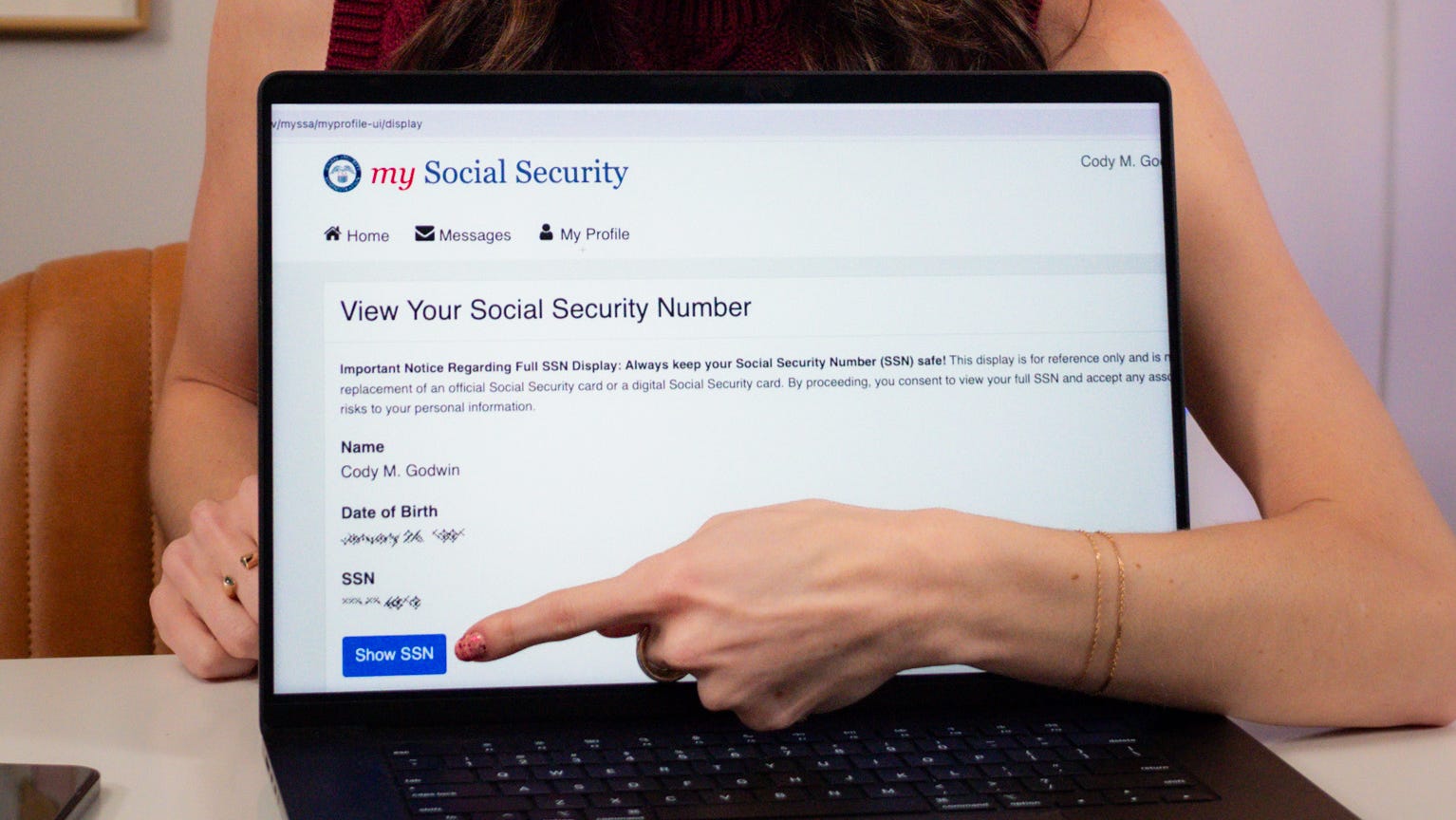
Learn how to safely find your Social Security Number with the official Social Security website.
Problem Solved
Michigan residents using Microsoft 365 for work, inluding apps like Outlook, Teams or OneDrive, are at risk for a phishing scam called Kali365 which the FBI has been investigating since April.
On May 21, the Federal Bureau of Investigation issued a Public Service Announcement to warn U.S. residents of an emerging phishing scam targeting Microsoft 236 users.
The scam noted as the, “Kali365 Phishing kit,” was first seen in April and is sent to users via email.
The scam goes like this: attackers send an email faking as a, “trusted cloud productivity or document-sharing service,” the FBI said. The email contains a device code with instructions asking users to visit a real Microsoft verification page to enter the code. After users enter the code, attackers obtain “OAuth access and refresh tokens,” which allows them access to the Microsoft 365 account without a passwords or any authentication.
“Kali365 lowers the barrier of entry, providing less-technical attackers access to AI- generated phishing lures, automated campaign templates, real-time targeted individual/entity tracking dashboards, and OAuth token capture capabilities,” FBI officials said in the PSA.
According to a June 15 The Hill article, “a Microsoft spokesperson advised users to follow the FBI’s guidance, noting that the company’s Digital Crimes Unit has disrupted similar cybercrime tools that attempt to steal users’ passwords and data, including RaccoonO365 and other ‘do it yourself’ phishing scams.”
For users who received the Kali365 scam, the FBI urges you to report it to the Internet Crime Complaint Center with details on the email’s appearance, suspicious logins or activity within your account, if possible, FBI officials said in the PSA.
Here’s a breakdown of the Kali365 scam, and more on identifying phishing attempts.
How does the ‘Kali365’ scam work?
In the PSA, FBI officials highlighted four steps detailing the attacker’s approach behind the Kali365 phishing scam:
- Lure: An attacker sends a phishing email impersonating trusted cloud productivity and document-sharing services. This phishing email contains a device code with instructions to visit a legitimate Microsoft verification page and enter the code.
- Authorization: The targeted individuals/entities navigate to the real Microsoft page and pastes in the device code, unknowingly authorizing the attacker’s device to access their account.
- Token Theft: The attacker captures OAuth access and refresh tokens, granting them access to the targeted individuals/entities’ Microsoft 365 account.
- Persistence: The attacker can now access Microsoft 365 services such as Outlook, Teams, and OneDrive without needing a password or completing any additional MFA challenges.
What is Phishing? How do I know an email is fake?
Scams sent via email are categorized as phishing. Attackers trick users by impersonating a trusted person or service to steal sensitive information such as passwords, account numbers, Social Security numbers and more, according to the Federal Trade Commission Consumer Advice.
In general, phishing emails have a general greeting, say your account is on hold/ require immediate attention or includes an invite, attachment or link for you to click; there are typically spelling or grammar errors and the email is marked “external,” or unverified, said Microsoft Support and FTC.
The FBI’s PSA also featured ways to protect yourself from phishing attempts, such as:
- Create a conditional access policy to block device code flow for all users, with limited exceptions for required business processes.
- Audit existing device code flow usage to identify legitimate dependencies before creating a conditional access policy.
- Block authentication transfer policies to prevent users from transferring authentication from computers to mobile devices.
- If you cannot completely restrict device code flow usage, exclude emergency access accounts to prevent lockouts.
What is the difference between phishing and smishing?
The main difference between phishing and smishing is how the scam is delivered. Here are the definitions, according to Cyberready:
- Phishing: A cyber attack involving fraudulent tactics that manipulate individuals to disclose sensitive information or perform actions that compromise security. Hackers employ various techniques (via emails, phone calls or fradulant websites) to trick unsuspecting victims.
- Smishing: A cyber attack that targets individuals through text messages on their mobile devices. Like phishing, smishing attempts to deceive and manipulate users into performing actions or divulging sensitive information that compromises their security.
Contact Sarah Moore @ smoore@lsj.com